
For your crew
- Who
- Field workers
- Where
- Send this page to your field workers.
Welcome! Your company uses Skuadro for its jobs. On your phone you see the jobs you’re on and add what you use and the hours you work. It takes a few seconds a day and nobody has to call you about it later.
- Open the invite email and choose your password (more).
- Add Skuadro to your home screen and turn on notifications (how), so you hear when you’re put on a job.
Your jobs
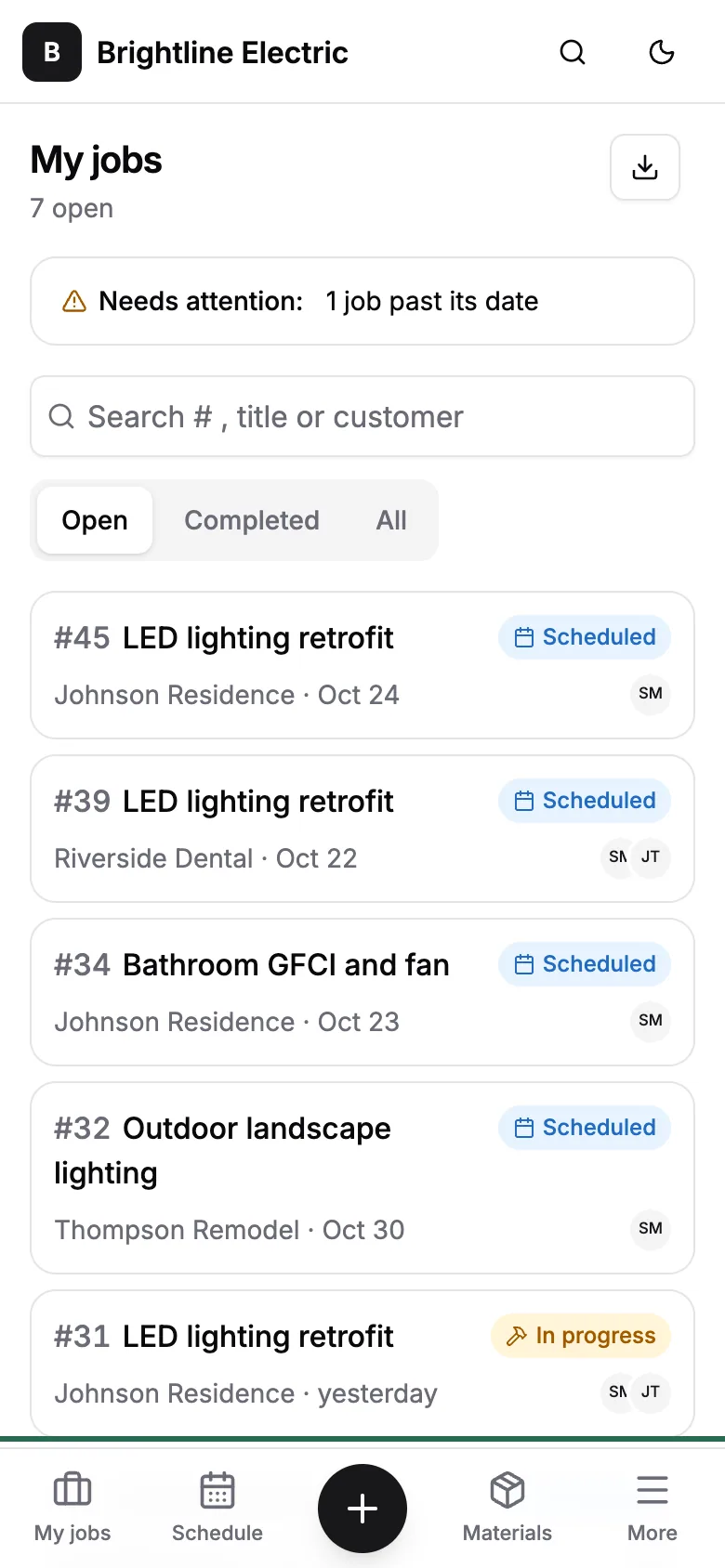
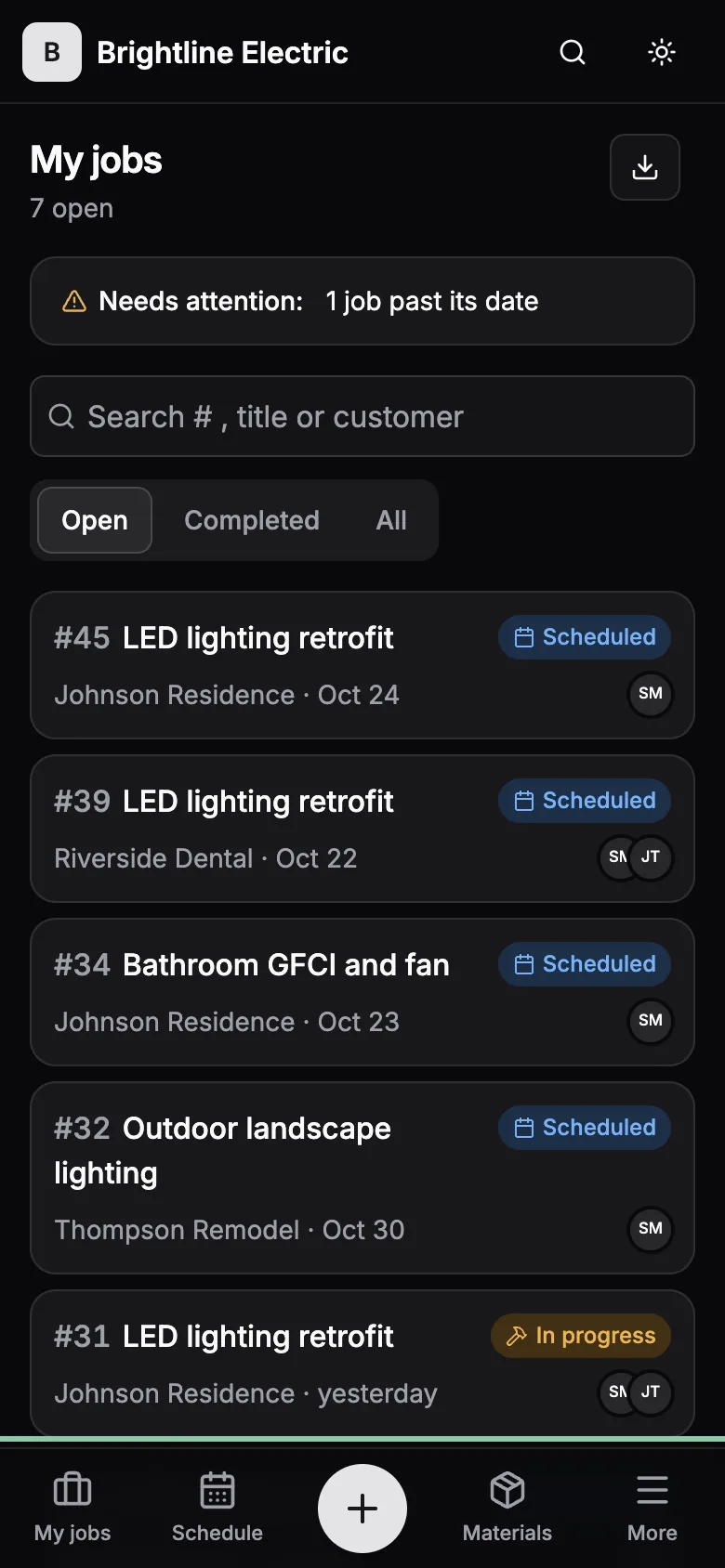
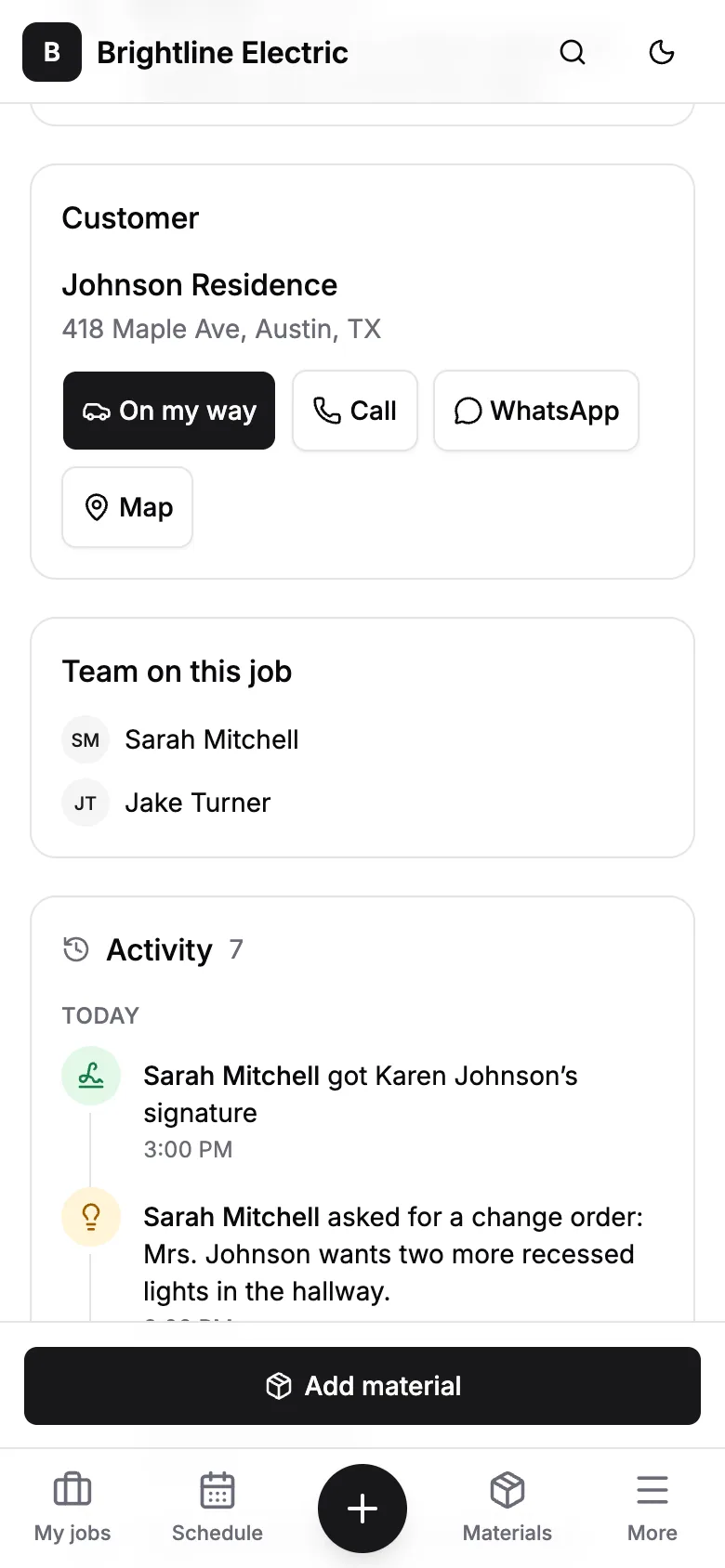
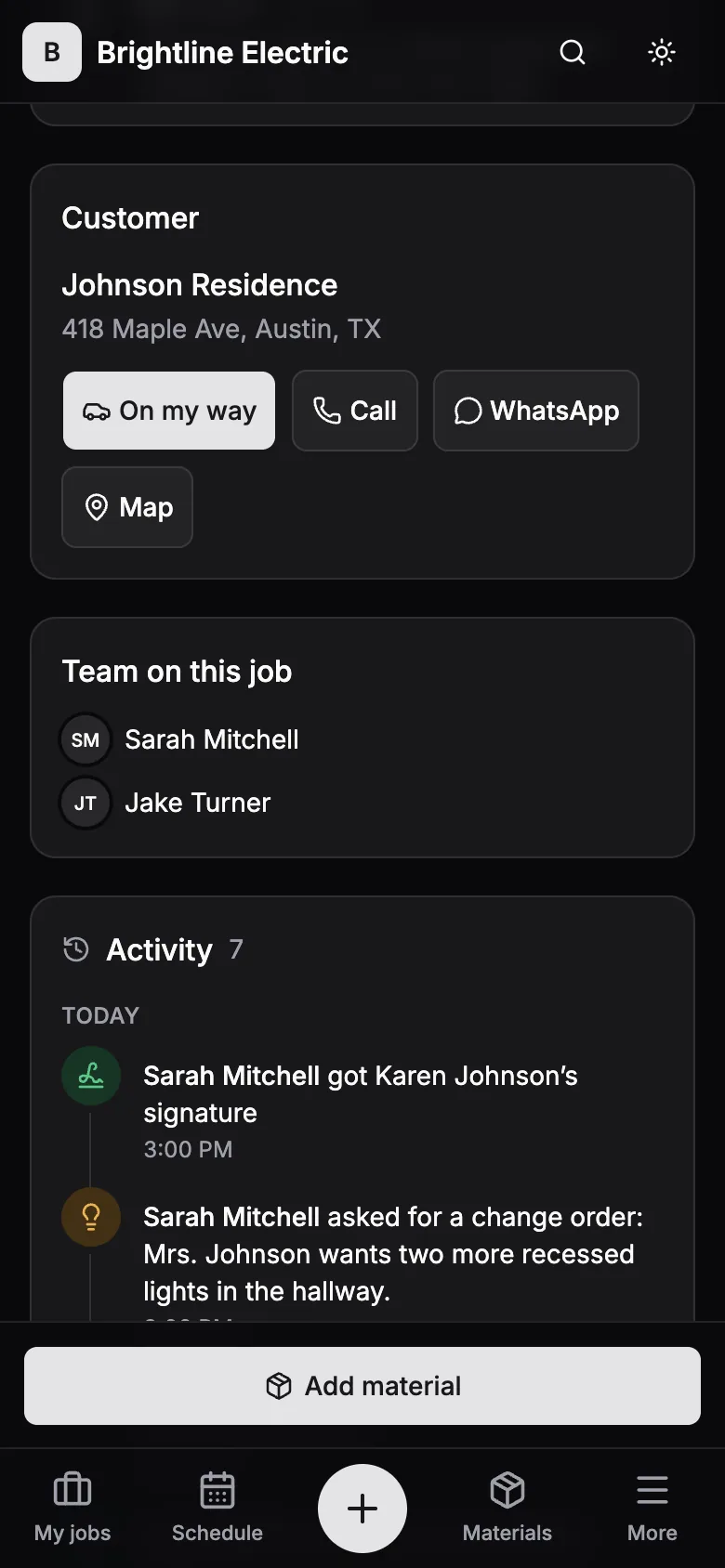
Section titled “Your jobs”My jobs lists the jobs you’re on. Tap one to open it: the customer, the address with Map, Call and WhatsApp buttons, On my way, the materials, your hours and the team.
The five things you do on site
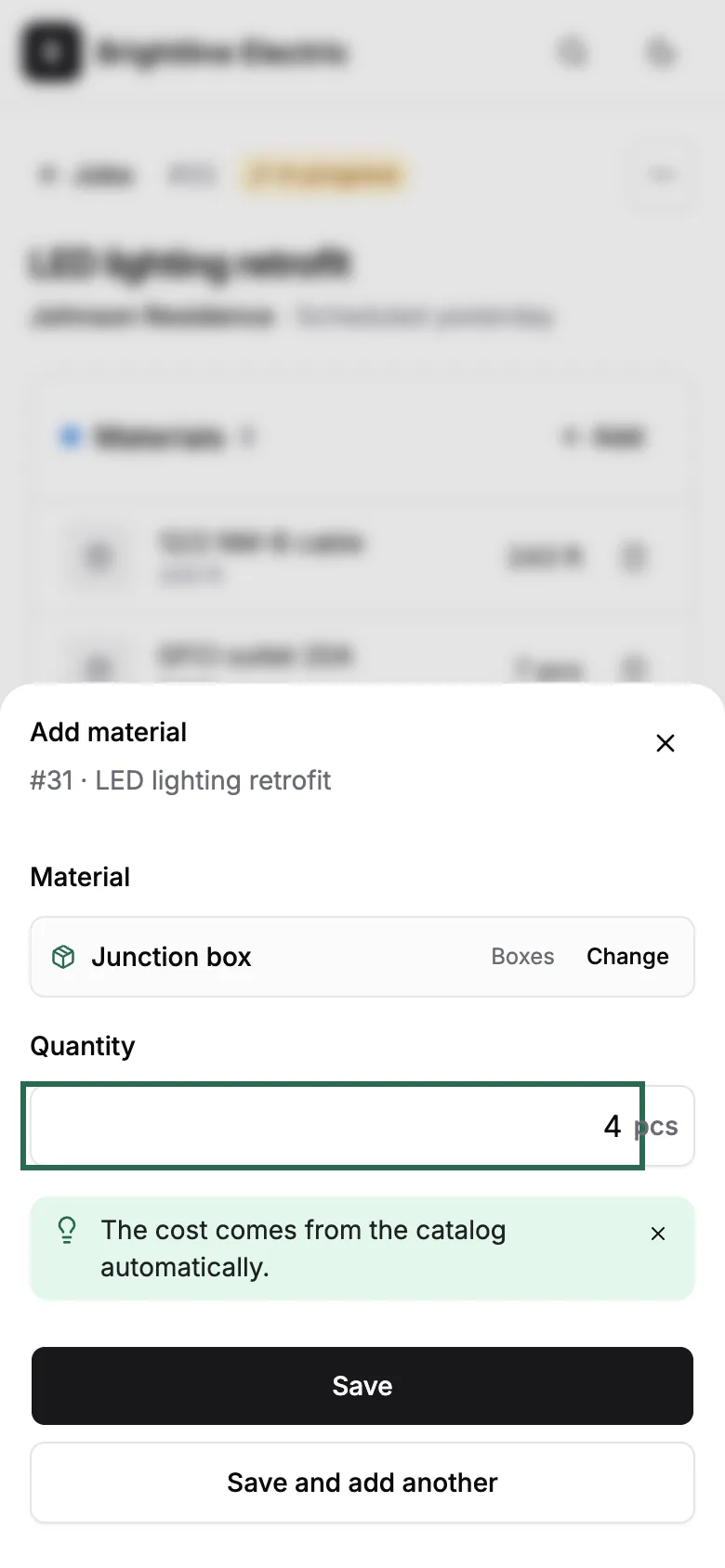
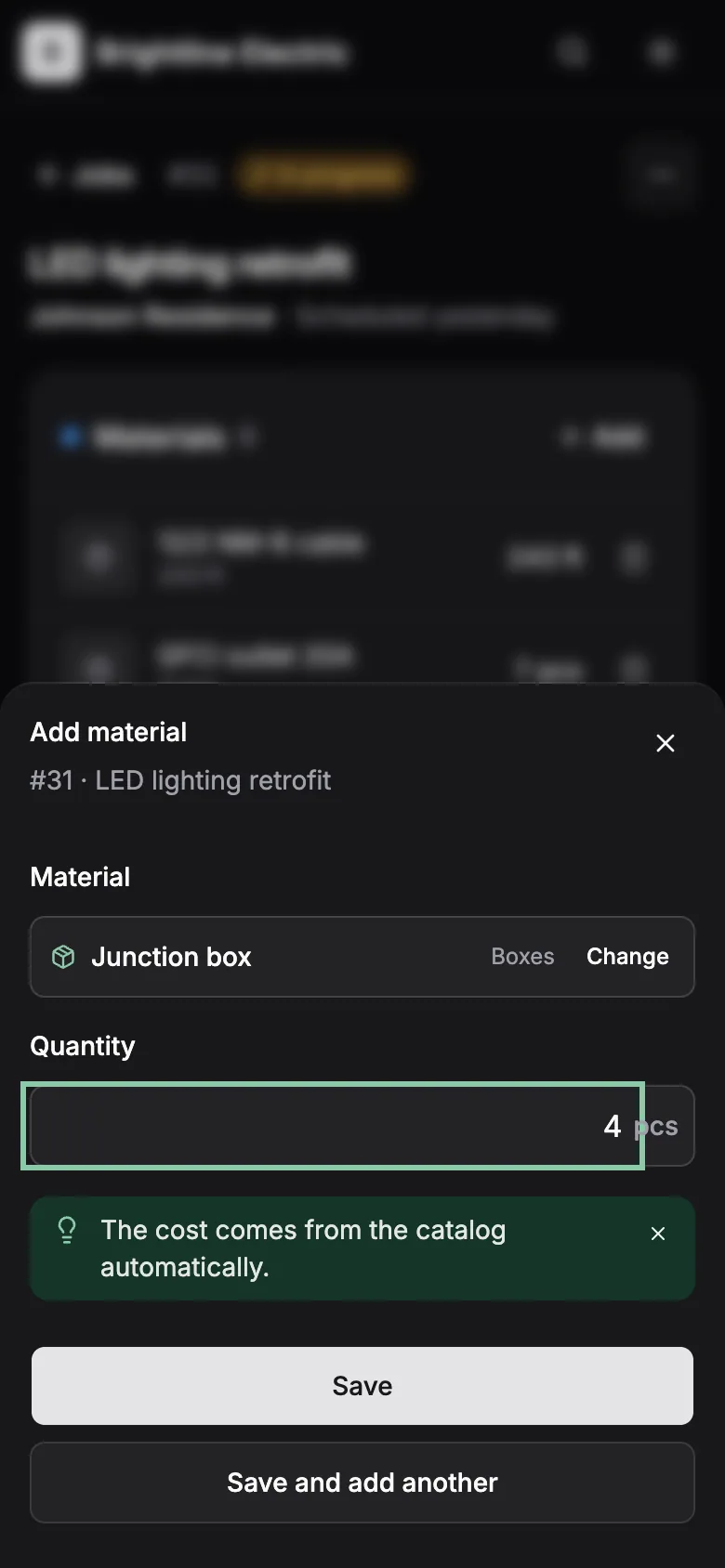
Section titled “The five things you do on site”- Add materials as you use them: Add material, pick it, type how many, Save.
More
- Clock your hours: Start clock when you start, tap again when you stop. Or Log hours to type them.
More
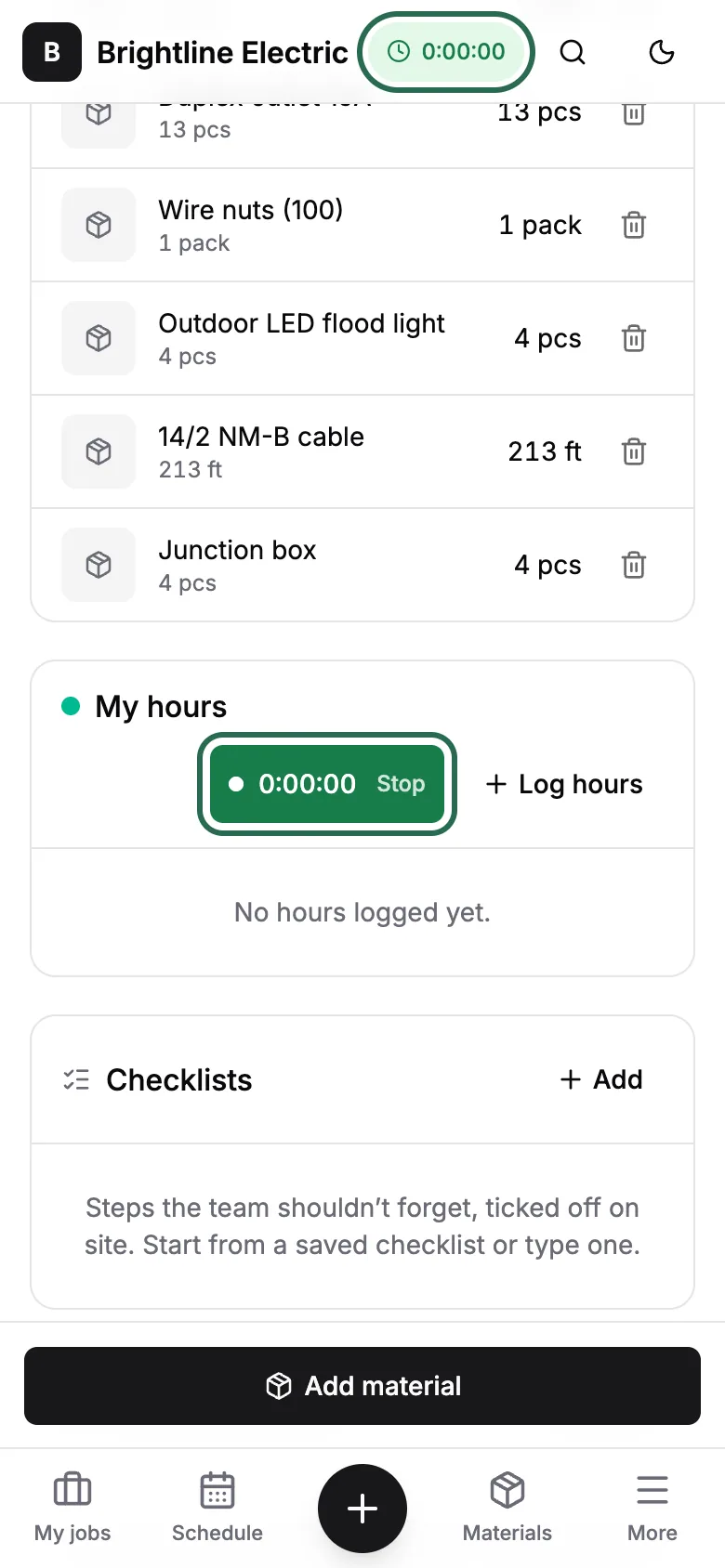
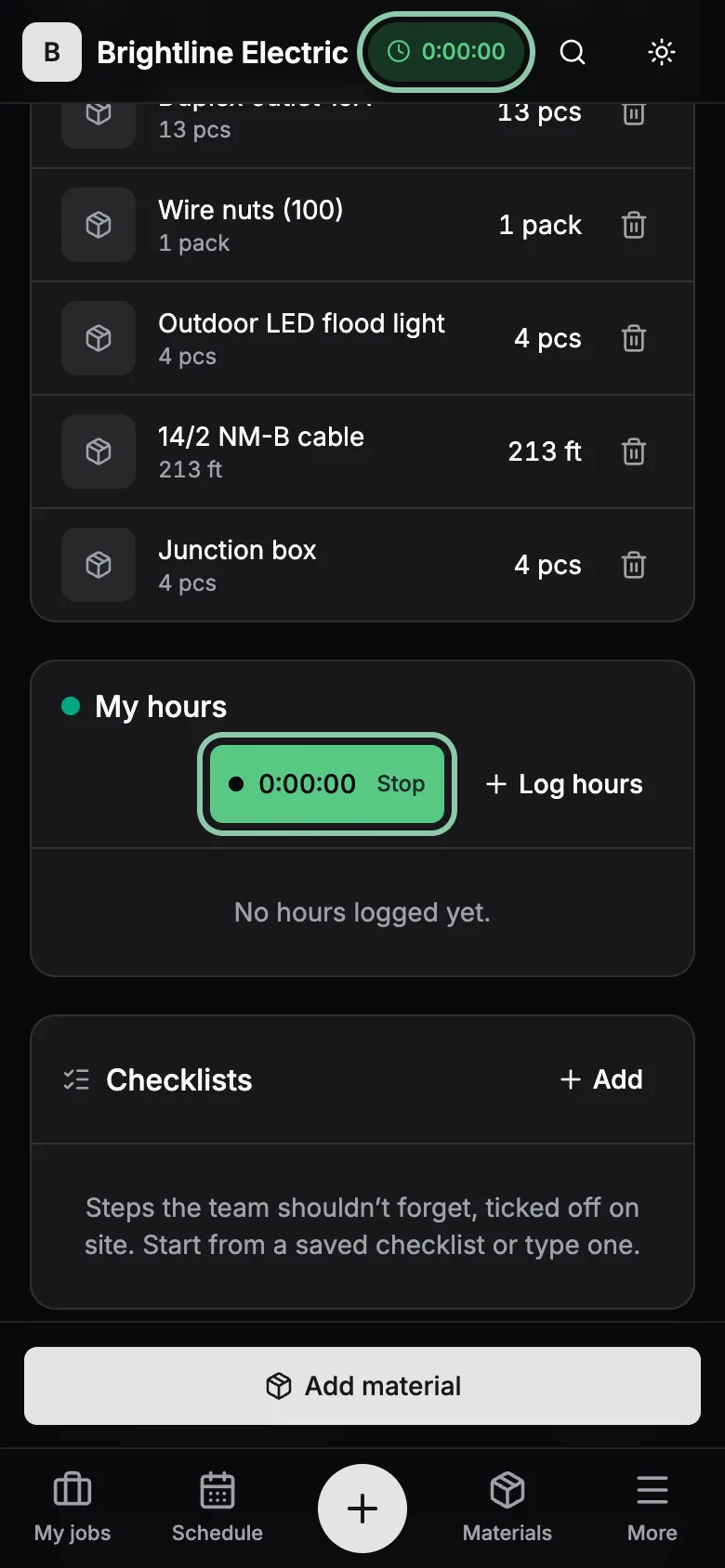
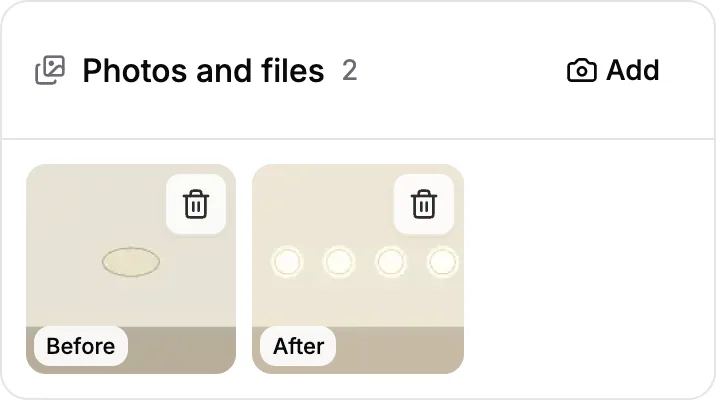
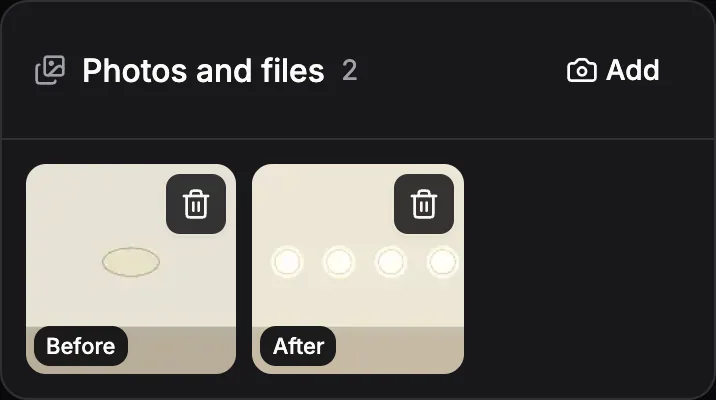
- Take photos before and after: Photos and files → Add. More
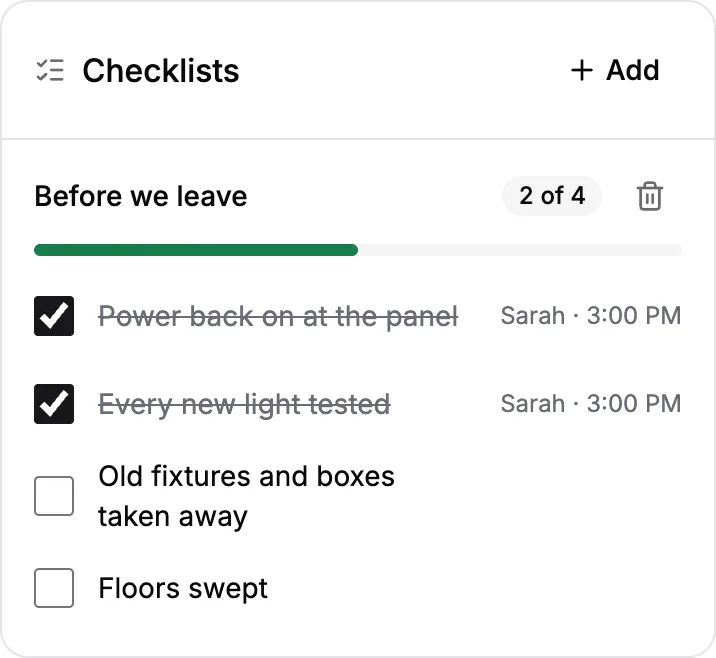
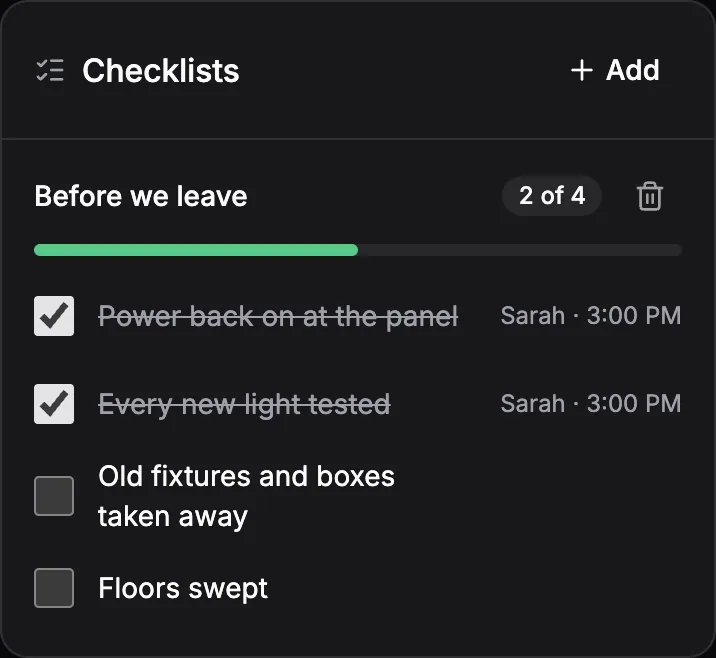
- Tick the checklist when the job has one. More
- Ask before extra work: if the customer wants something more, Change orders → Ask, so it’s priced before it’s done. More
And when the work is finished, hand your phone to the customer for their sign-off.
What you don’t see
Section titled “What you don’t see”Prices, costs, profit, payments and other people’s hours aren’t on your phone: the app never sends them to it. What you see is set by your role; ask the owner if you need something you can’t find.
No signal?
Section titled “No signal?”Keep working. Open the job while you still have signal; what you add is saved on the phone and sent when the signal comes back. Photos and the clock need signal. More
Your language
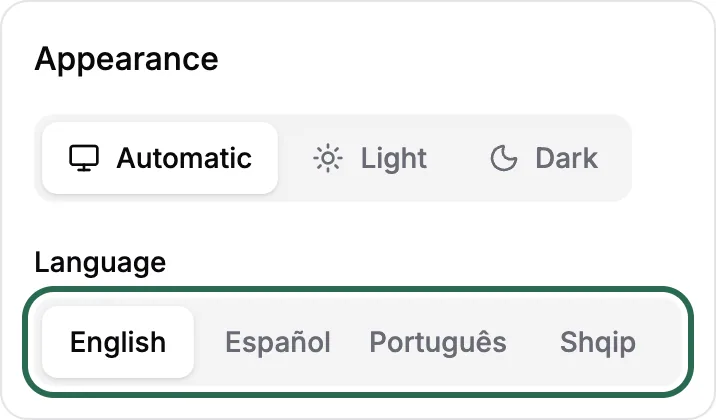
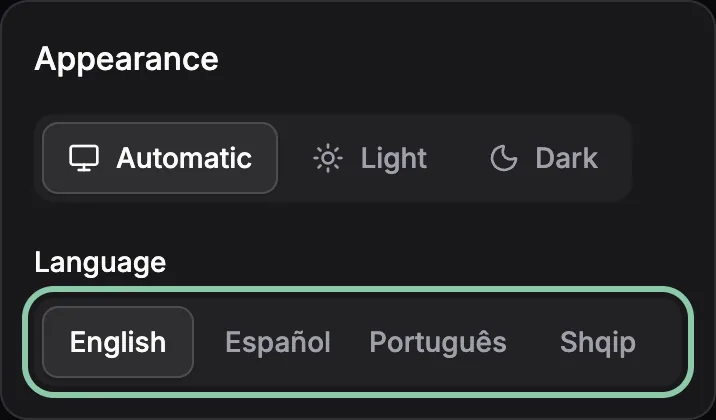
Section titled “Your language”Skuadro speaks English, Español, Português and Shqip. Change it in Settings → Appearance → Language.