

Add materials to a job
- Who
- Owners, Office, Field workers
- Where
- A job → Materials → Add (on a phone, Add material at the bottom).
Add each material as you use it: pick it from your catalog, type how many, save. The cost comes from the catalog, so the job’s profit stays right without anyone pricing it by hand.
Why it’s there
Section titled “Why it’s there”Materials forgotten on site are money lost: they were paid for but never counted. Adding them in the moment, from a list, takes seconds and gets the cost right.
Who sees it
Section titled “Who sees it”- Everyone who works on the job can add materials (field workers, the Office role, owners).
- Costs show only to people allowed to see them (owners, the Office role). A field worker sees names and quantities, never a price.
How to use it
Section titled “How to use it”- Open the job and tap Add material at the bottom of the screen (on a computer, Add in the Materials
section). In Material, start typing. The list shows your recent materials first, then what matches the name,
category or code.
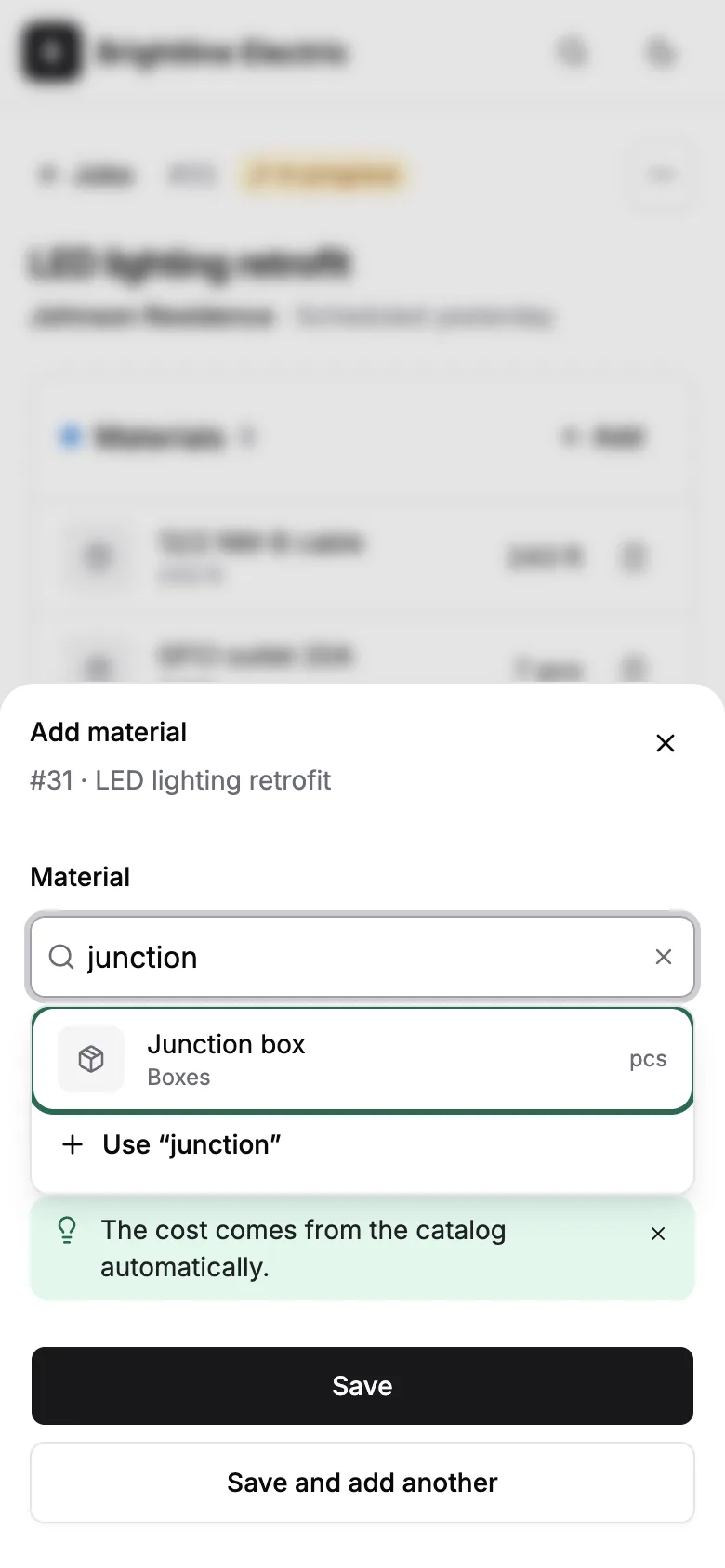
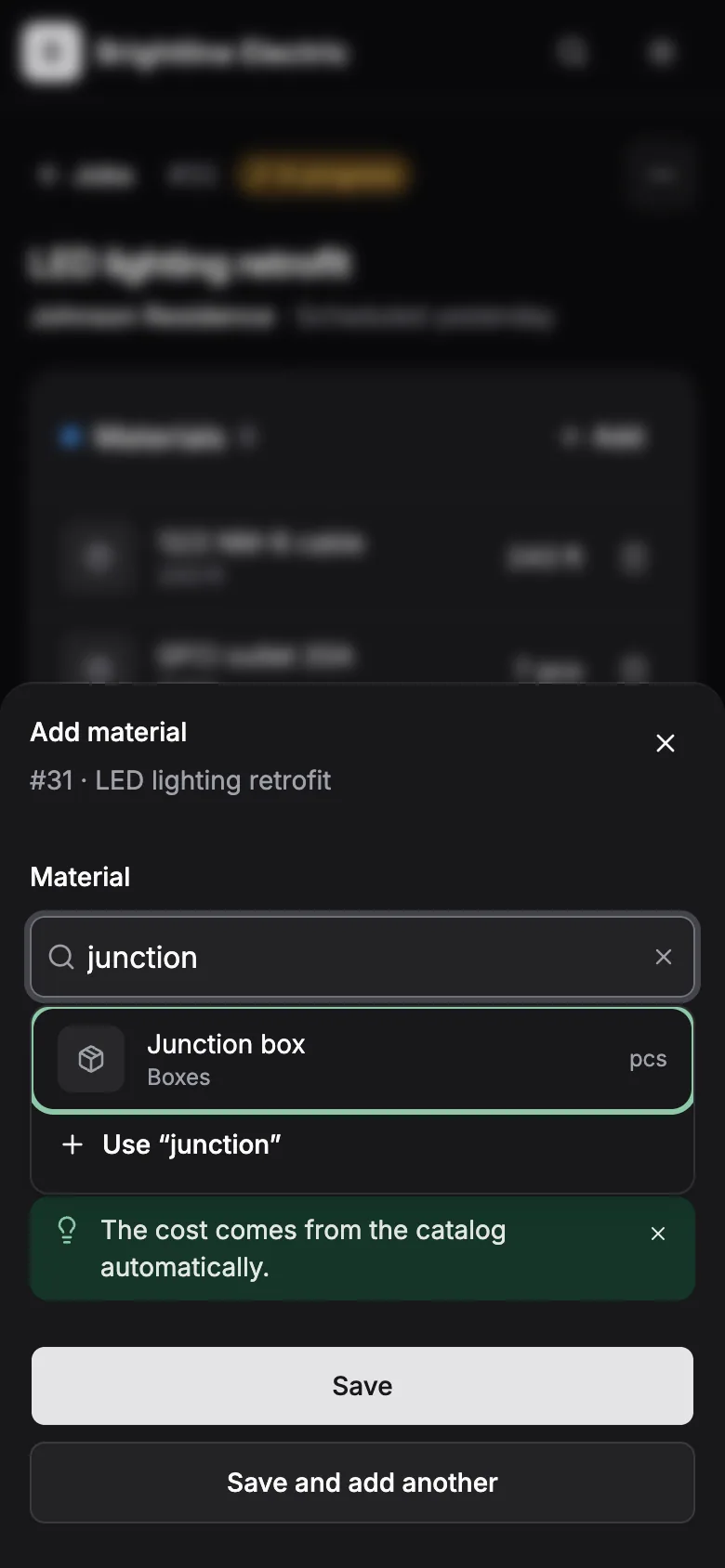
- Tap the material, then type the Quantity.
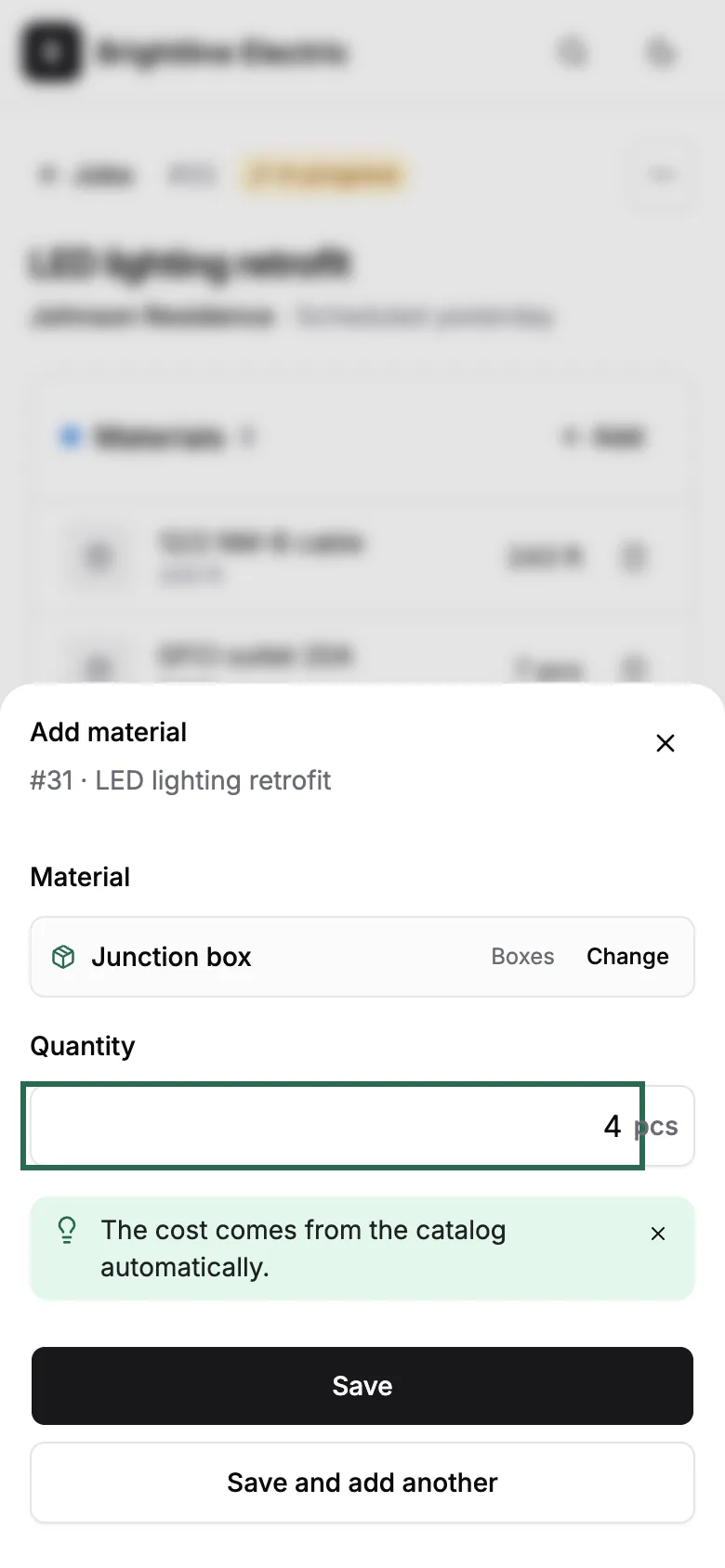
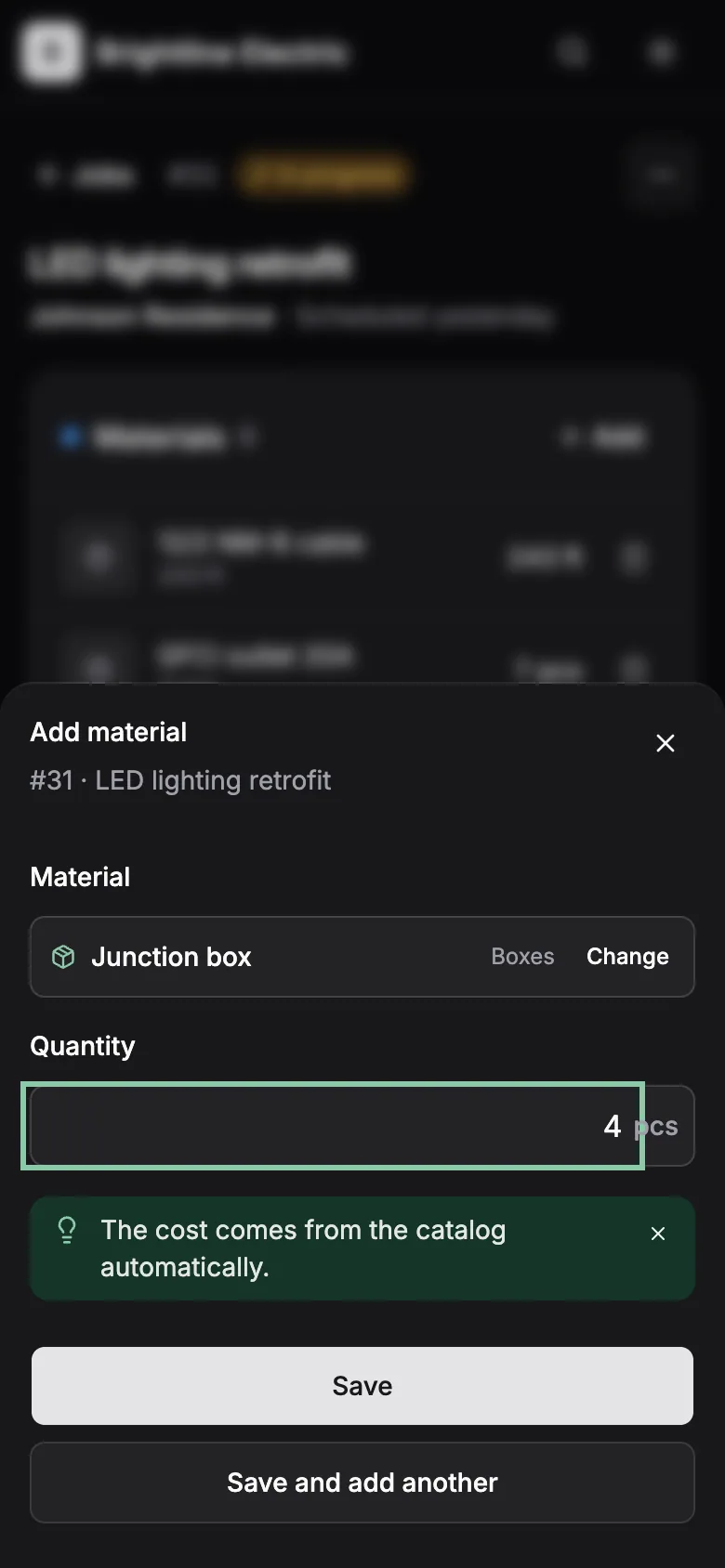
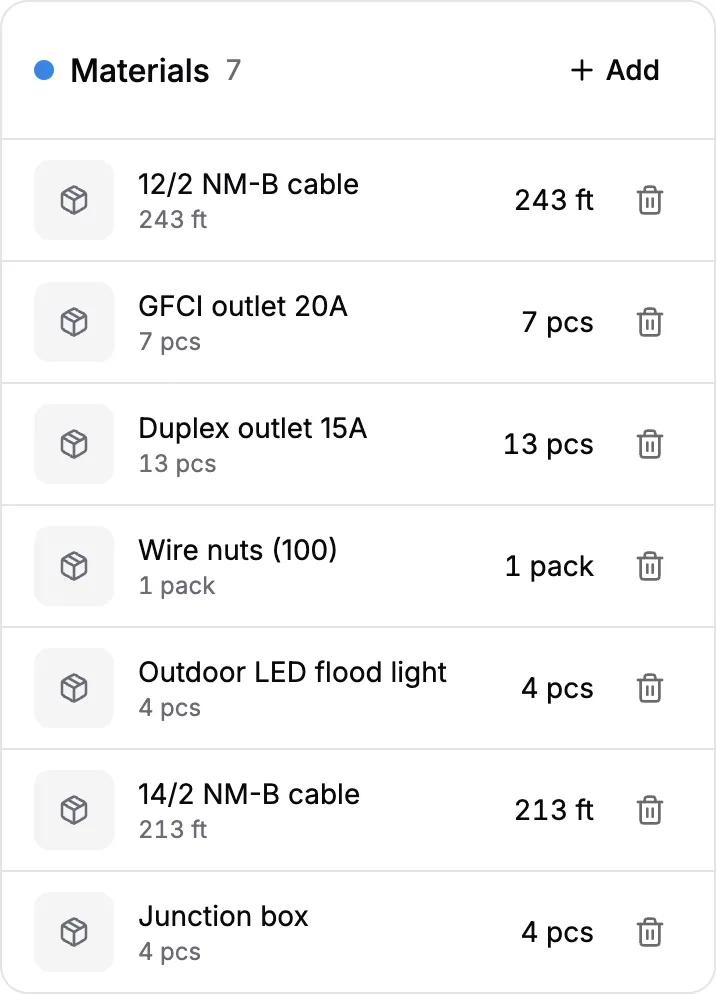
- Tap Save, or Save and add another to keep going. The line appears under Materials.
Something that isn’t in the catalog
Section titled “Something that isn’t in the catalog”Type its name and choose Use “…”, then give it a Unit. If you’re allowed to edit the catalog, tick Save to catalog to keep it for next time. For a field worker, a material typed by hand has no cost until someone who sees costs fills it in.
Good to know
Section titled “Good to know”- Photos: catalog materials can have a photo, so the right part is easy to spot. Add photos in Materials.
- Remove a line with the bin button; Undo brings it back for a few seconds.
- If a line’s cost differs from the catalog, people who see costs get a note with the catalog price.
- Works with no signal: new lines are sent when you’re back online (how).
- Quantities take sums: type
12*3or100+45(how). - Completed jobs are locked; reopen the job to change its materials.