

Checklists
- Who
- Owners, Office, Field workers
- Where
- Templates in Settings → Checklists; on a job, Checklists → Add.
Save the steps your team follows on every job of a kind, add them to a job in a tap, and see who ticked each one.
Why it’s there
Section titled “Why it’s there”The last ten minutes of a job are where things get forgotten: the power left off, a fixture not tested. A checklist on the job makes “did we?” a glance instead of a phone call.
Who sees it
Section titled “Who sees it”- Owners save checklist templates in Settings.
- Everyone who works on the job can add a checklist and tick it.
- Whoever added a checklist, people who can edit jobs, and owners can remove it.
How to use it
Section titled “How to use it”- Owners, once: in Settings → Checklists, click New checklist, give it a Name and type the Steps, one
per line, then Save checklist.
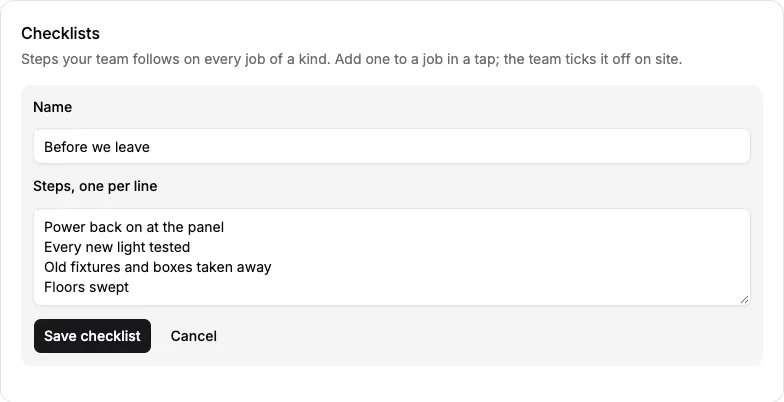
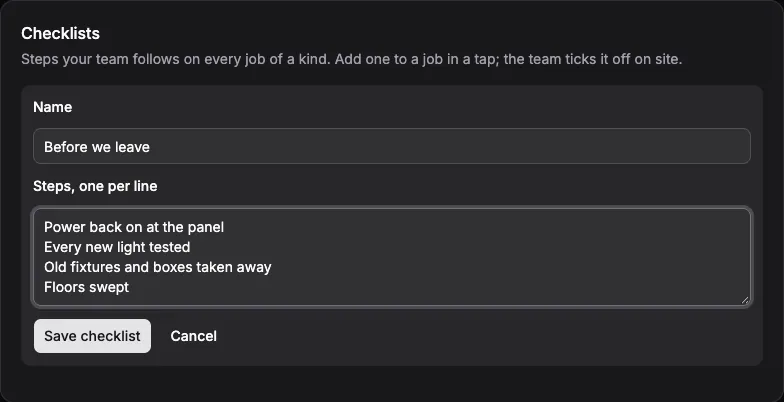
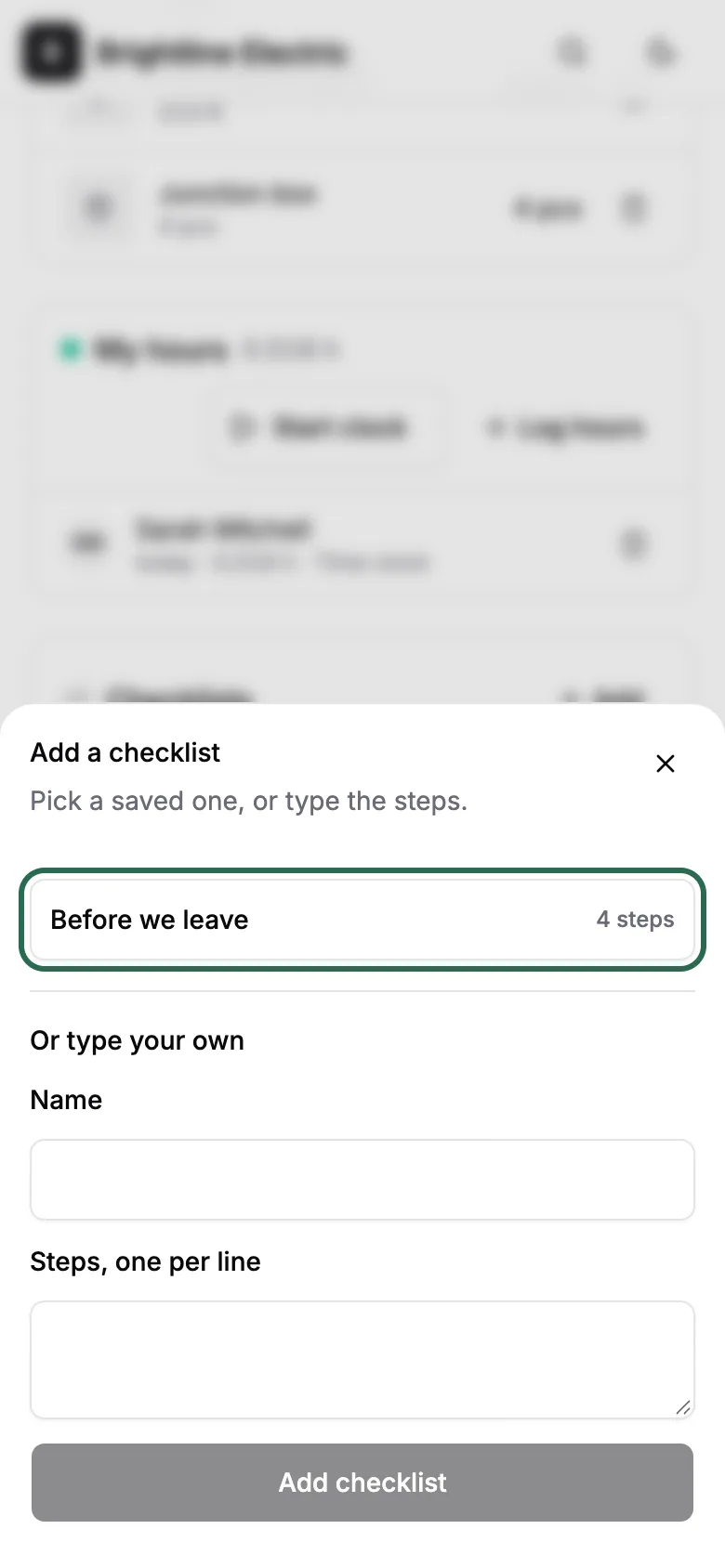
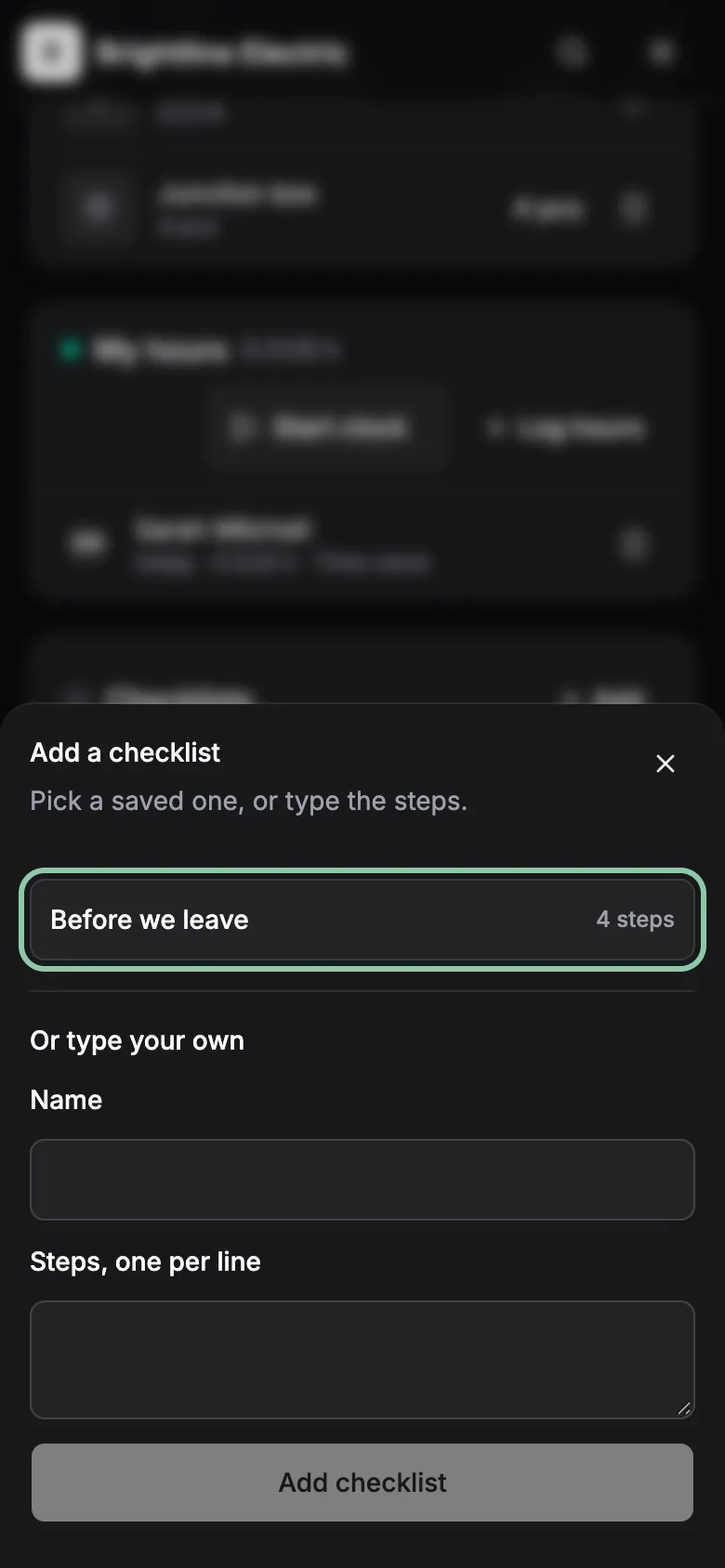
- On the job: in Checklists, tap Add and pick a saved checklist, or type one just for this job under Or
type your own.
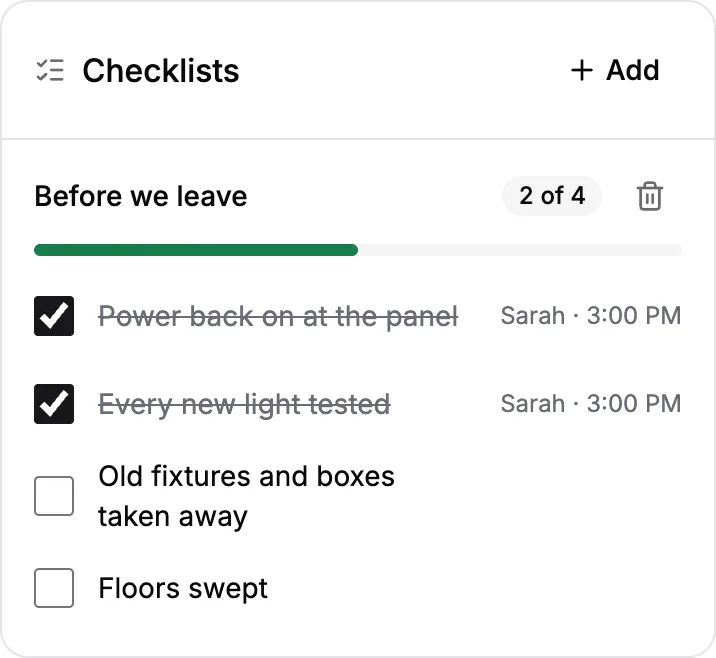
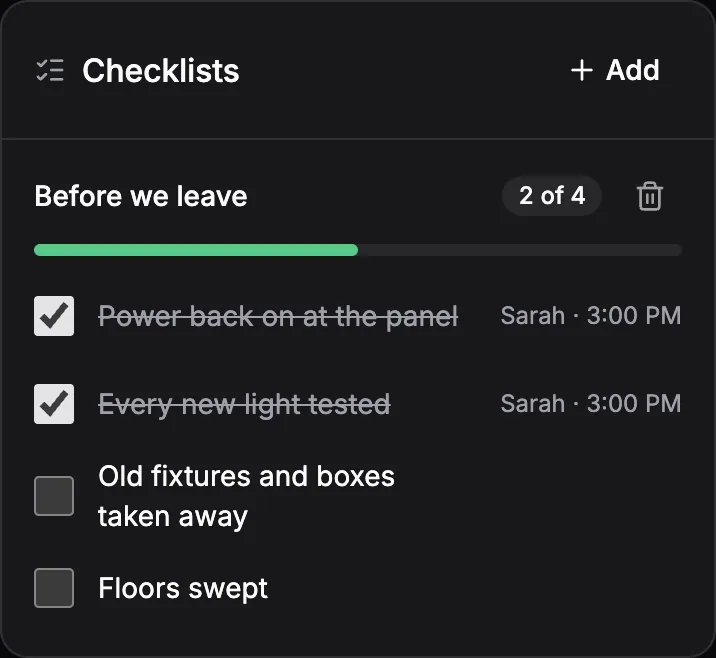
- Tick the steps as they’re done. Each one shows who ticked it and when, and the checklist shows how many are done.
Good to know
Section titled “Good to know”- The job keeps its own copy: changing a template later doesn’t change checklists already on jobs.
- Up to 50 steps per checklist and 20 checklists per job.
- Ticking needs signal; with no signal the tick doesn’t stay.
- The job’s history notes when a checklist is added, completed and removed.
- On completed jobs checklists are read-only.