

Sums in amount fields
- Who
- Owners, Office, Field workers
- Where
- Amount, quantity, hours and price fields across the app.
Amount and quantity fields do the sum for you. Type 4.5+3.75 and the field shows = 8.25; leave the field and the
result replaces the sum.
Why it’s there
Section titled “Why it’s there”On site the numbers come in pieces: two rolls and a bit, three receipts, a morning and an afternoon. Typing the sum is quicker and safer than reaching for a calculator.
Who sees it
Section titled “Who sees it”Everyone, in every amount field they can use.
How to use it
Section titled “How to use it”- In an amount, quantity, hours or price field, type the sum, like
4.5+3.75. The result shows at the end of the field as you type.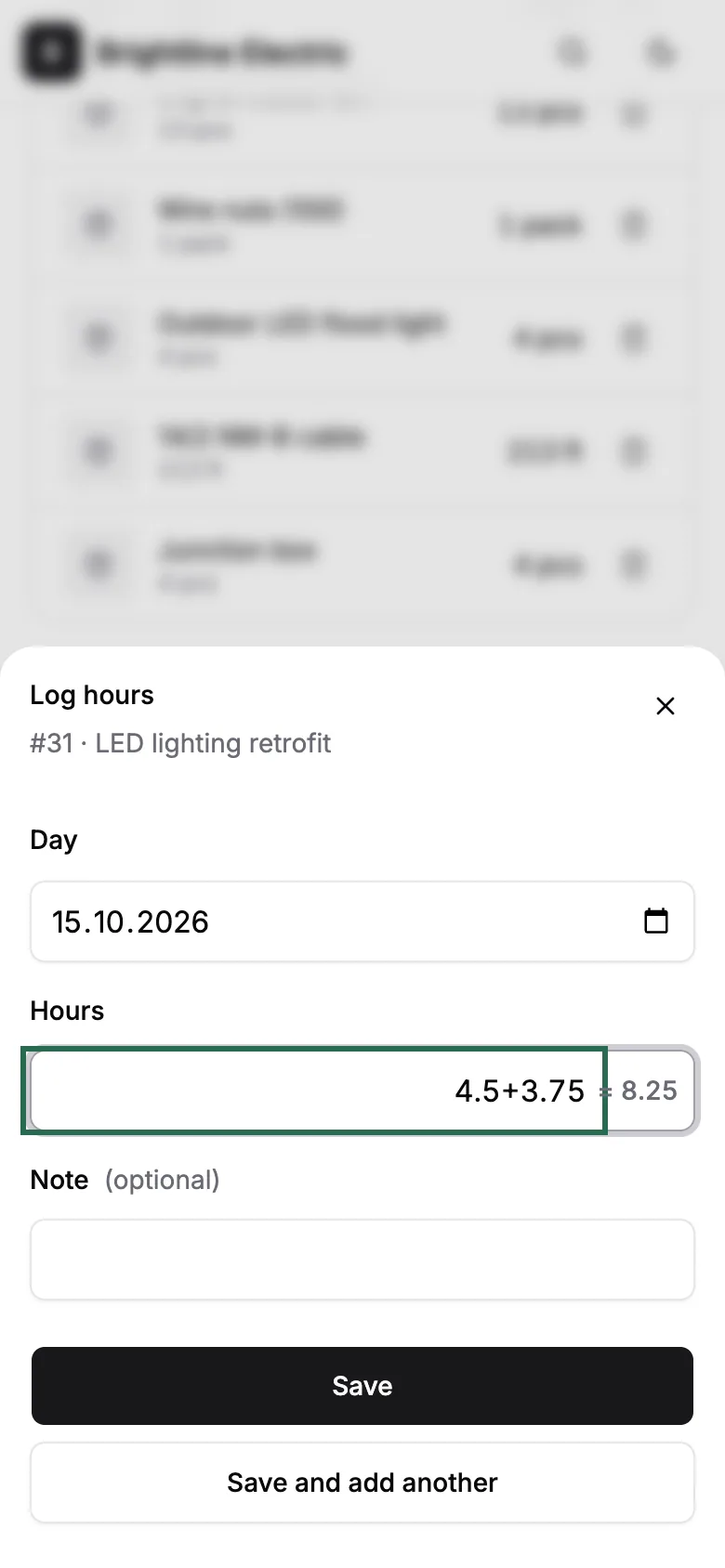
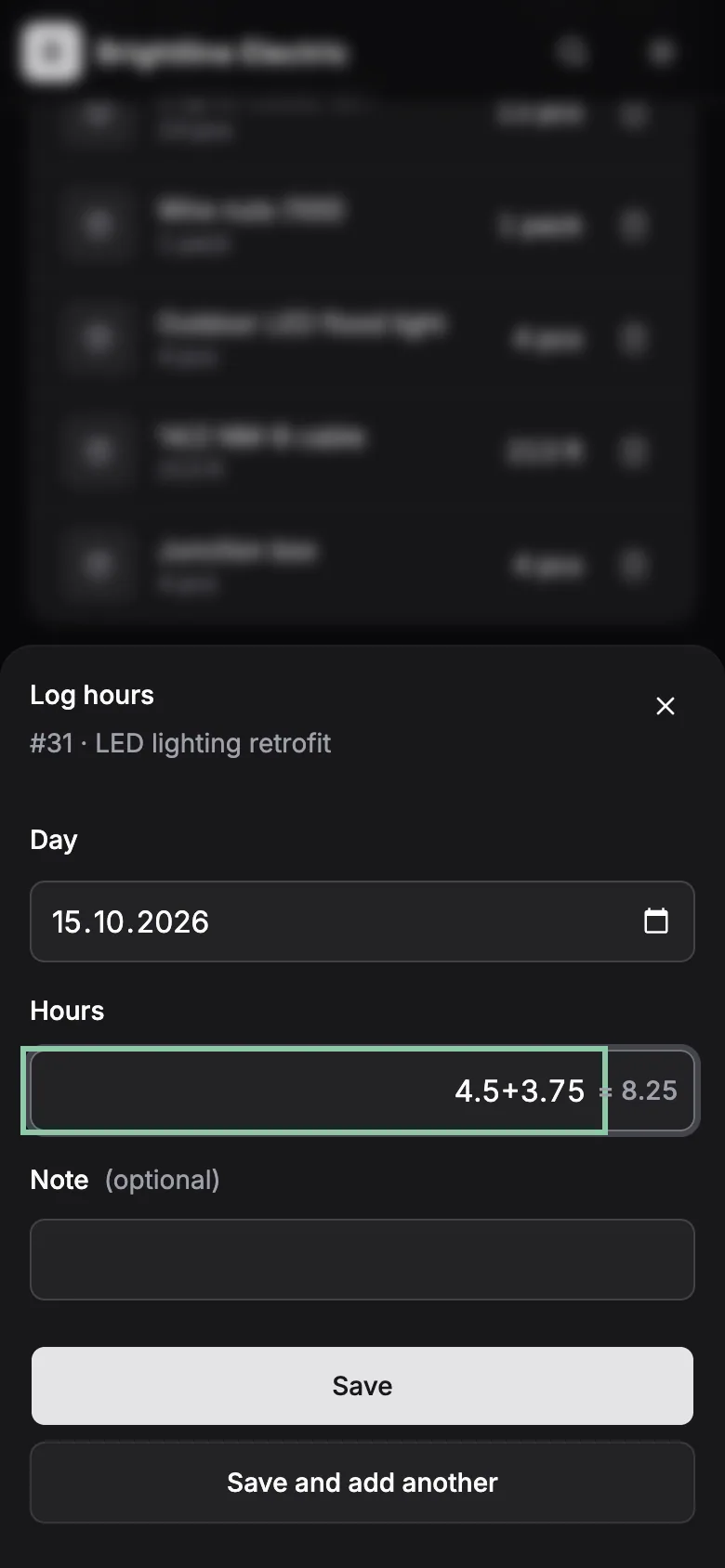
- Save as usual. When you leave the field, the result takes the sum’s place.
What you can type
Section titled “What you can type”+,-,*(orx) and/, with brackets:(2+3)*12.- A dot or a comma for decimals:
12,5is twelve and a half. - The usual order: times and divide before plus and minus.
Where it works
Section titled “Where it works”Material quantities and costs, hours and hourly rates, fixed labor amounts, expenses, payments, agreed prices, change orders, quote lines, invoice amounts, catalog prices, team rates and company costs.
Percent fields (tax, deposits, invoice stages, on-costs and overhead) and day counts take plain numbers.
Good to know
Section titled “Good to know”- The result can’t be negative, and dividing by zero doesn’t count; Skuadro asks you to fix the amount when you save.
- “1,234” with three digits after the comma reads as one thousand two hundred thirty-four.
- On some phone keyboards
*and+are behind the symbols key.