

Thank-you and review request
- Who
- Owners
- Where
- Settings → Automatic follow-ups → Thank-you and review request.
A couple of hours after a job is finished, Skuadro thanks the customer and asks for a review, once per customer.
Why it’s there
Section titled “Why it’s there”Reviews win the next job, and the best moment to ask is right after good work. Asking by hand is easy to forget; this asks every happy customer, and never twice.
Who sees it
Section titled “Who sees it”Owners turn it on. Your customer gets the email.
How to use it
Section titled “How to use it”- Go to Settings → Automatic follow-ups and switch on Thank-you and review request.
- Paste Your review link. In your Google Business Profile, choose “Ask for reviews” and copy the link it gives you.
- Tick Only once the job is paid in full if you’d rather wait for payment.
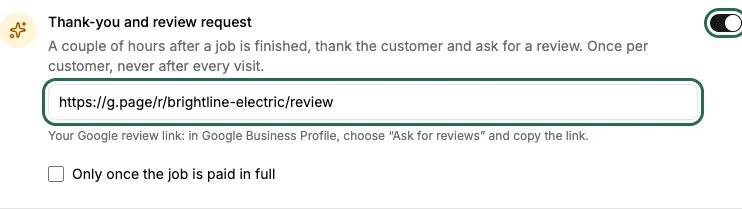
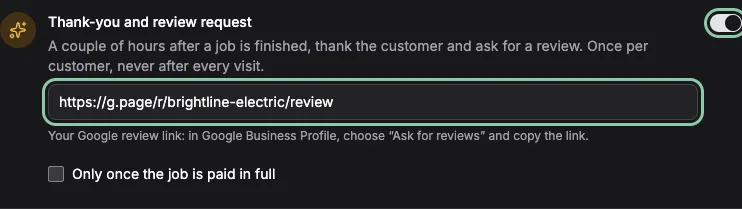
- Click Save follow-ups.
Good to know
Section titled “Good to know”- Once per customer, ever, never after every visit.
- It needs your business address in Settings → Invoices: the law asks for it in emails like these, next to an unsubscribe link. Until it’s there, the setting says it’s paused.
- It goes to jobs finished between two hours and 30 days ago, for customers with an email address. Sample data is never emailed.
- The email has a Leave a review button and a link to unsubscribe from review requests.
- With Only once the job is paid in full, the job’s payments must reach its agreed price.