

Working with no signal
- Who
- Owners, Office, Field workers
- Where
- Any job you opened before, on a phone.
Basements and new builds often have no signal. Jobs you opened before still show, and new materials, hours, expenses, notes and change-order requests are kept on the phone and sent when the signal comes back.
Why it’s there
Section titled “Why it’s there”Work shouldn’t wait for a signal, and nobody should have to remember what they used once they’re back in the van.
Who sees it
Section titled “Who sees it”Everyone, on their own phone. What you can add offline is what you can add online.
How to use it
Section titled “How to use it”- Open the job while you still have signal, for example before you go down to the basement. Skuadro keeps the jobs you’ve opened on the phone.
- Work as usual. When the signal goes, a message says You’re offline and the top bar shows Offline. Add a
material, your hours, an expense, a note or a change order: each one goes into Saved on this phone, not sent yet
on the job, marked “waiting for signal”.
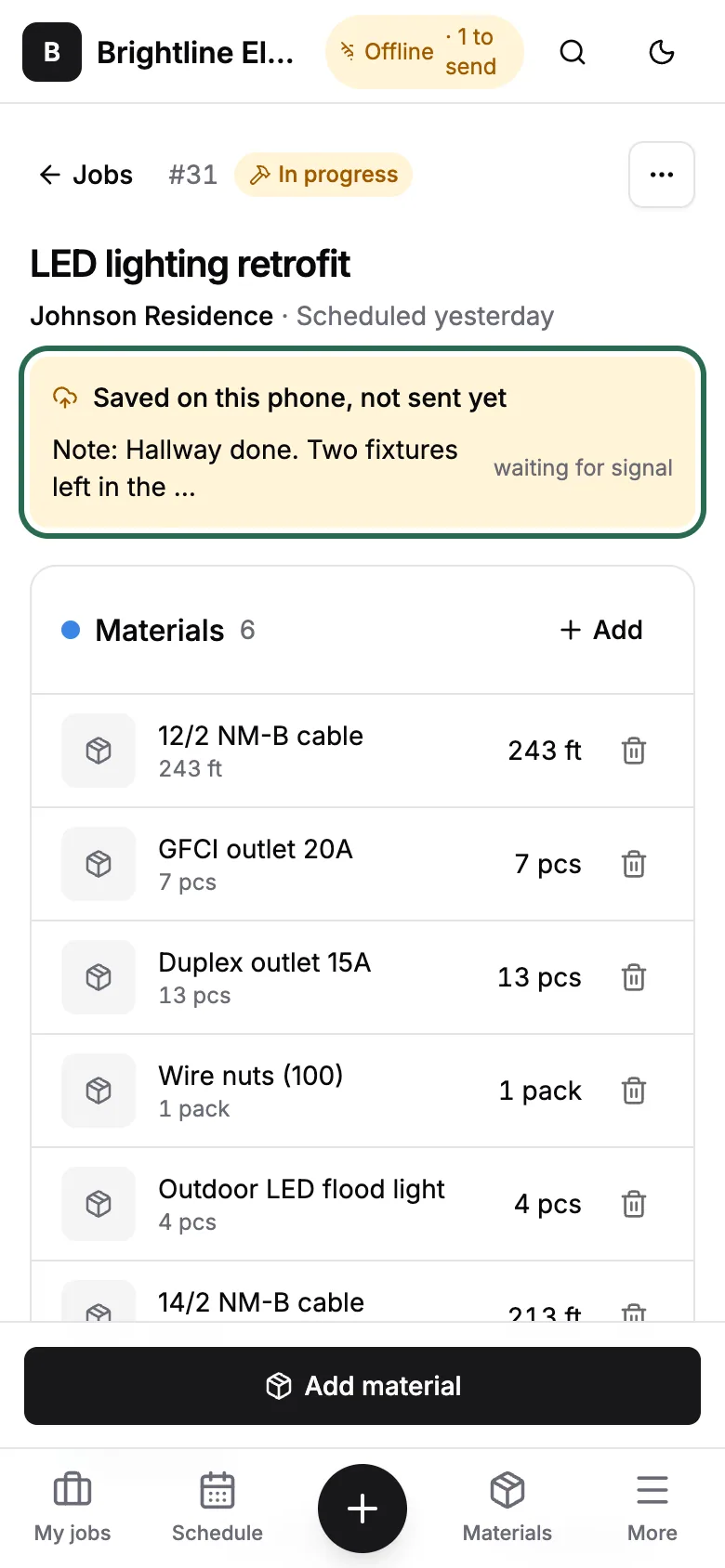
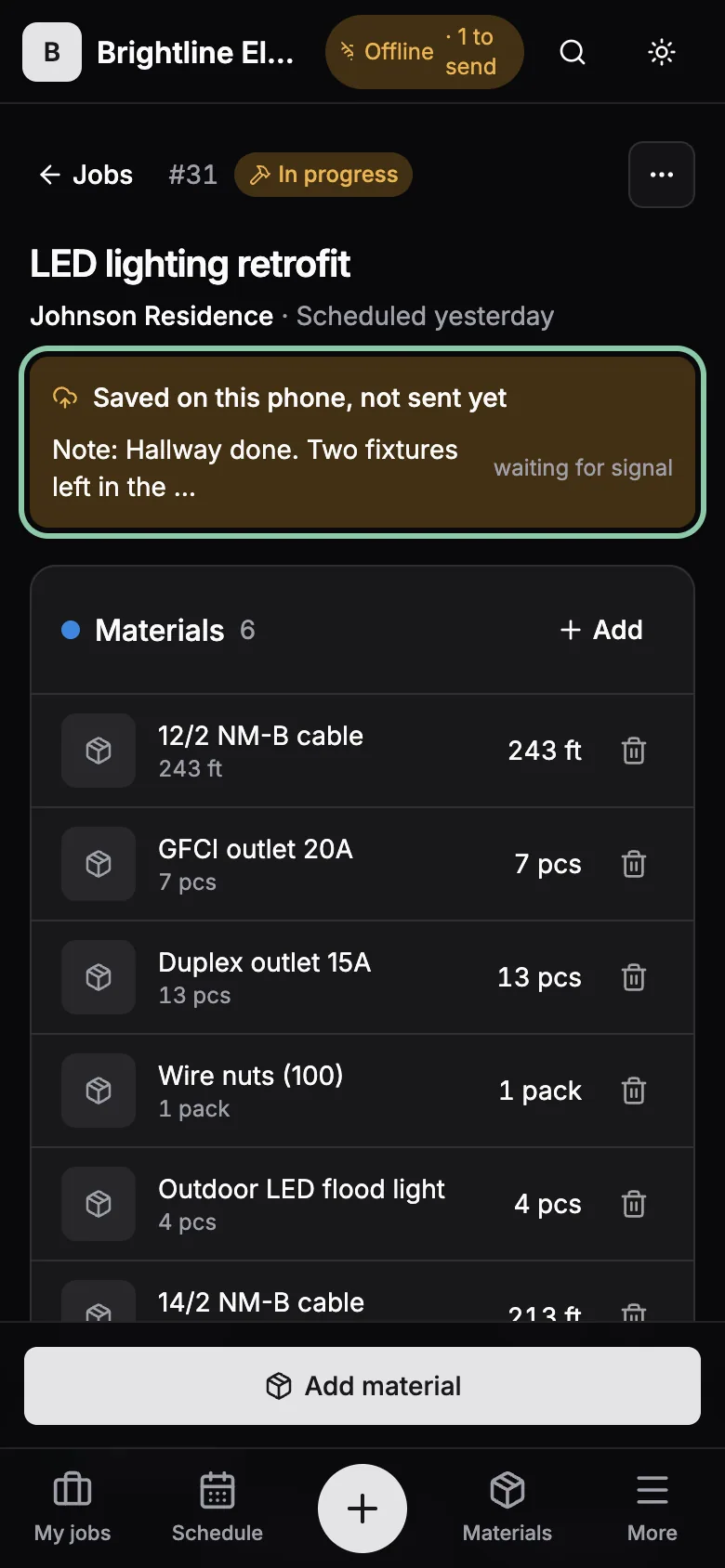
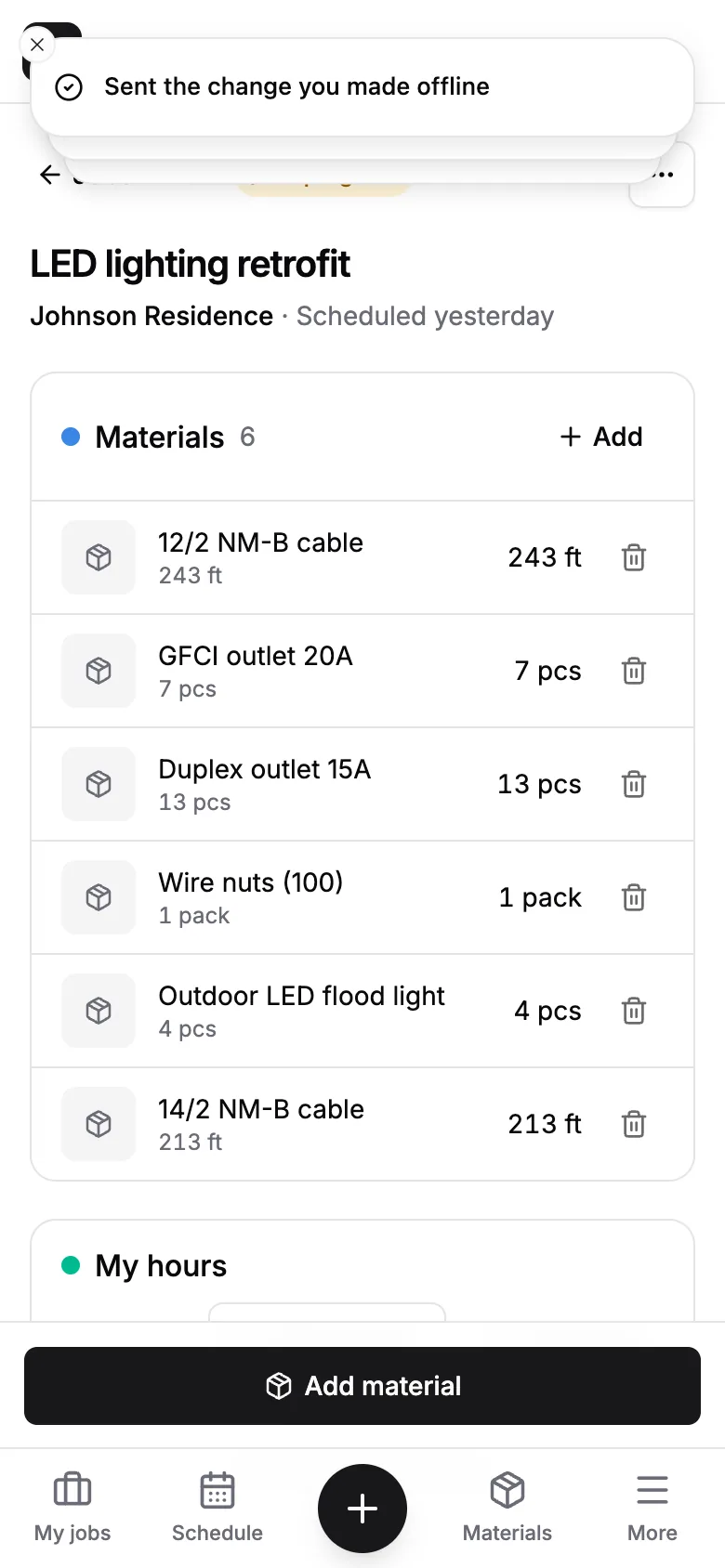
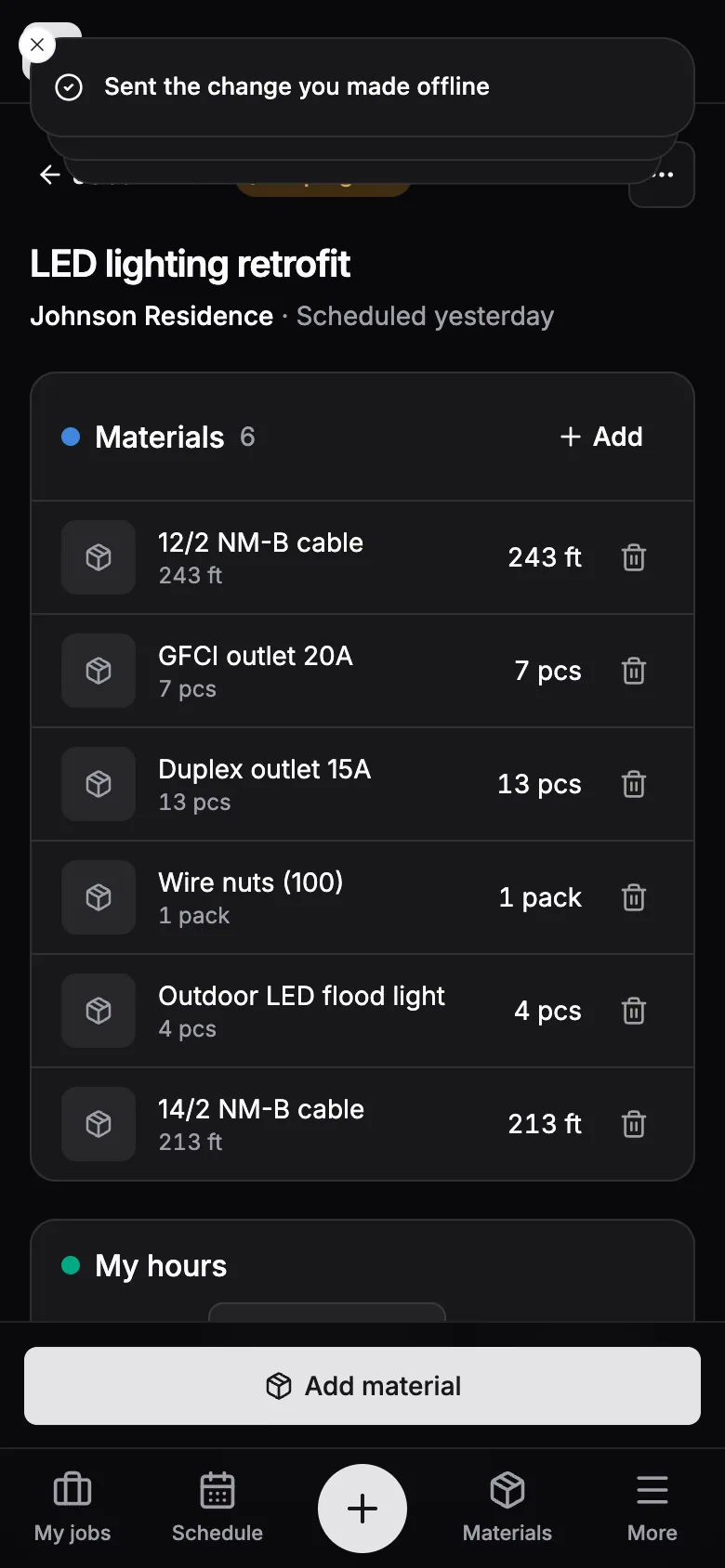
- Back online, it sends itself. A message says Sent the change you made offline and the job updates.
What works offline, and what doesn’t
Section titled “What works offline, and what doesn’t”| Works offline (sent later) | Needs signal |
|---|---|
| New materials, hours (logged by hand), expenses, notes, change-order requests | Editing or removing anything, payments, photos and files, receipt photos, the time clock, ticking checklists, sign-off, changing a job’s status |
If you try something that needs signal, Skuadro says it can’t reach the server; try again when you’re back online.
Good to know
Section titled “Good to know”- Don’t sign out with unsent changes. Signing out on purpose deletes what’s waiting on that phone (Skuadro warns you first). If your session simply expires, the changes stay and go up after you sign in.
- If a change can’t be sent (say the job was completed in the meantime), it stays in the panel with Retry and Discard.
- Sending twice never adds twice.
- An expense added offline goes up without its receipt photo; add the photo when you’re back online.
- Only screens you’ve already opened are kept. A material search you never ran can’t be shown offline.
- The installed app keeps what you’ve opened for about a week.