

Invoice in stages
- Who
- Owners
- Where
- A job → Invoices → Invoice this job, then Invoice the next part.
Bill a long job in parts: a percent or an amount now, the next part later, the rest at the end.
Why it’s there
Section titled “Why it’s there”On bigger jobs you don’t wait until the end to get paid. Billing in stages keeps the money coming in, and Skuadro keeps count so you never bill the same part twice.
Who sees it
Section titled “Who sees it”Owners, and people whose role lets them set prices (Estimator). See Invoice a job.
How to use it
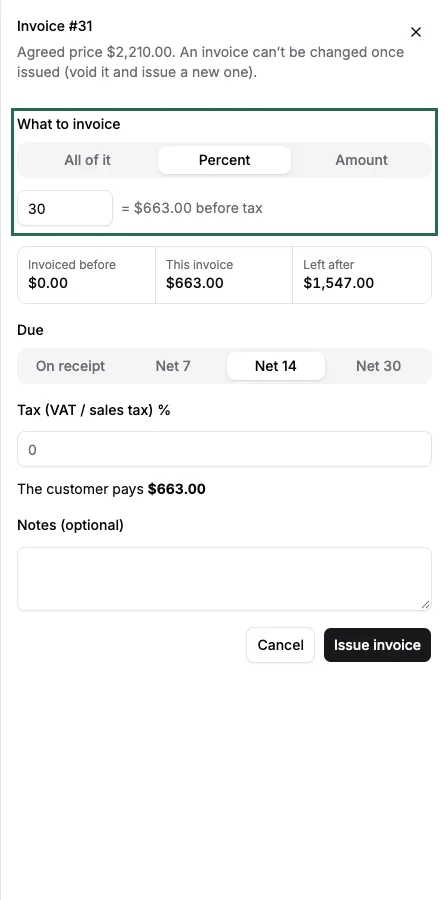
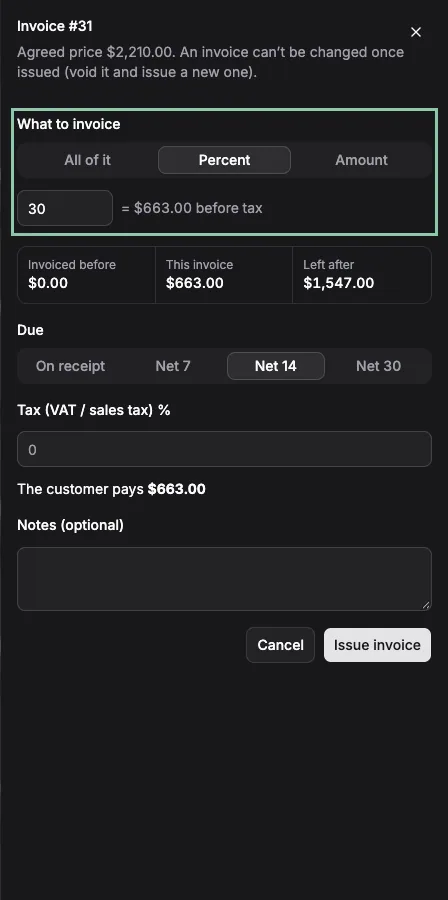
Section titled “How to use it”- Bill the first part. On the job, click Invoice this job. Under What to invoice, choose Percent and
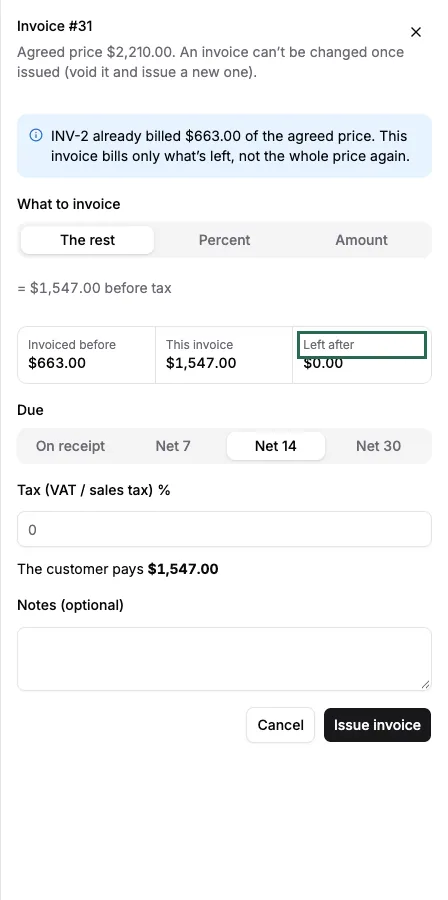
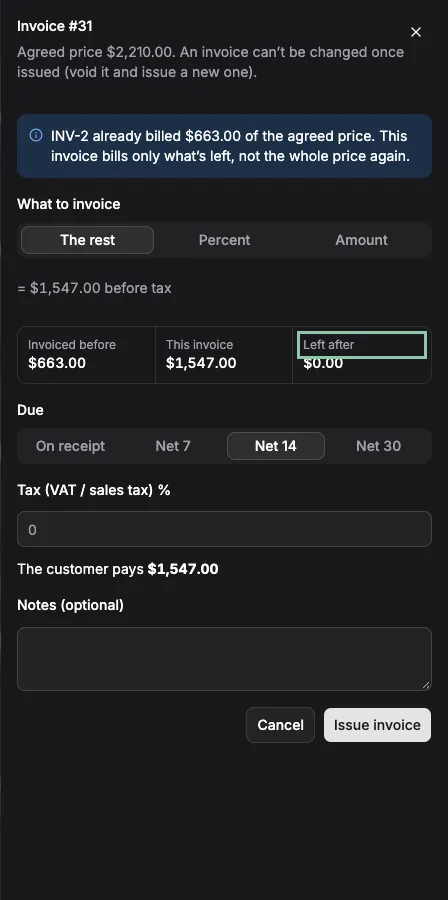
type the share (30 for 30%), or Amount and type the sum. The sheet shows what that is before tax, what was
invoiced before and what’s left after. Click Issue invoice.
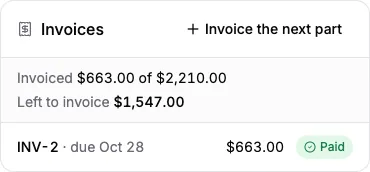
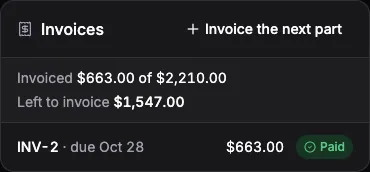
- See where you are. Back on the job, the Invoices card shows how much is invoiced of the agreed price and
what’s left to invoice, with each invoice below.
- Bill the next part. Click Invoice the next part. The sheet says what was already billed. Pick Percent or
Amount again, or The rest to bill everything that’s left.
Good to know
Section titled “Good to know”- The percent is of the whole agreed price, not of what’s left. 30% and then 30% again bills 60% in all.
- You can’t bill more than what’s left; the sheet warns you before you issue.
- A job doesn’t have to be finished to be invoiced in stages.
- Deposits: a deposit invoice made when a customer accepts a quote counts as the first part.
- What the customer sees: each invoice lists only its own part (“30% of the agreed price”). The “invoiced before” and “left” figures are on your side, on the job and in the sheet.
- Invoice every finished job at once skips jobs that already have an invoice, so bill the rest of a staged job from the job itself.