

Change orders
- Who
- Owners, Office, Field workers
- Where
- A job → Change orders → Ask.
When the customer asks for something extra, whoever is on site asks for a change order on the job. The owner prices it and approves or declines, and an approved one raises the job’s price.
Why it’s there
Section titled “Why it’s there”“While you’re here, could you also…” is how jobs lose money: the extra gets done for free. A change order puts it on record and gets it priced before it’s forgotten.
Who sees it
Section titled “Who sees it”- Asking: anyone who works on the job.
- Approving or declining: people who can set prices, which is owners (and the Estimator role). The preset Office role can ask but not decide.
- Amounts show only to people who see prices. A field worker sees “Approved” without the amount.
How to use it
Section titled “How to use it”- On site: open the job, find Change orders and tap Ask. Describe the change in What’s the change? (if
you see prices, you can suggest one). Tap Ask.
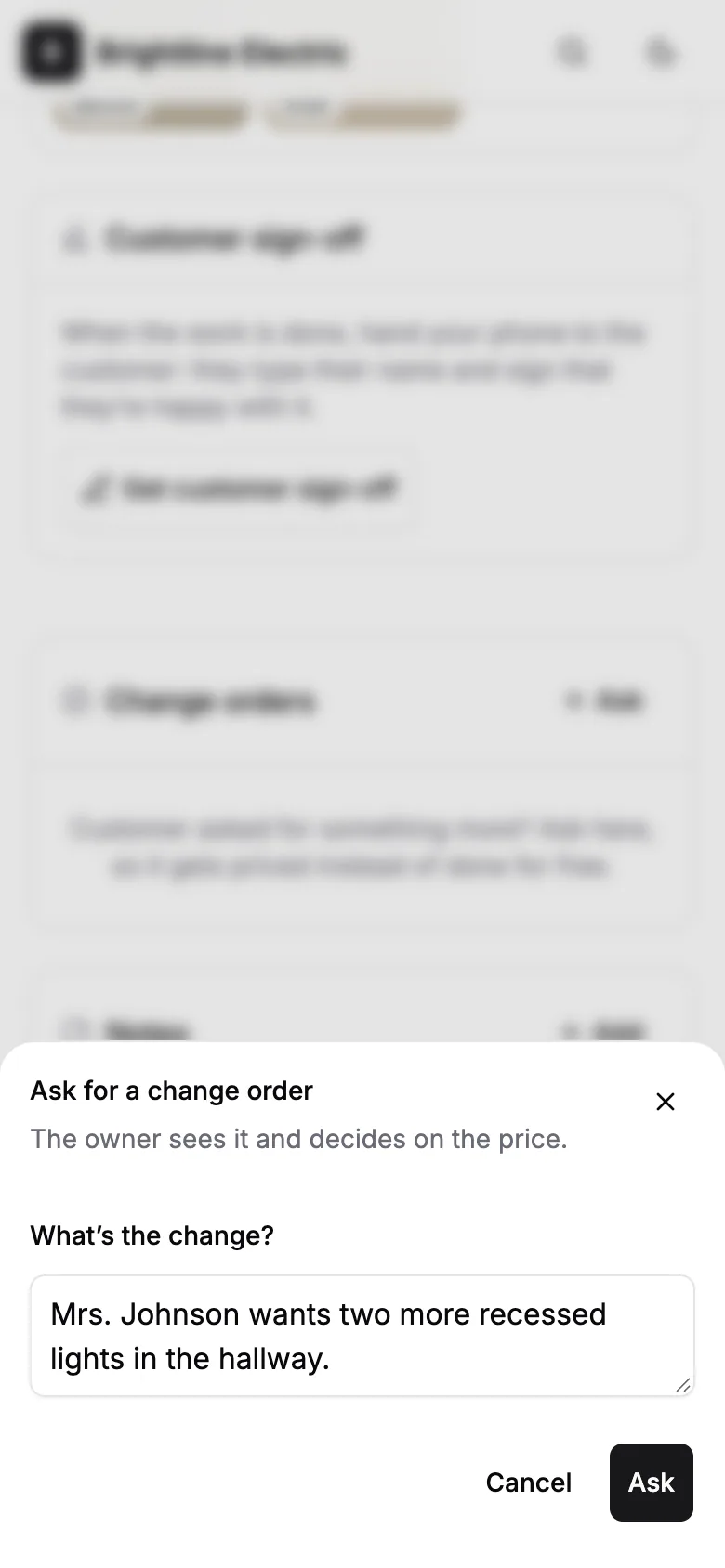
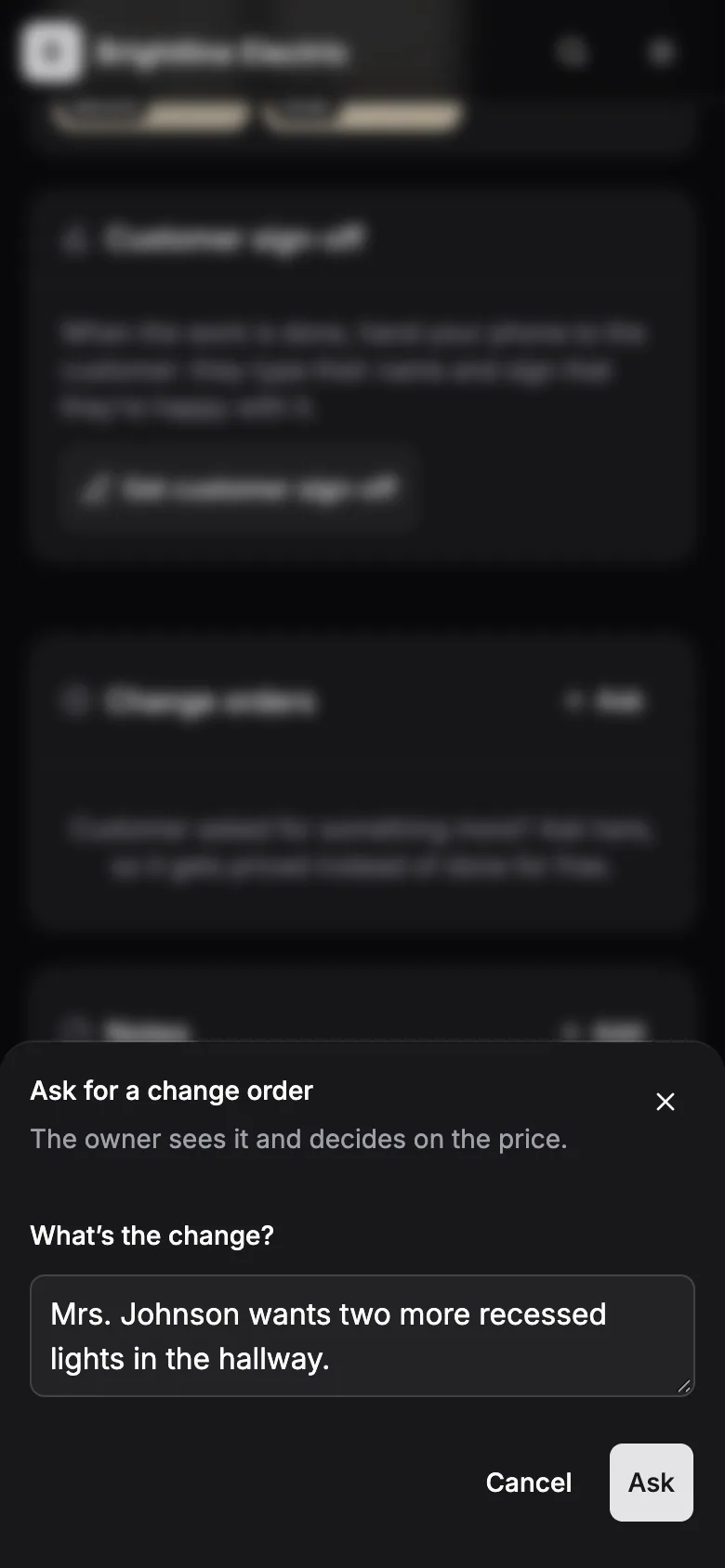
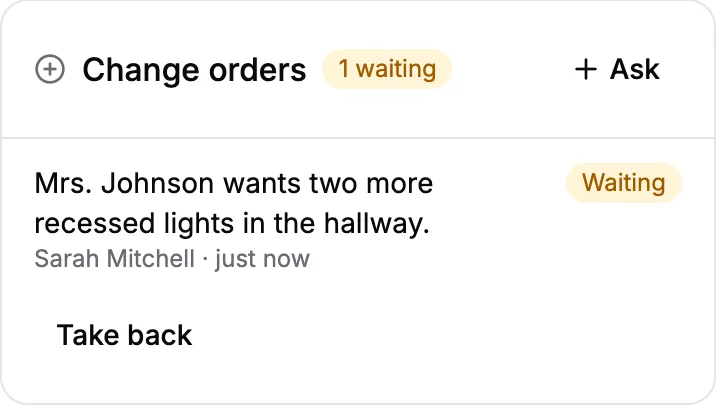
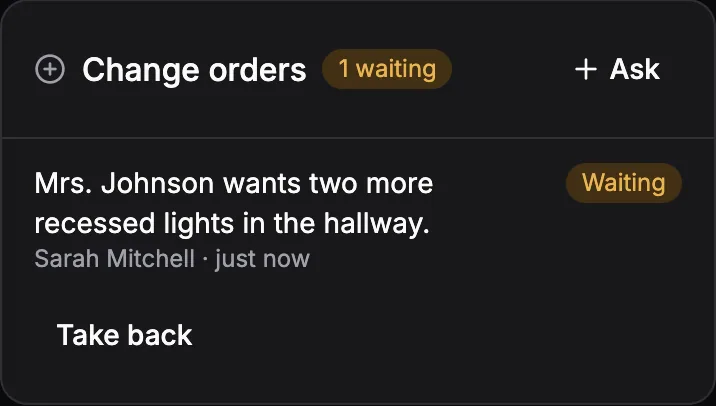
- It shows on the job as Waiting. Owners get a notification and see it in Needs attention on the dashboard.
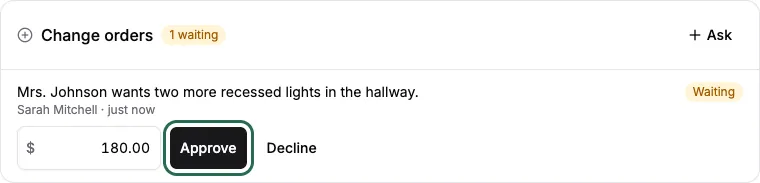
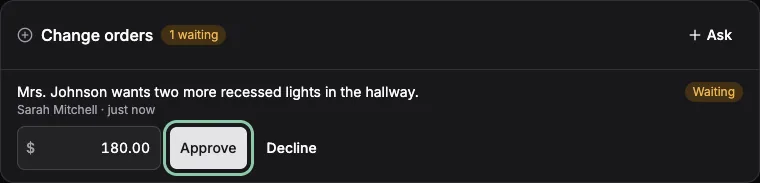
- The owner decides: type the amount (it starts with any suggested price) and click Approve, or Decline.
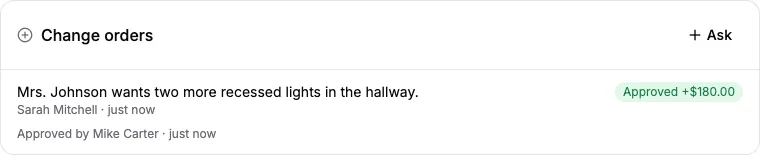
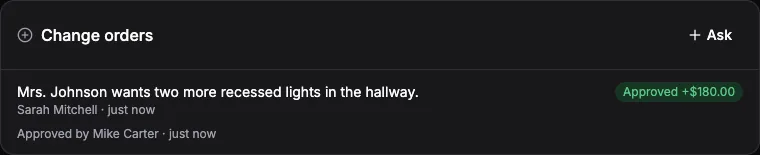
- An approved change order adds its amount to the agreed price, and the job’s history records the old and new price
with the reason.
Good to know
Section titled “Good to know”- Works on completed jobs too (not on cancelled ones).
- Whoever asked can Take back a request while it’s still waiting. A decided one stays in the job’s history.
- Asking works with no signal; deciding needs a connection.
- A decision can’t be undone; if the amount was wrong, change the job’s agreed price.