

Clock your hours
- Who
- Owners, Office, Field workers
- Where
- A job → Labor (My hours for field workers) → Start clock.
Tap Start clock on the job when you begin and stop it when you’re done. The time is logged as your hours on the job, at your rate, with where you started and stopped if your phone allows it.
Why it’s there
Section titled “Why it’s there”Hours written down at the end of the week are guesses. A clock on the job records them as they happen, so labor costs and pay are right.
Who sees it
Section titled “Who sees it”- Anyone who logs their own hours (field workers, the Office role, owners) can use the clock on open jobs.
- A field worker sees only their own hours, without rates.
- Where the clock started and stopped shows only to people who see everyone’s hours (owners, the Office role).
How to use it
Section titled “How to use it”- Open the job. In My hours (or Labor), tap Start clock. Your phone may ask to share your location; you
can say no and the clock still works.
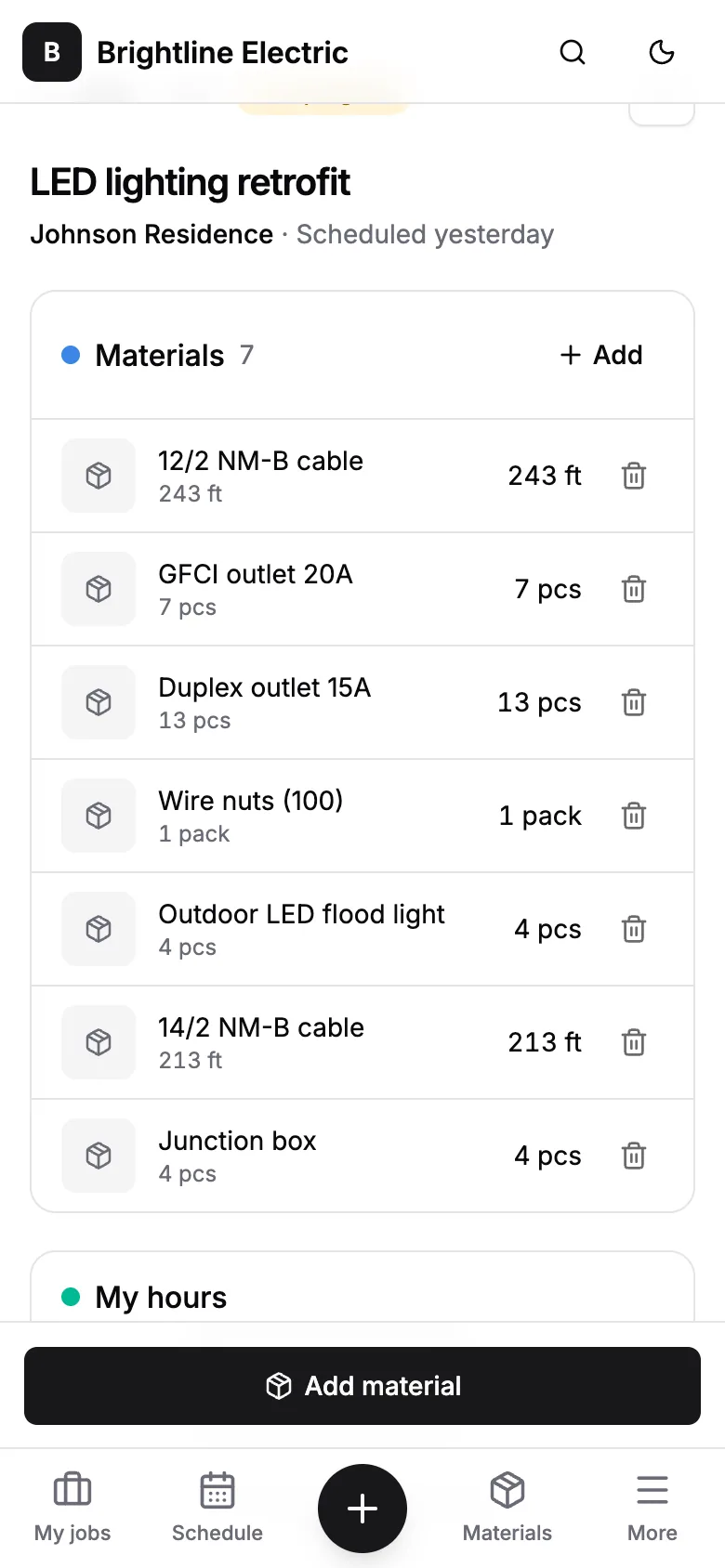
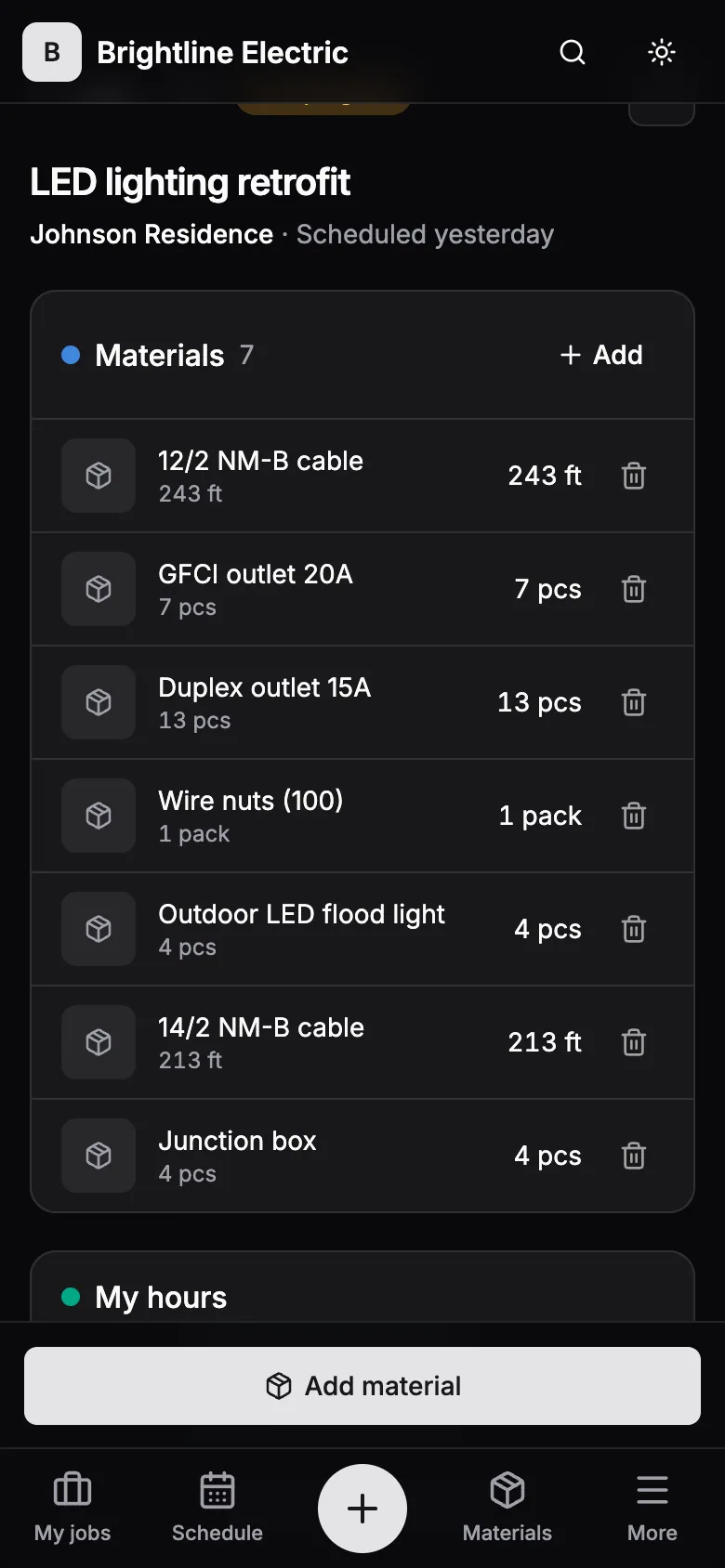
- While it runs, the button shows the time and the top bar shows the clock with the job number, from any screen.
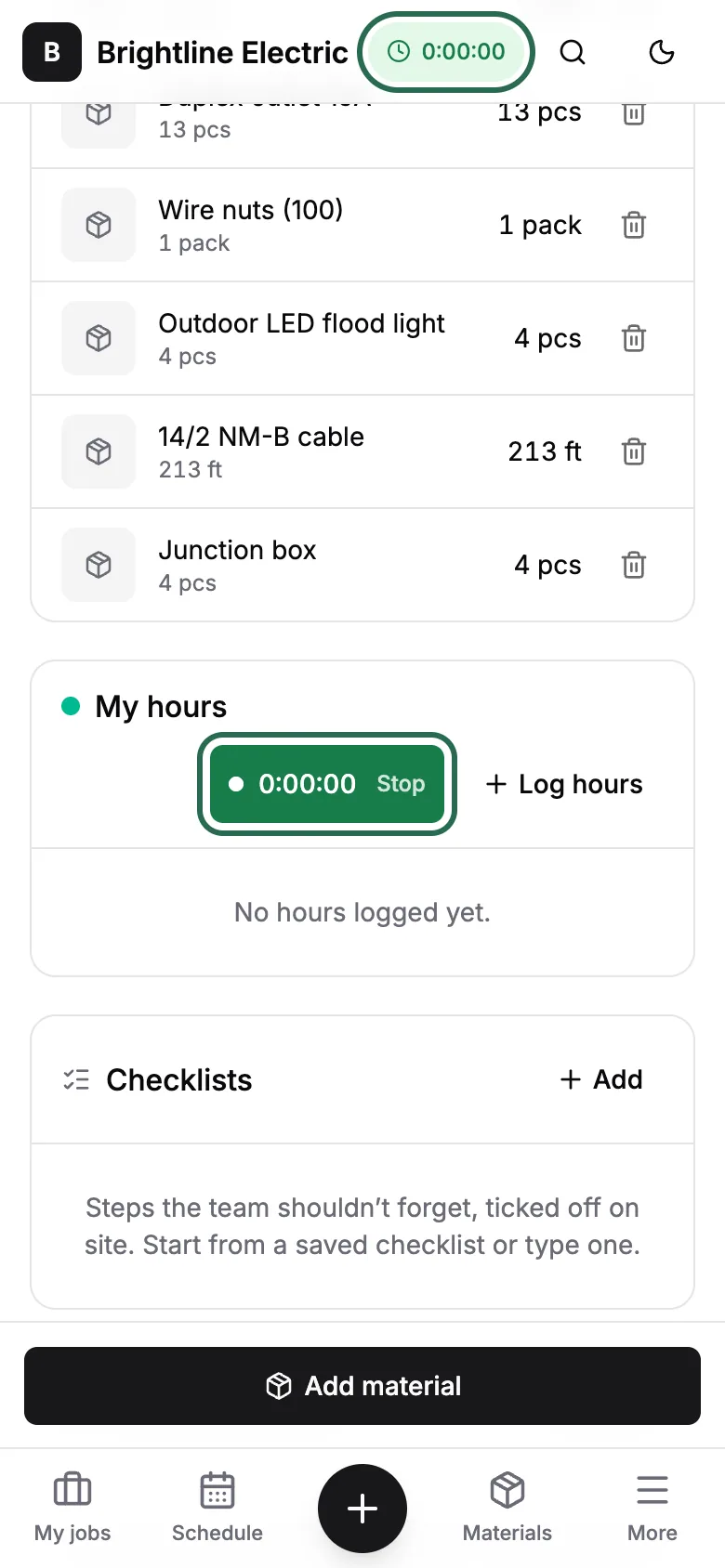
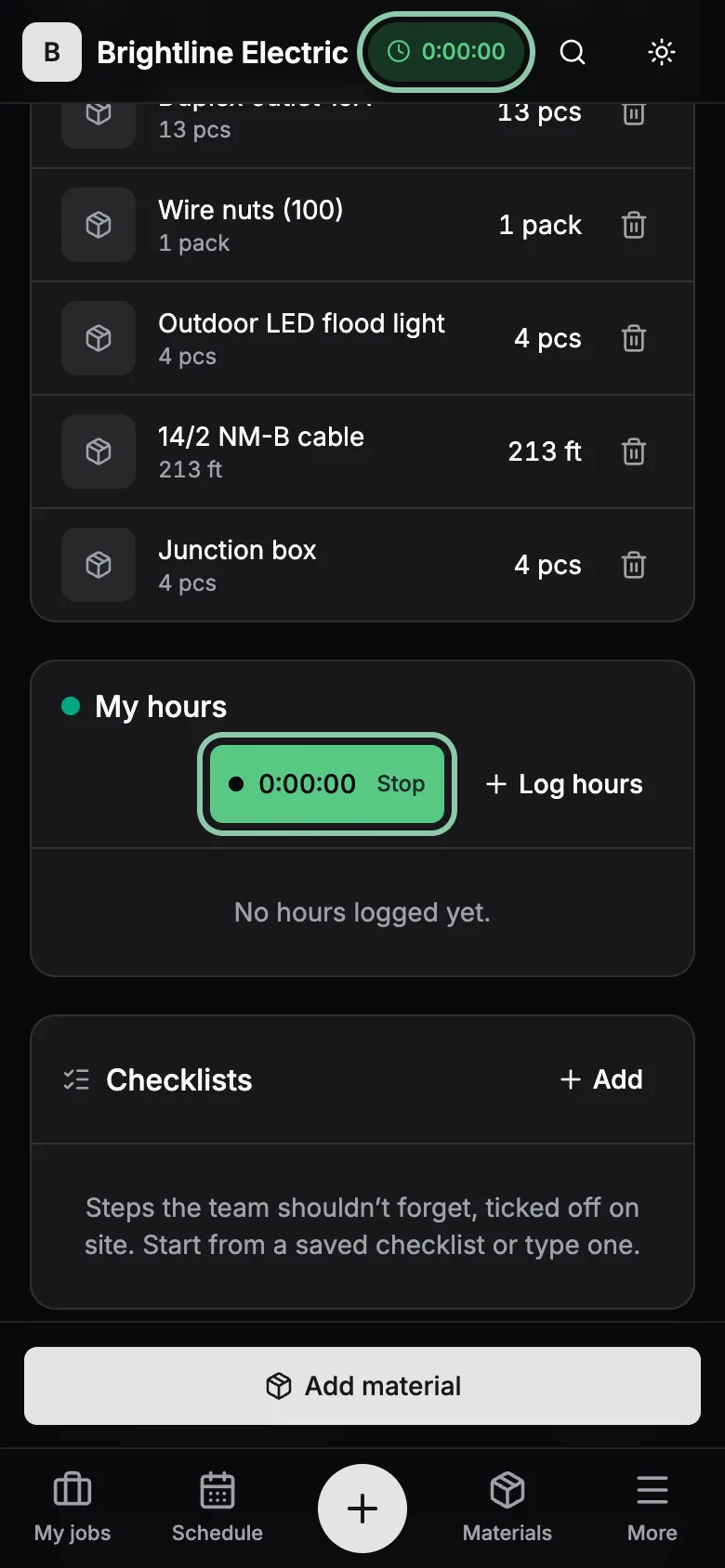
- Tap the green button to stop. The time is logged as an hours entry marked Time clock, and a message says how long it was.
Good to know
Section titled “Good to know”- One clock per person. It runs on the server, so it follows you from phone to computer. Starting it on another job offers Switch here, which logs the time on the first job.
- Time is counted in whole minutes (at least one), up to 16 hours.
- The hours take your hourly rate, plus your company’s labor on-costs if the owner set them.
- At 18:00 company time, each person on a job in progress who logged no hours that day gets one notification asking for them, and owners get a summary (for people who turned notifications on).
- The clock needs signal. With no signal, log the hours by hand with Log hours; those are sent later (how).
- Hours typed by hand take sums too:
4.5+3.75(how).