

Send a statement
- Who
- Owners, Your customers
- Where
- A customer's page → Statement link.
A single link for a customer with everything they still owe you, invoice by invoice.
Why it’s there
Section titled “Why it’s there”Customers with several jobs lose track of which invoice is which. One statement answers “what do I owe you?” without you adding it up, and they can open each invoice from it.
Who sees it
Section titled “Who sees it”Owners, and people whose role lets them see payments (Accountant). Your customer opens the link without an account.
How to use it
Section titled “How to use it”- Open the customer (Customers, then the name) and click Statement link.
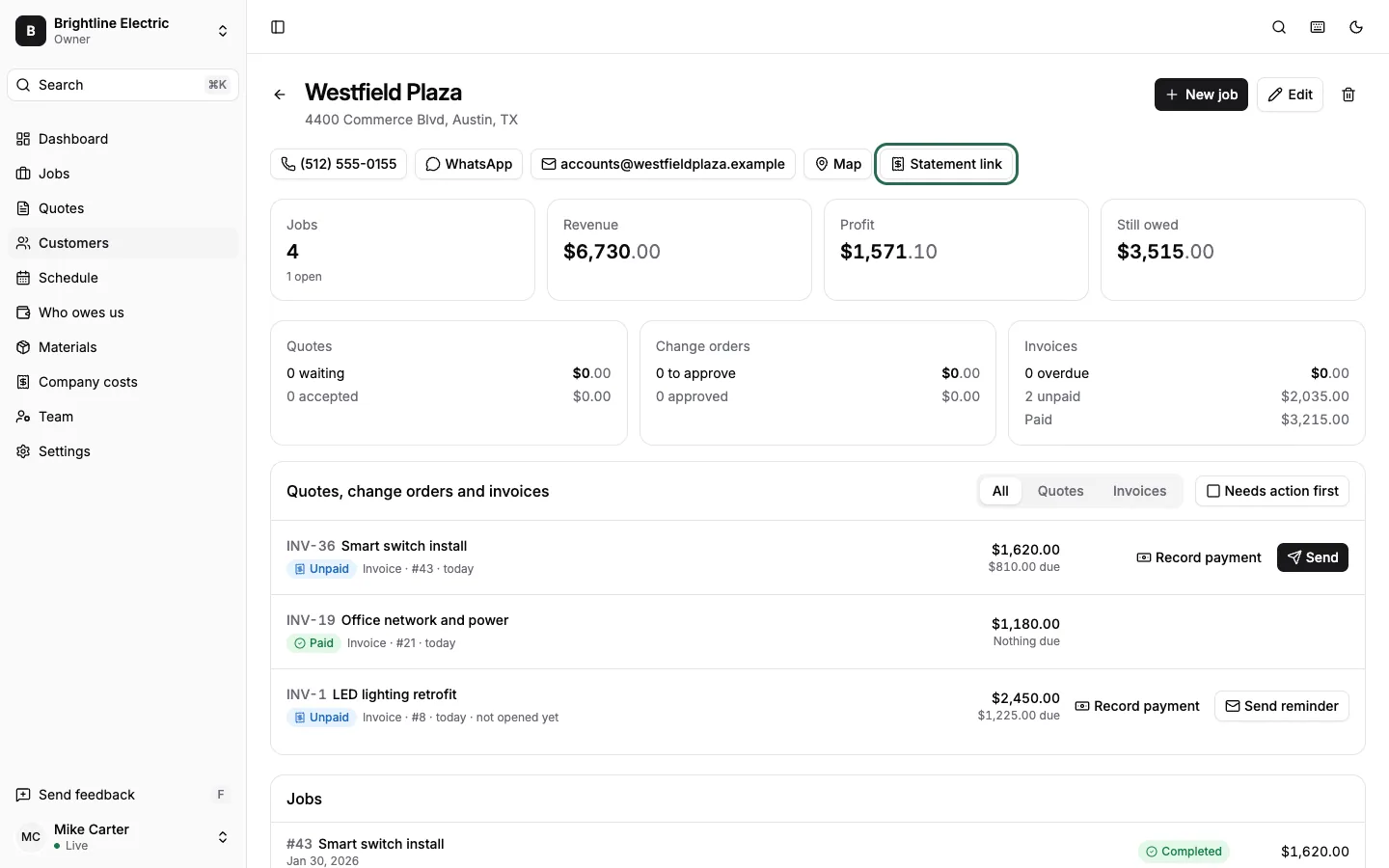
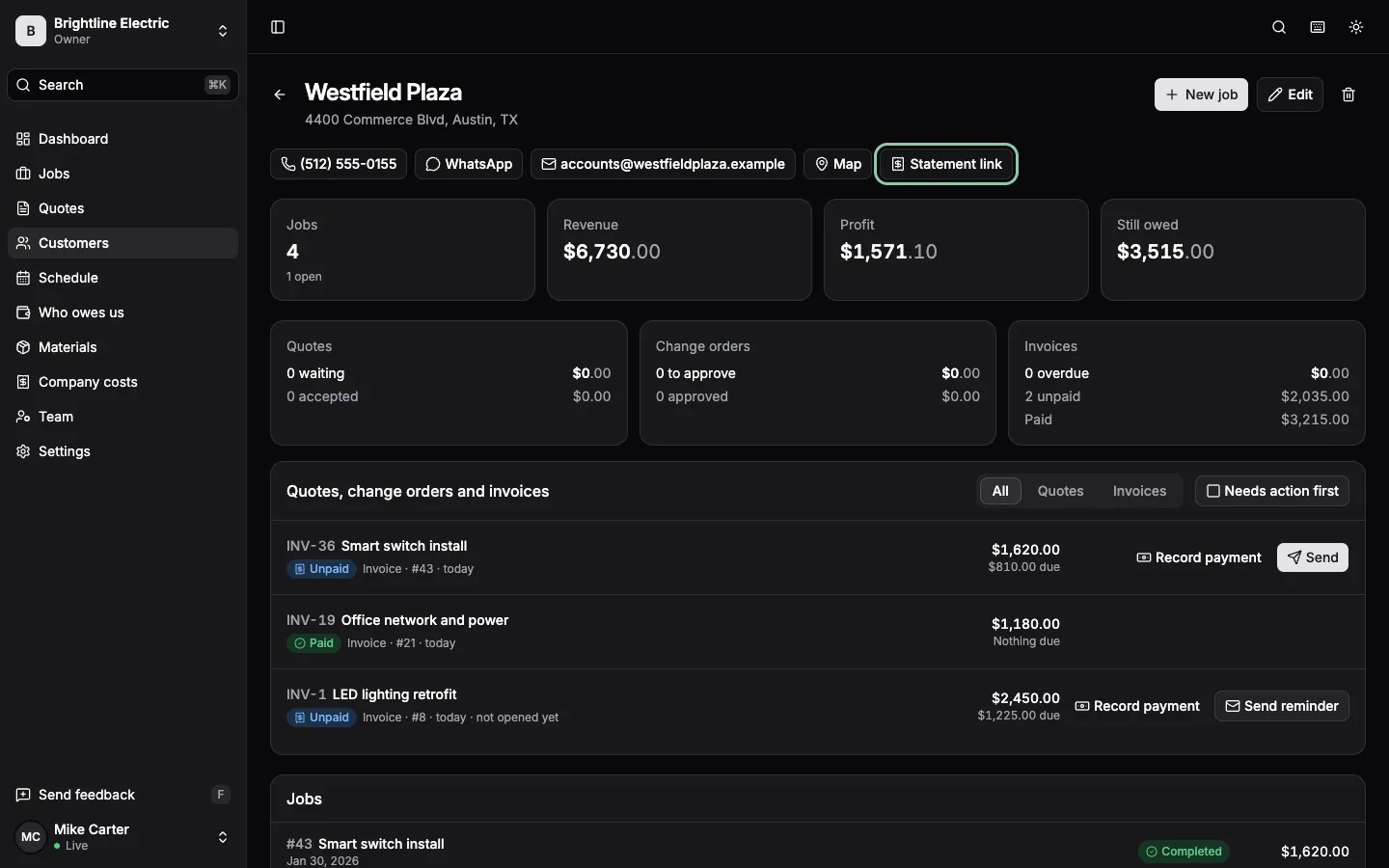
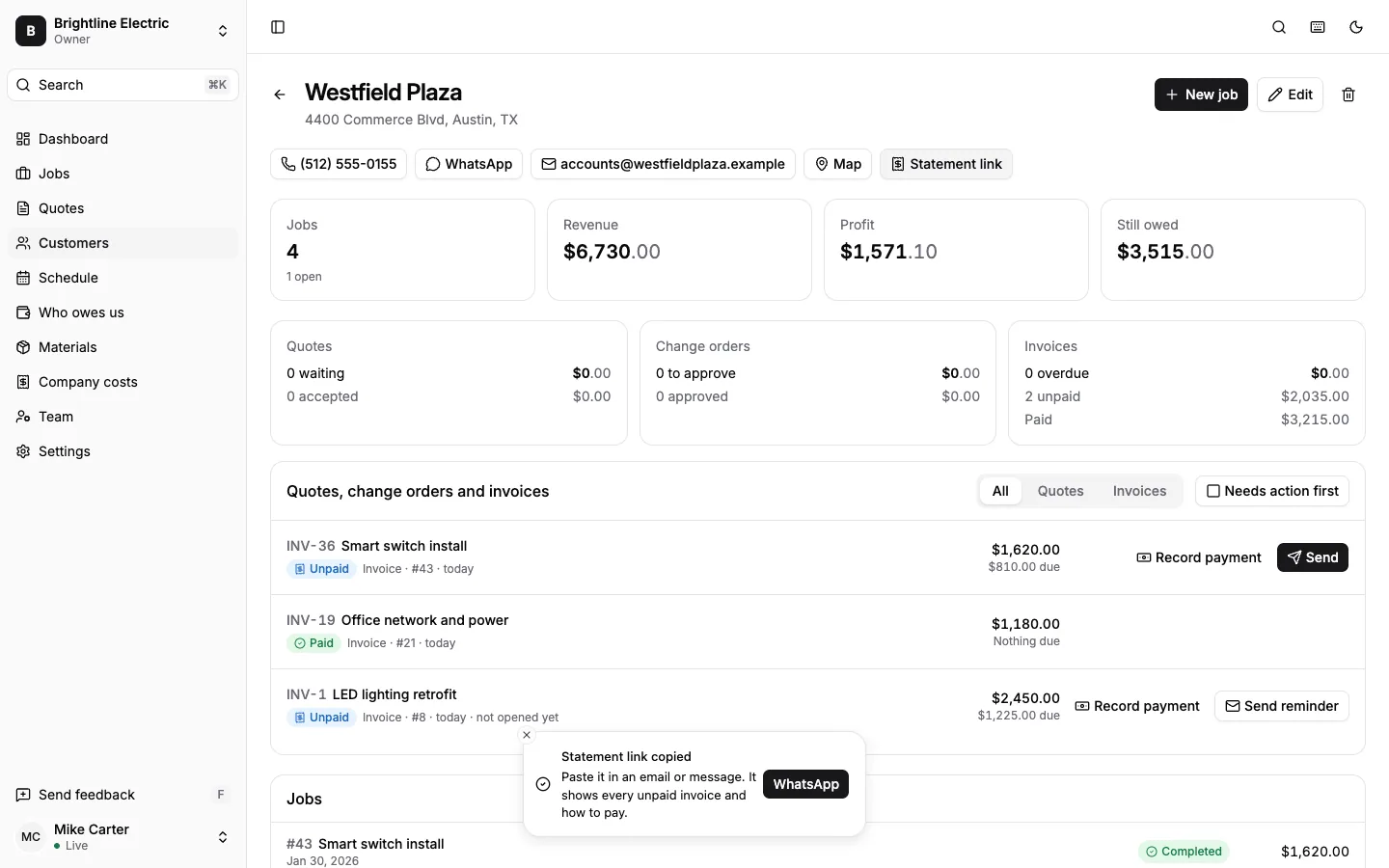
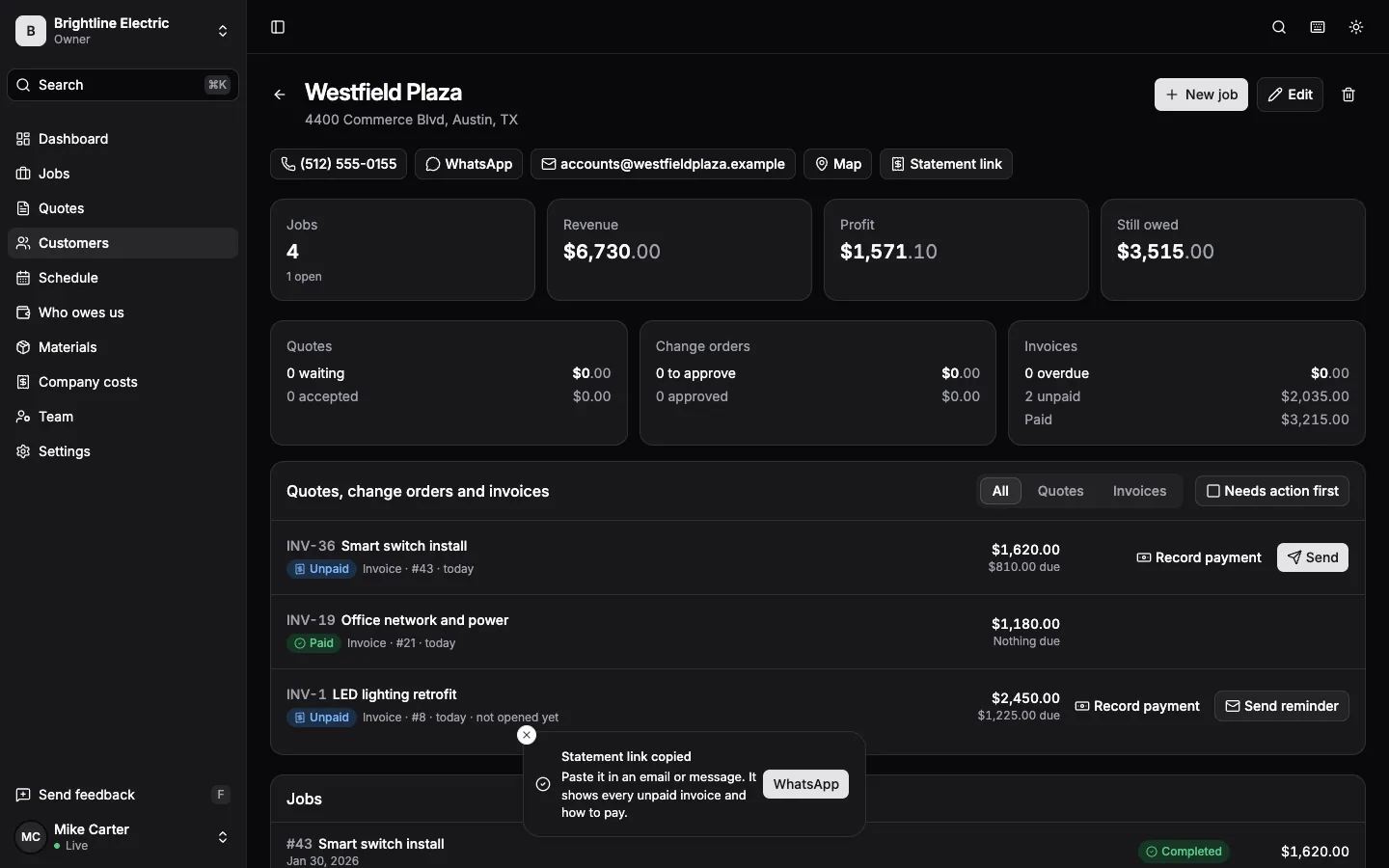
- On a computer the link is copied; paste it into an email or message. If the customer has a phone number, the message
offers WhatsApp. On a phone, your phone’s share menu opens instead.
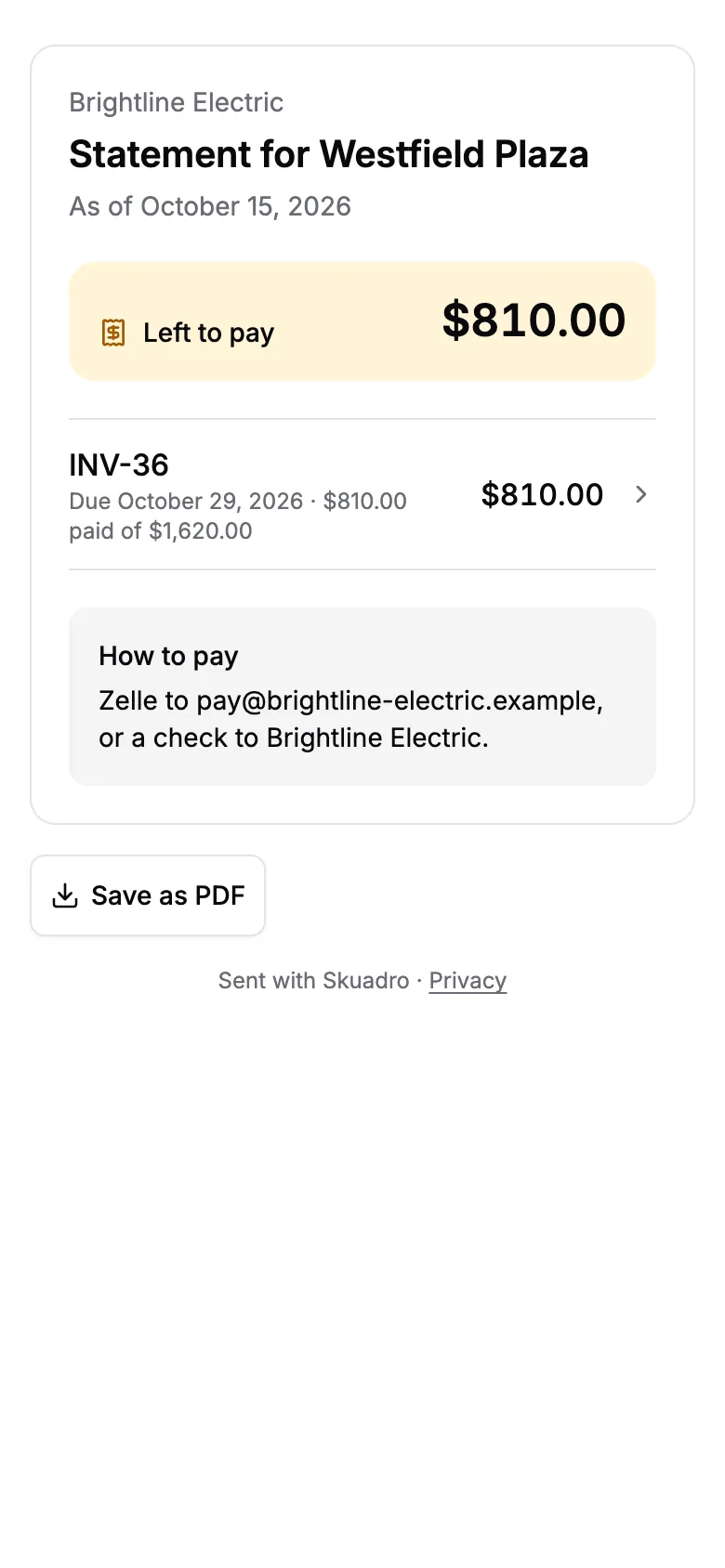
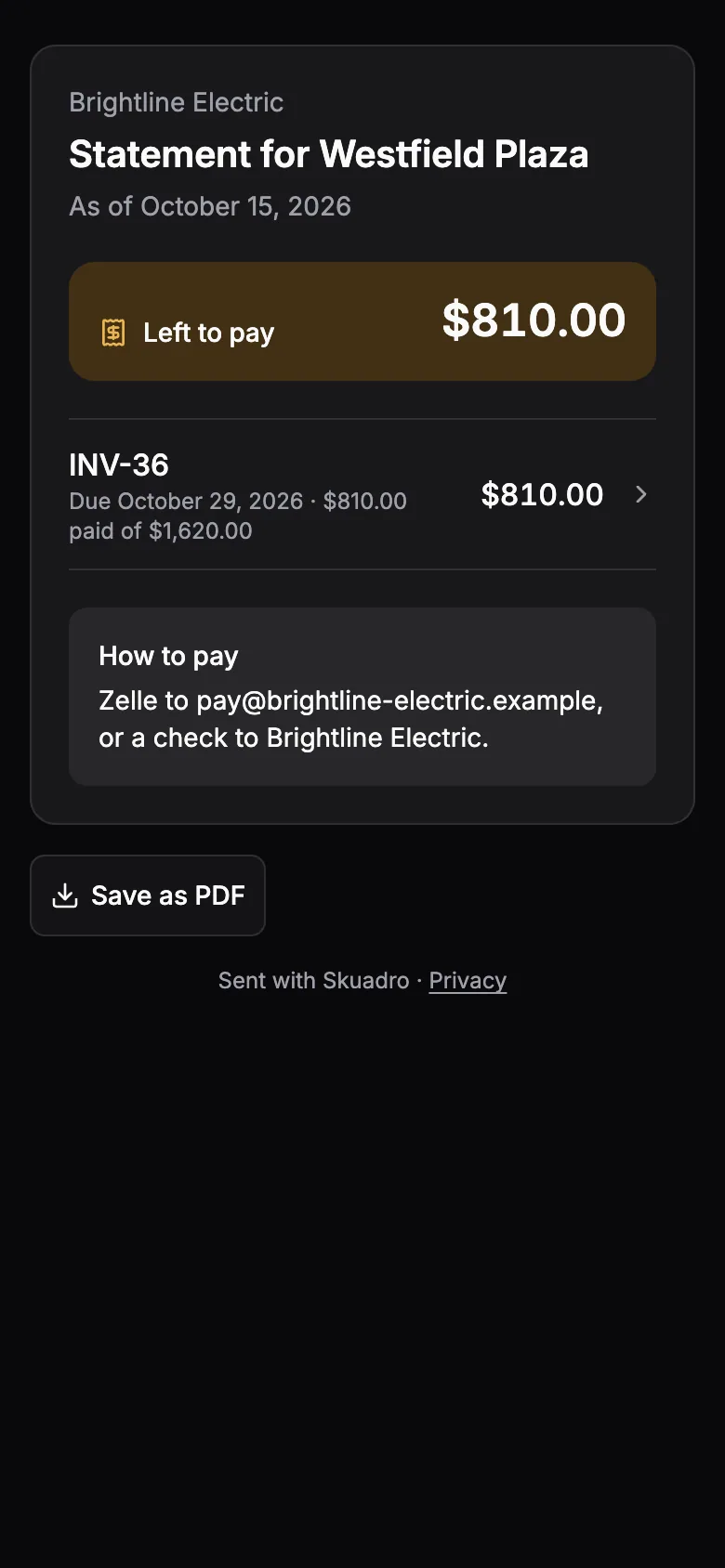
- Your customer sees what’s left to pay, each unpaid invoice with its due date and what’s been paid on it, and how to
pay. They can open each invoice and save the statement as a PDF.
Good to know
Section titled “Good to know”- The statement is live: it shows what’s unpaid when it’s opened, not when you made the link.
- How to pay comes from your current Settings → Invoices.
- When everything is paid, the statement says so and thanks them.
- Each click makes a new link. Older links keep working.