

Who owes you
- Who
- Owners
- Where
- Who owes us (in the menu).
One list of the money you’re waiting for: finished jobs that aren’t fully paid, oldest first.
Why it’s there
Section titled “Why it’s there”The longer a bill waits, the less likely it gets paid. This list shows who to call today, and how long each one has waited.
Who sees it
Section titled “Who sees it”Owners, and people whose role lets them see payments (Accountant).
How to use it
Section titled “How to use it”- Open Who owes us from the menu. At the top: the total owed and how many jobs. The four boxes group it by how long
it has waited since the job was finished: 0–30 days, 31–60, 61–90 and 90+. Click one to see only
those; click it again to see all.
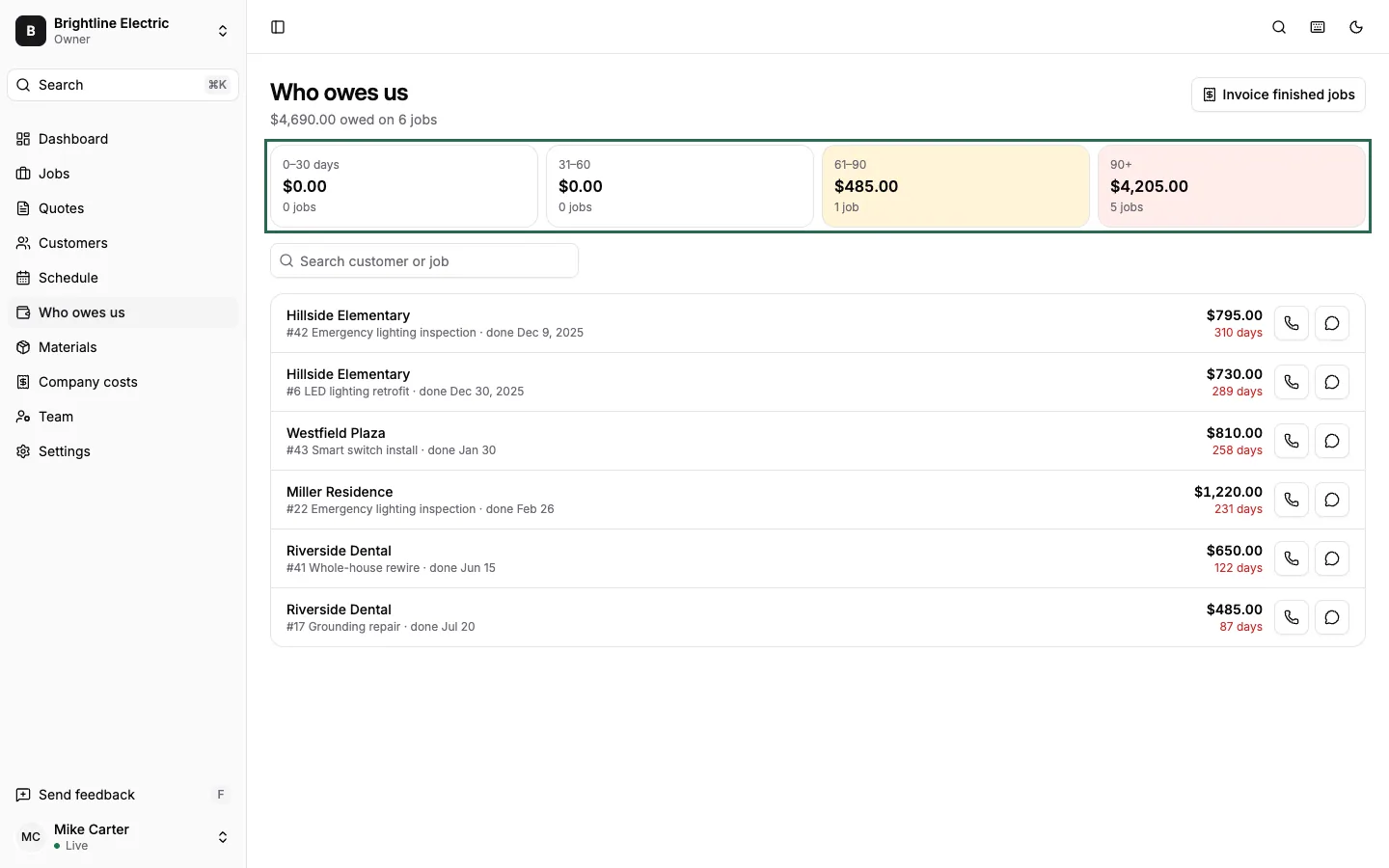
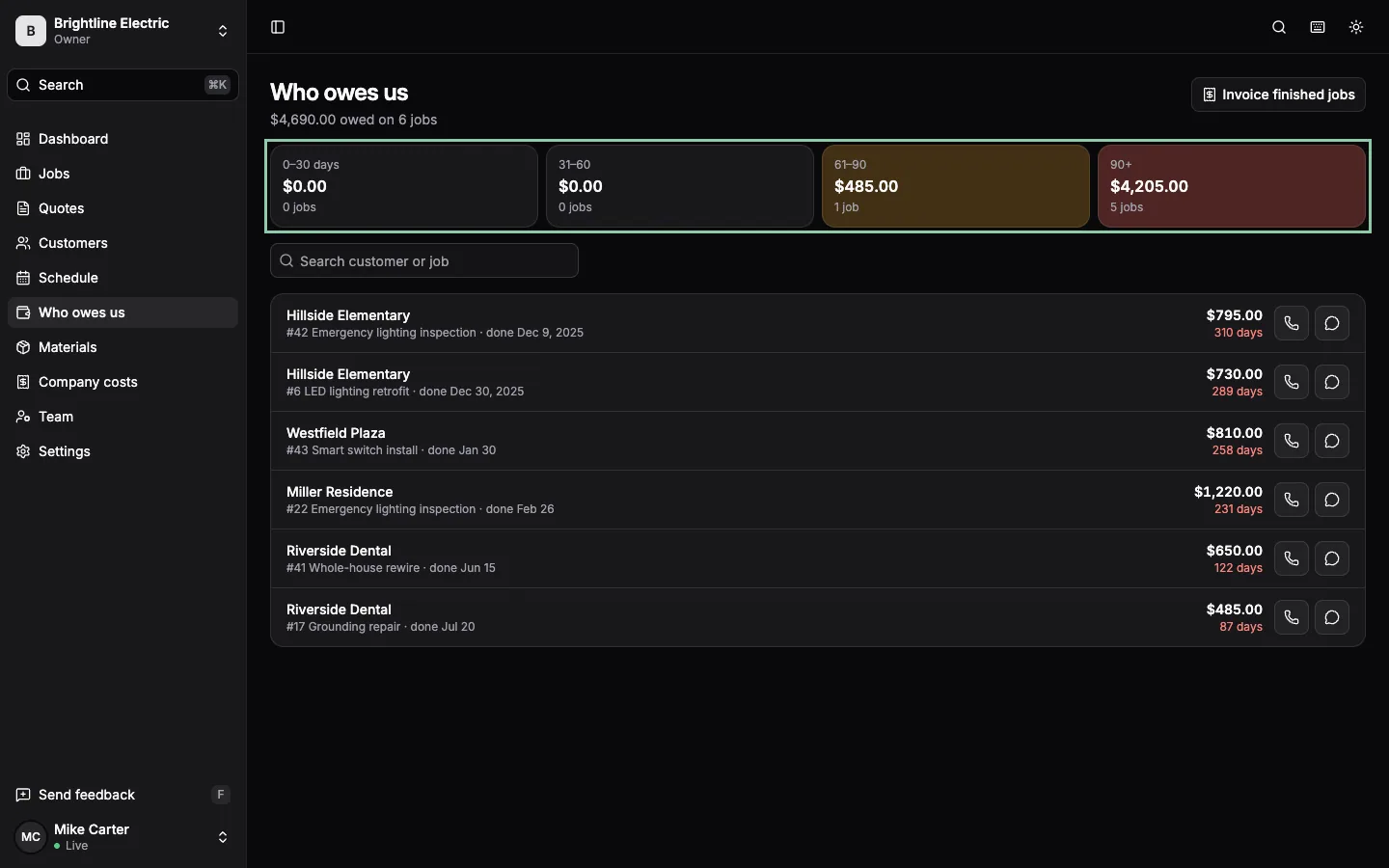
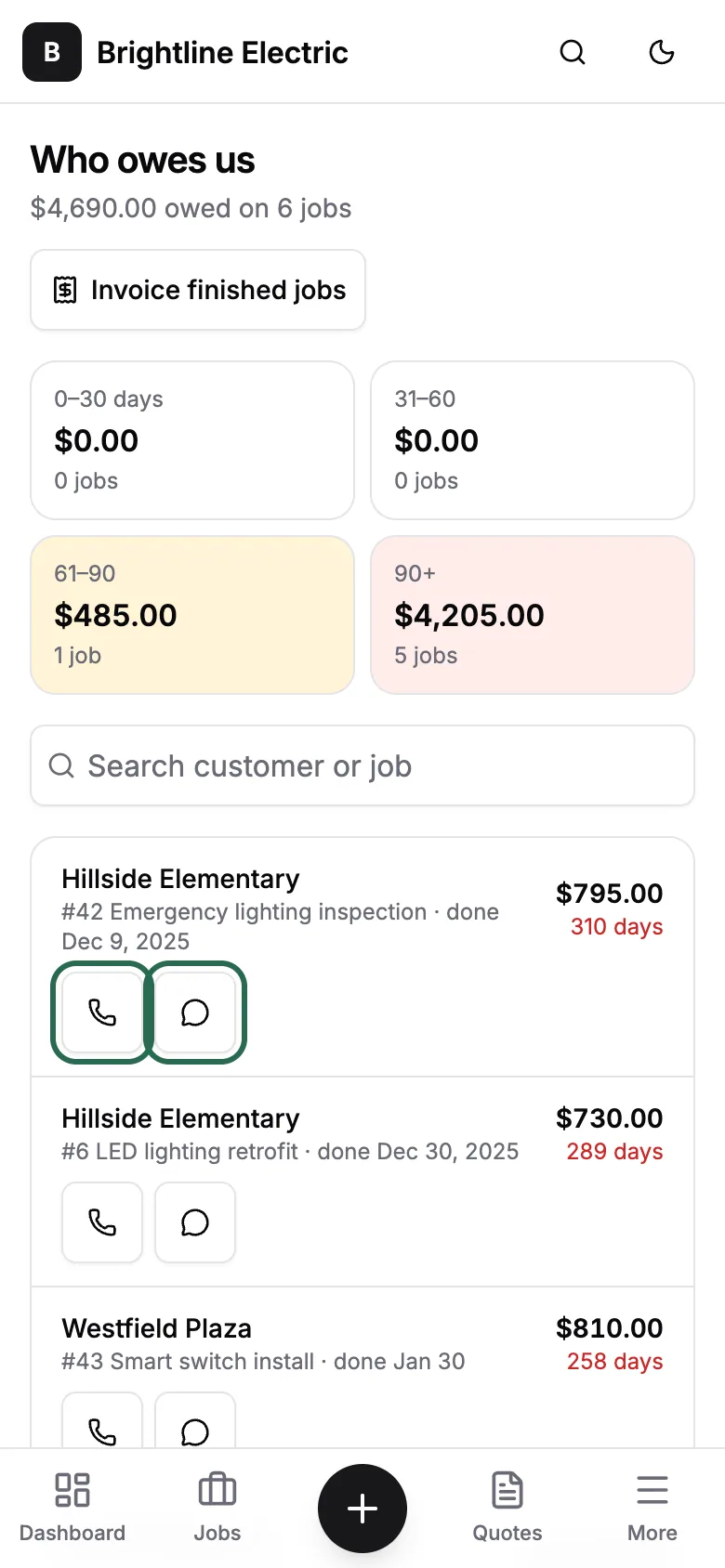
- Each row shows the customer, the job, how much is owed and for how many days. Search by customer or job.
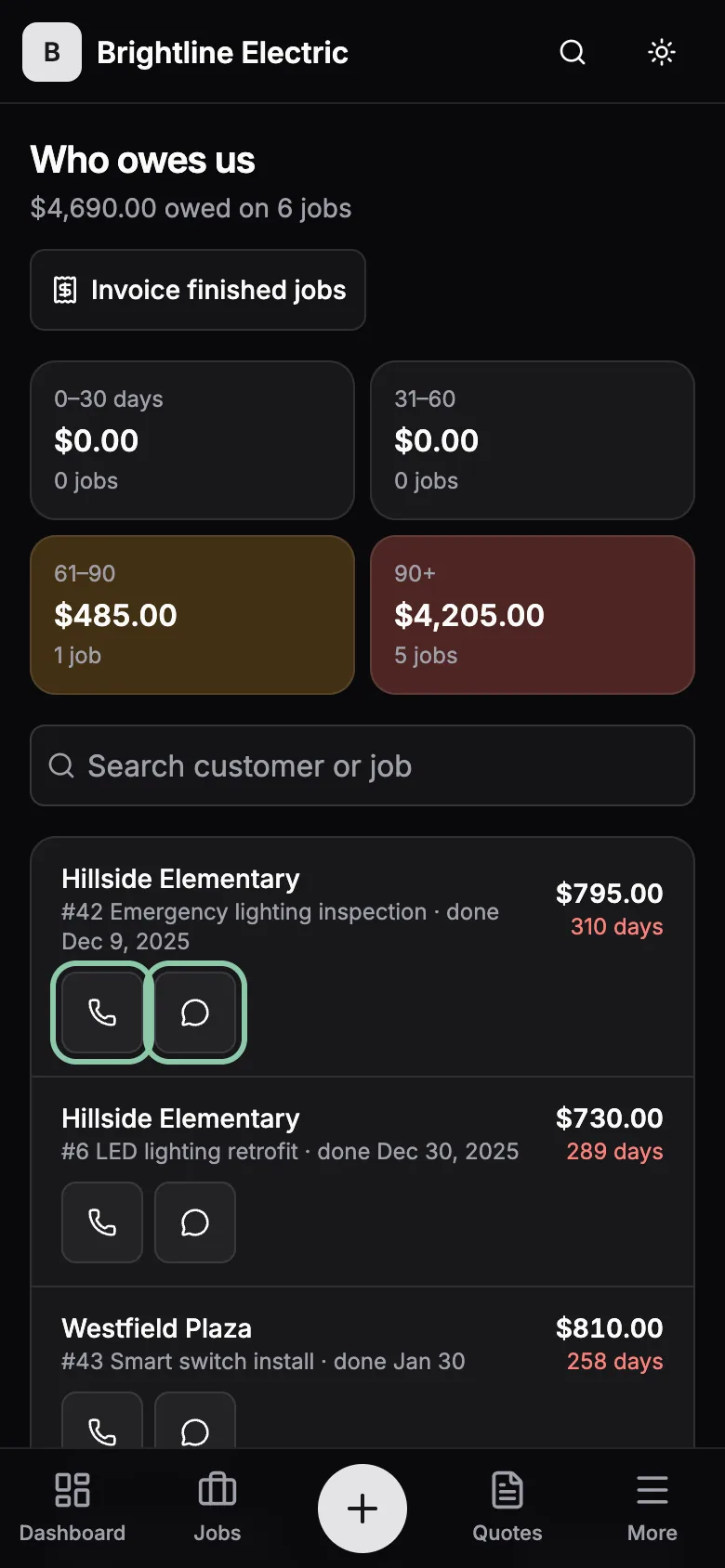
- On a phone, tap the phone or WhatsApp button on a row to call or message the customer straight away.
Good to know
Section titled “Good to know”- It lists jobs, not invoices: a completed job is here while its payments are less than its agreed price, whether or not you’ve invoiced it.
- The count of days starts when the job was marked completed.
- The amount owed is the agreed price minus payments, before tax.
- To bill the finished jobs that have no invoice yet, click Invoice finished jobs (how).
- The call and WhatsApp buttons show when the customer has a phone number.