

Invoice a job
- Who
- Owners
- Where
- A job → Invoices. Your details in Settings → Invoices.
An invoice is made from the job: its agreed price, your details and how to pay, in one link your customer opens on any phone.
Why it’s there
Section titled “Why it’s there”The job already knows what you agreed with the customer. Making the invoice from it means nothing is typed twice, and the invoice and the job never disagree about what was billed.
Who sees it
Section titled “Who sees it”- Owners issue, send and void invoices.
- People whose role lets them set prices (the Estimator role) can issue them too. People who see prices (the Accountant role) see invoices but can’t issue them.
- Field workers and the Office role don’t see invoices at all.
How to use it
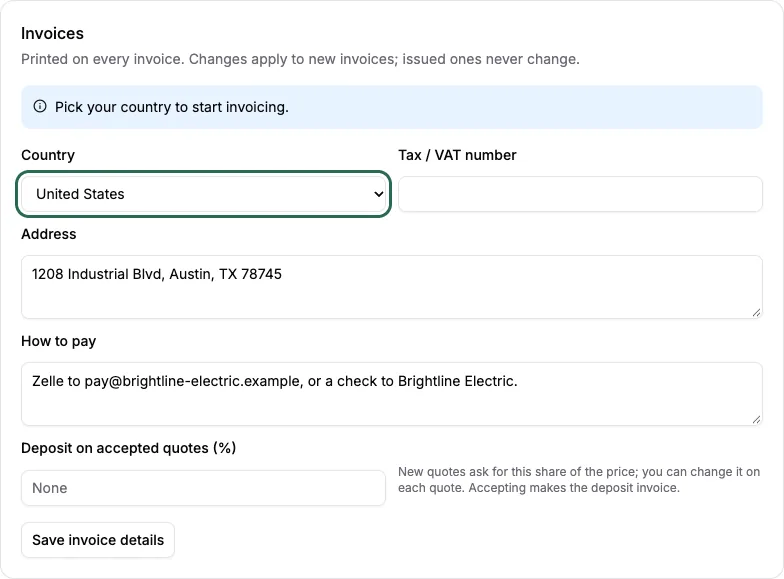
Section titled “How to use it”- Once: tell Skuadro where your company is. Go to Settings → Invoices, pick your Country, and fill in your
Address and How to pay (bank details or a payment link). Click Save invoice details. Everything here is
printed on every new invoice; invoices you already issued never change.
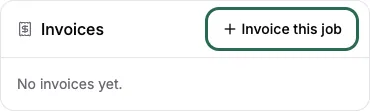
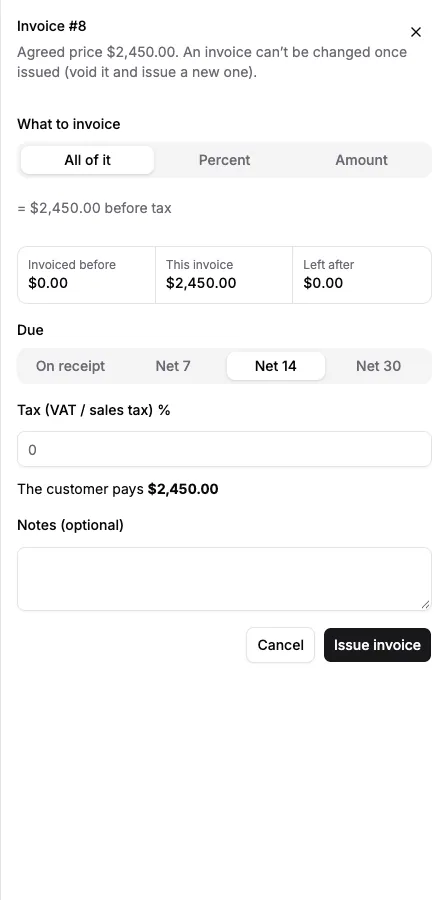
- Open the job and find the Invoices card. Click Invoice this job.
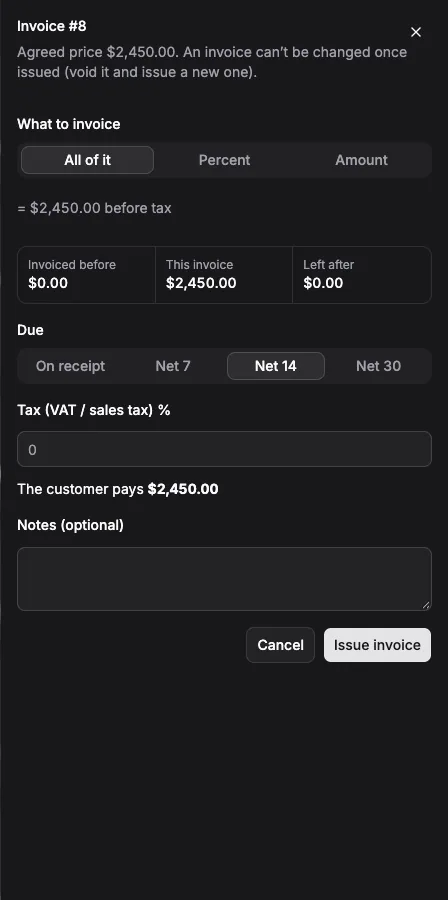
- Choose what to invoice and when it’s due. All of it bills the agreed price. Pick Due (On receipt, Net 7,
Net 14 or Net 30) and the Tax (VAT / sales tax) % if you charge it. The sheet shows what the customer pays.
Click Issue invoice.
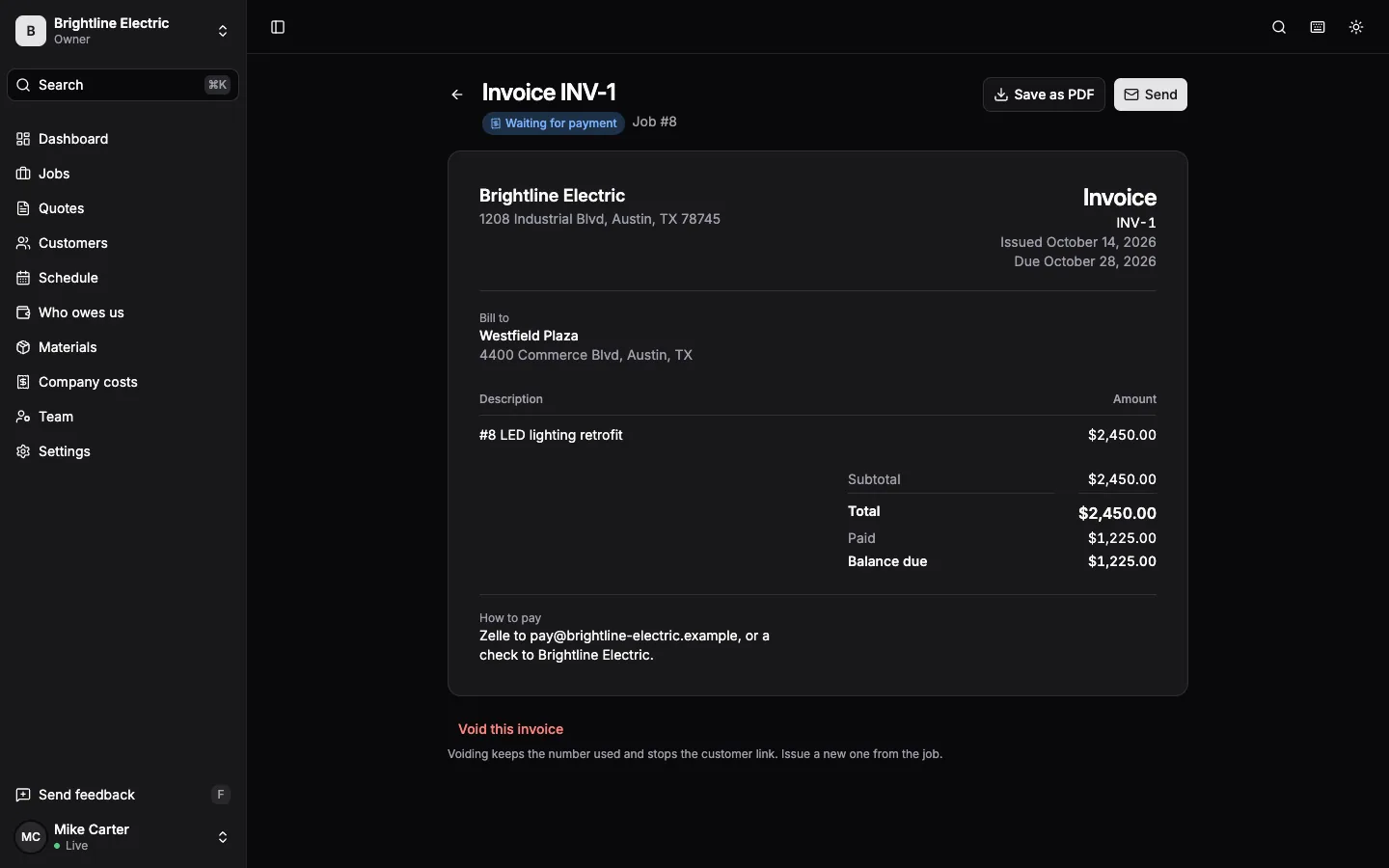
- Check the invoice. It opens as your customer will see it, with any payments already made and the balance due.
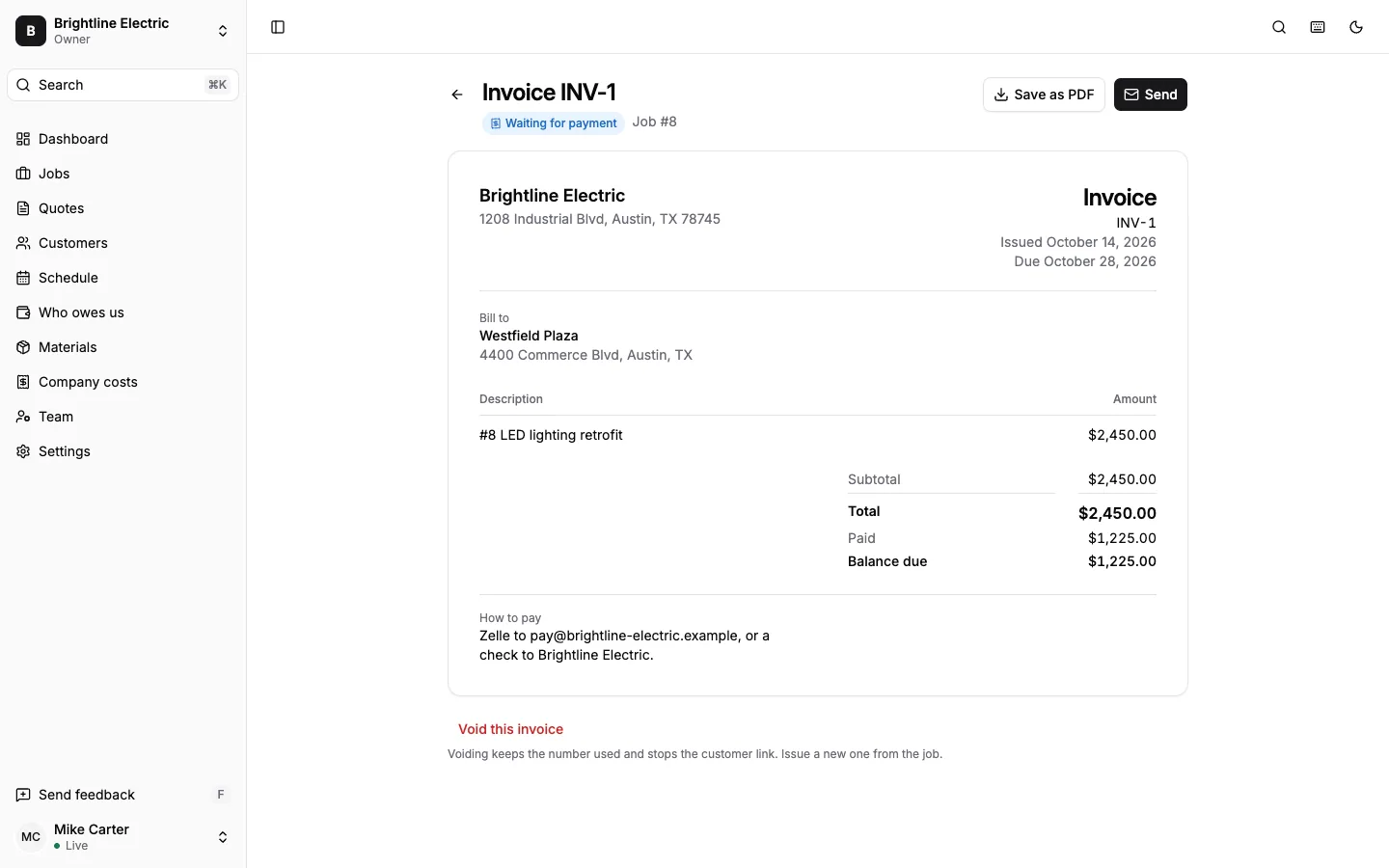
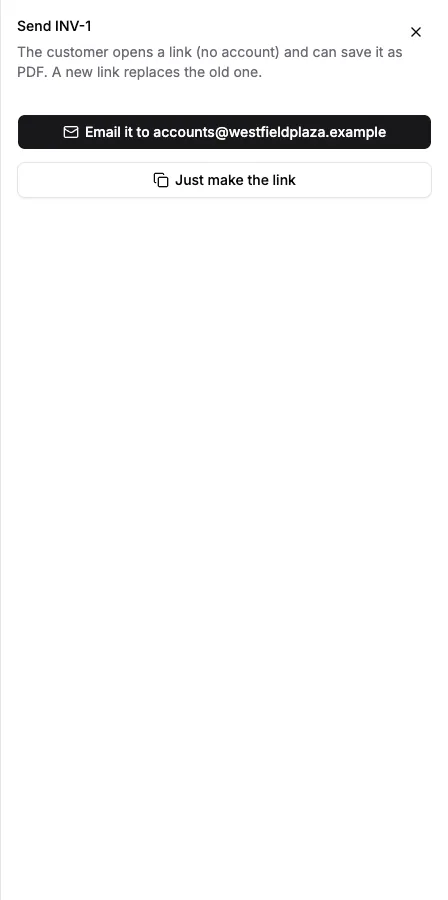
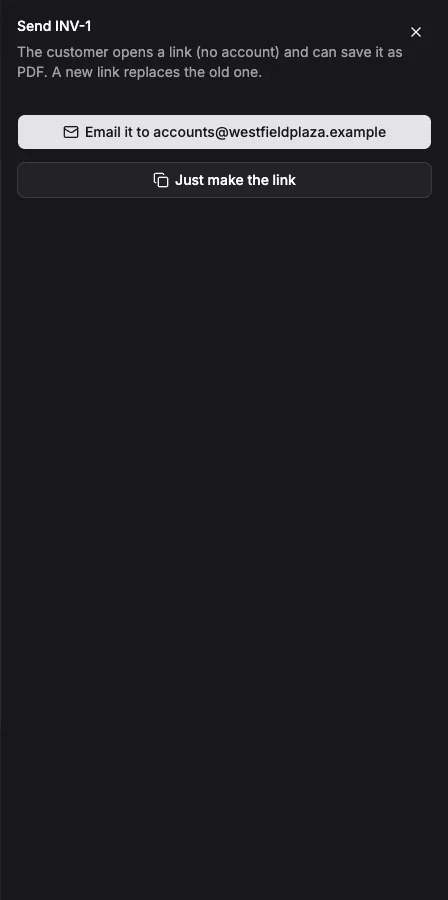
- Send it. Click Send. Choose Email it to the customer’s address, or Just make the link if you’d rather
send it yourself.
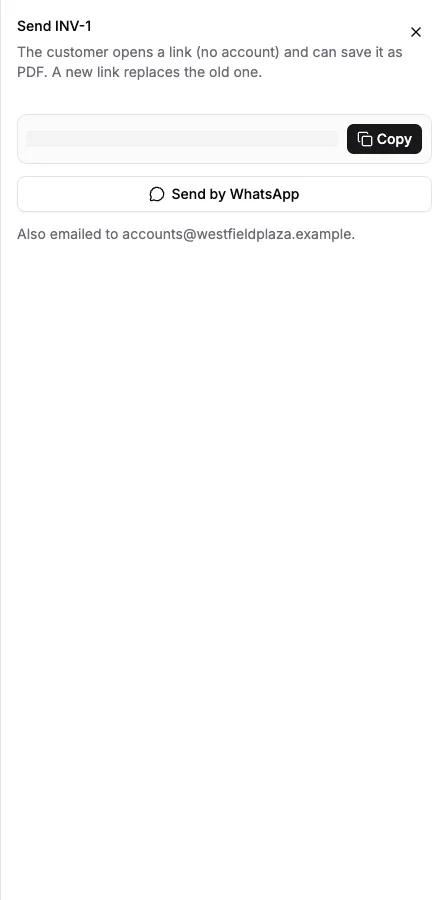
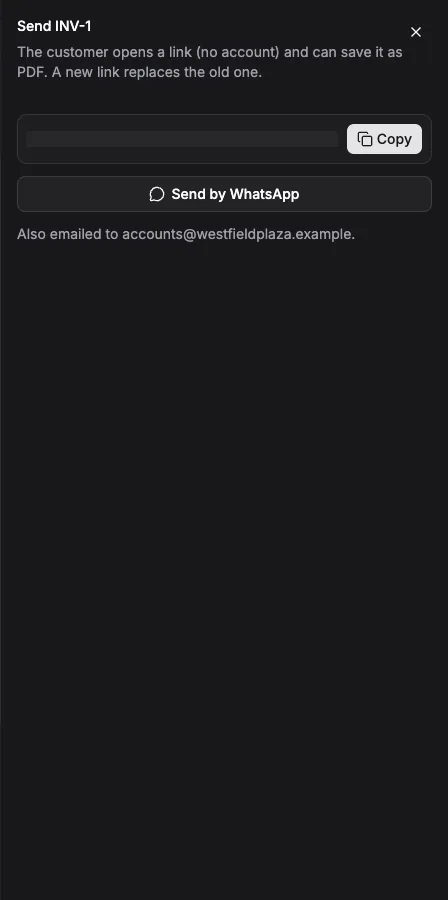
- Share the link with Copy or Send by WhatsApp. If you emailed it, the sheet says so.
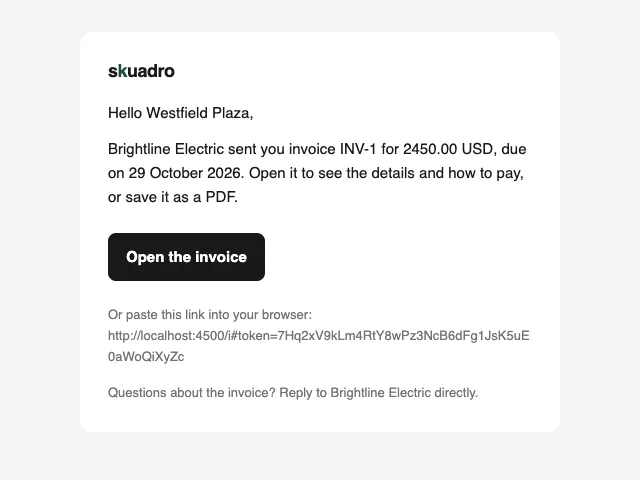
This is the email your customer gets:
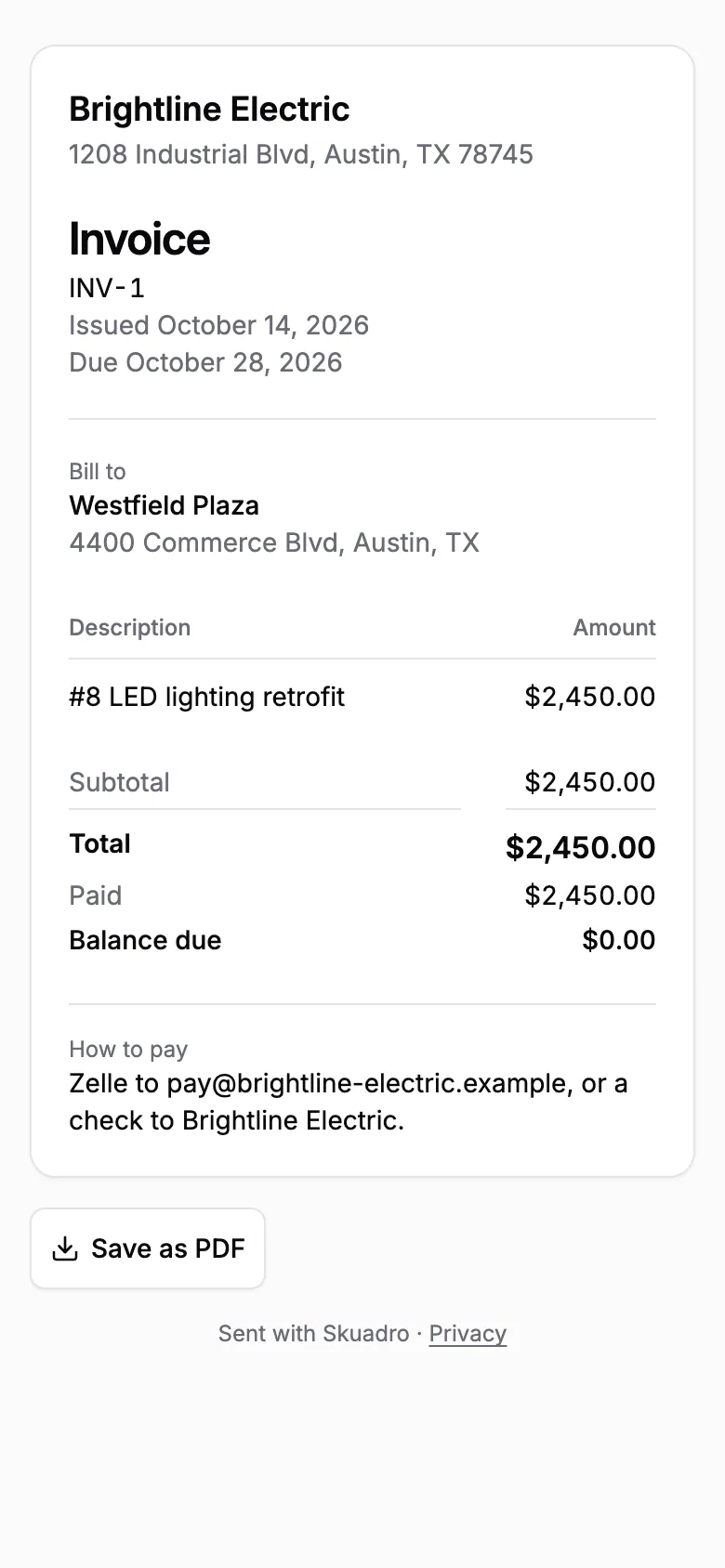
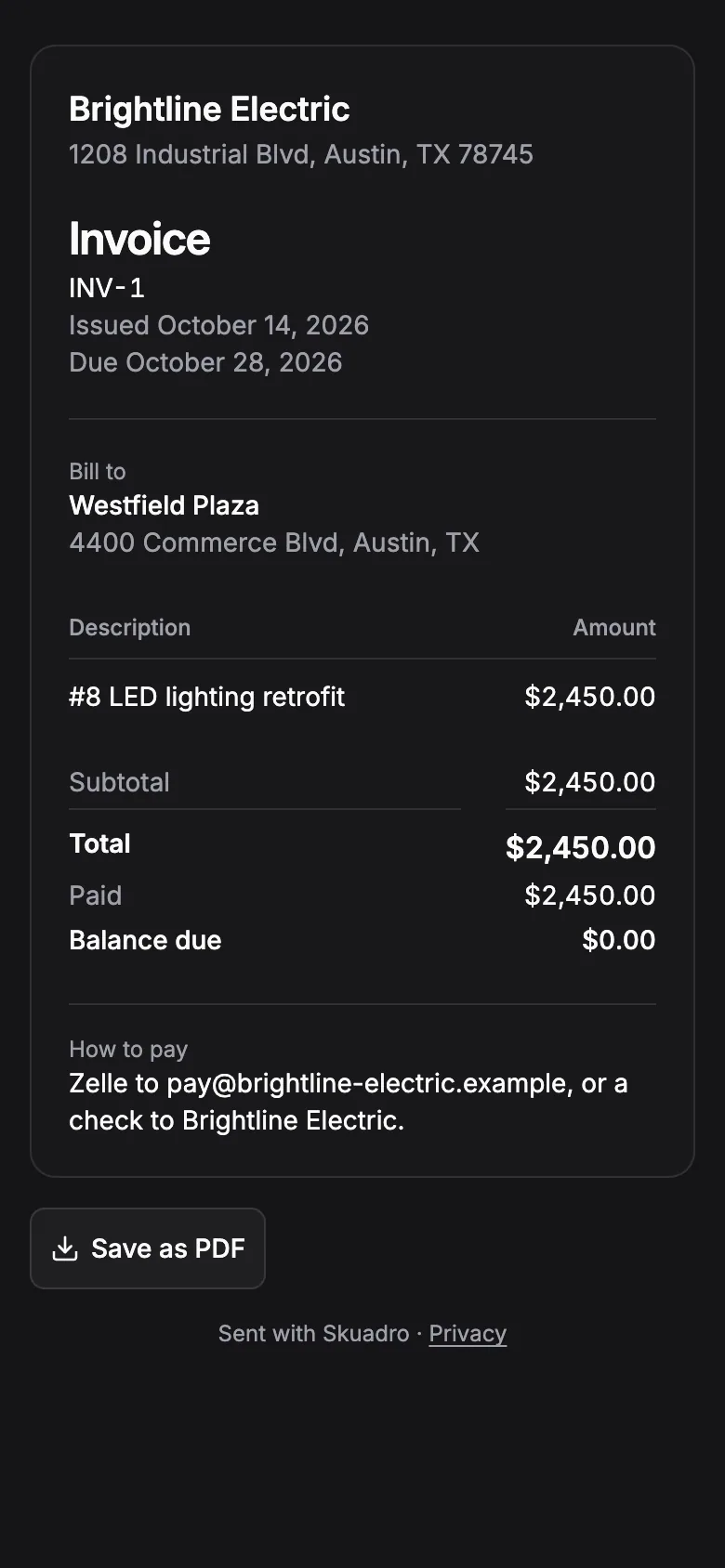
And this is what they see when they open the link, with no account and no app:
Good to know
Section titled “Good to know”- Numbers: invoices are numbered INV-1, INV-2… per company. A voided invoice keeps its number.
- An invoice never changes once issued. To fix one, open it, click Void this invoice (there is no undo), and issue a new one from the job. Voiding also stops its link.
- Each Send makes a new link and the previous one stops working.
- PDF: Save as PDF uses your browser’s print dialog, on your side or your customer’s.
- The email needs the customer’s email address on the customer before you issue the invoice.
- Opened: once a sent invoice has been opened, the job’s card says “opened” and when.
- Partial billing: to bill part of the price now and the rest later, see Invoice in stages.
- Payments are recorded on the job, and the invoice marks itself paid once they cover it. See Record a payment.