

A job's history
- Who
- Owners, Office, Field workers
- Where
- A job → Activity (at the bottom).
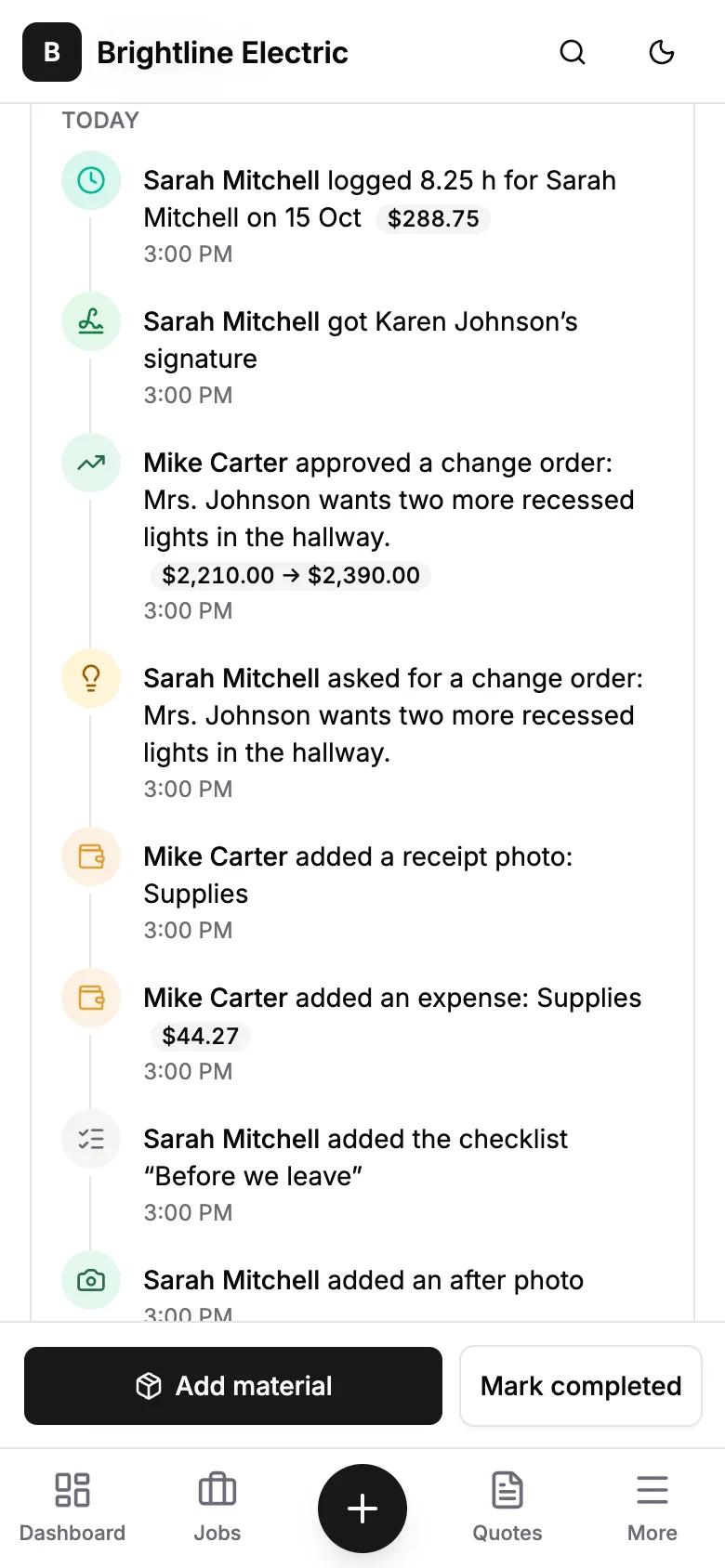
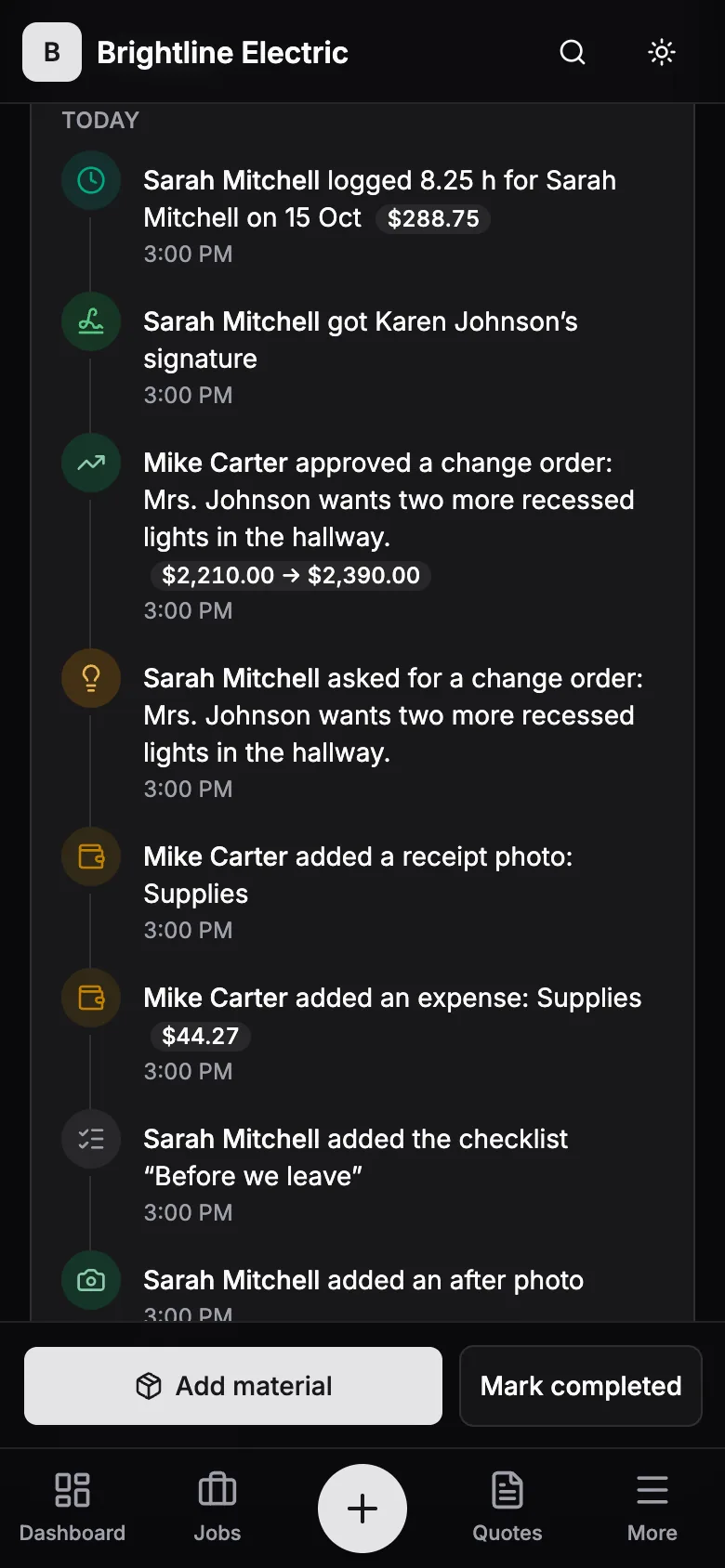
Every change to a job lands in its Activity: materials, hours, photos, checklists, change orders, sign-off, price changes, payments and invoices, each with who did it and when.
Why it’s there
Section titled “Why it’s there”“Who changed the price?” “When did they sign?” The answer is on the job, without asking around.
Who sees it
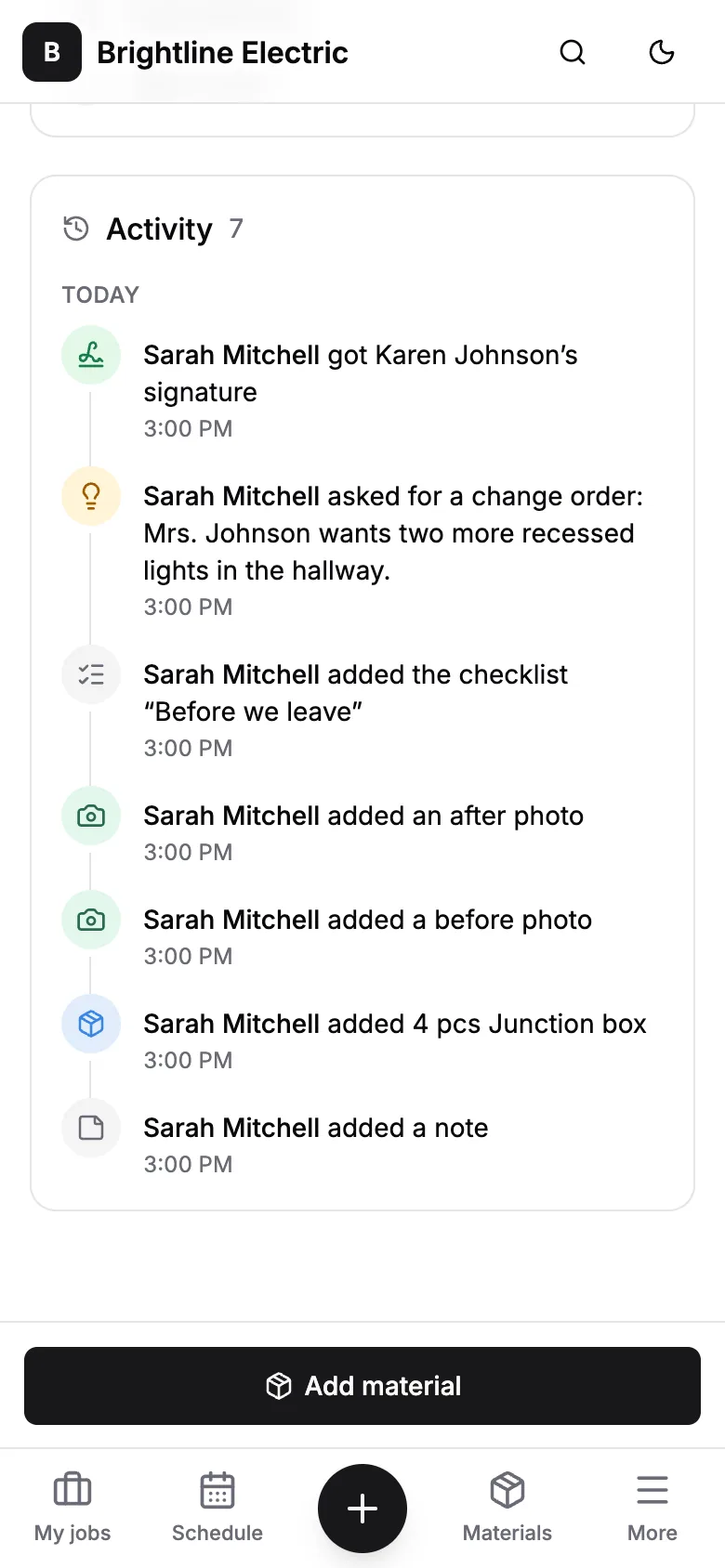
Section titled “Who sees it”Everyone who sees the job, but each person sees only the entries their role allows. Amounts are left out for people who can’t see them.
| Owner | Office | Field worker | |
|---|---|---|---|
| Materials | with amounts | with amounts | without amounts |
| Hours | with amounts | with amounts | not shown |
| Expenses | with amounts | with amounts | not shown |
| Price changes, payments, invoices | yes | no | no |
| Photos, notes, checklists, sign-off, status, change-order requests | yes | yes | yes |
How to use it
Section titled “How to use it”- Open the job and scroll to Activity at the bottom. Entries are grouped by day, newest first. On a computer, point at a
time to see the exact moment.
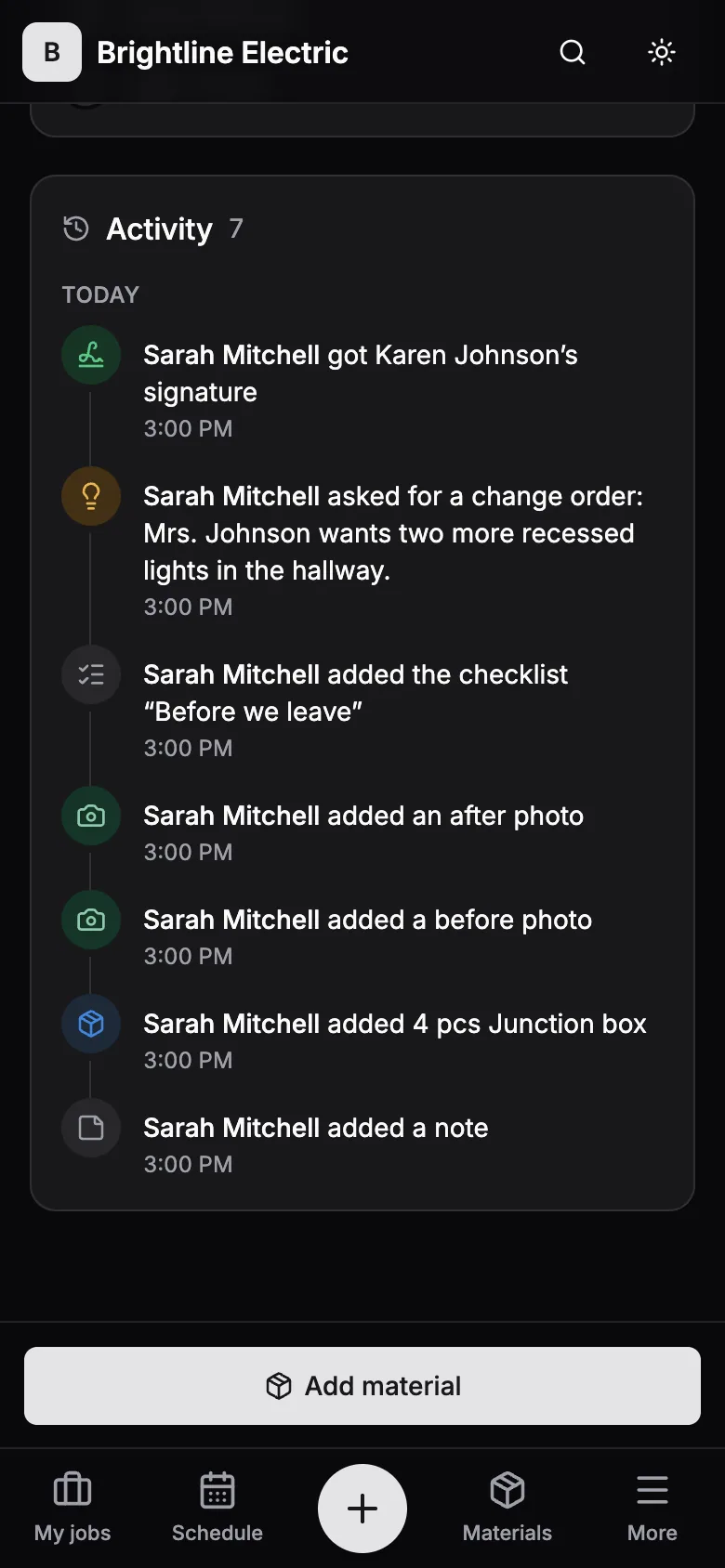
- A field worker sees the same job’s history without money in it.
- The newest 8 entries show first; Show all opens the rest.
Good to know
Section titled “Good to know”- The history can’t be edited or deleted.
- A price change shows the old and new price and the reason, such as an approved change order.
- The entries are written in English for now, whatever language you use.