

Payment terms
- Who
- Owners
- Where
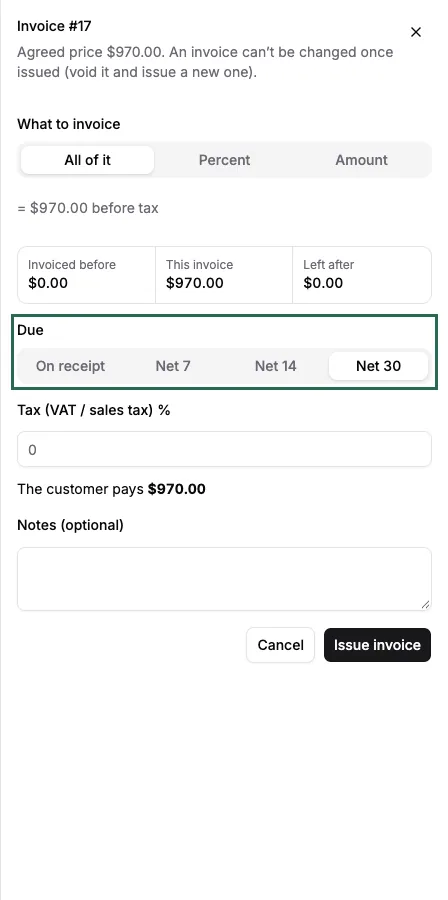
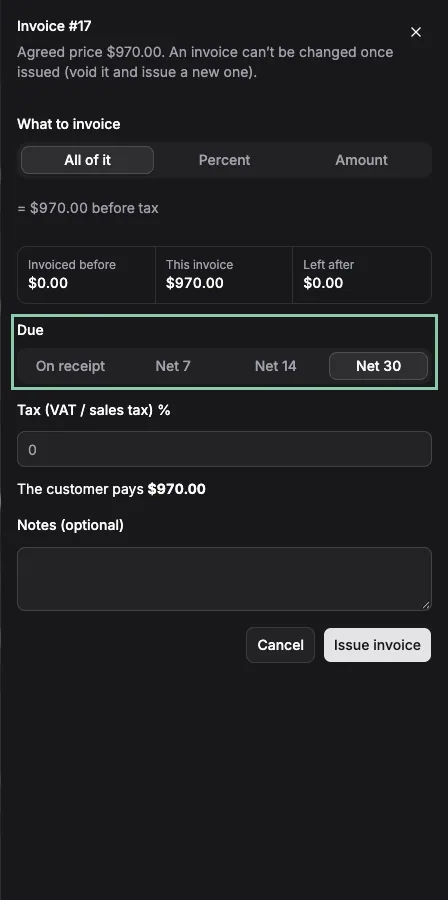
- The Due choice when you issue an invoice.
Each invoice says when it’s due: on receipt, or 7, 14 or 30 days after it’s issued.
Why it’s there
Section titled “Why it’s there”Customers pay by the date on the invoice. Setting it clearly, and seeing at a glance which invoices are past it, is how late payments get noticed early instead of at the end of the month.
Who sees it
Section titled “Who sees it”Whoever issues invoices: owners, and people whose role lets them set prices (Estimator).
How to use it
Section titled “How to use it”- When you issue an invoice (how), pick Due: On receipt, Net 7, Net 14 or
Net 30. Net 14 is picked for you. The due date is printed on the invoice.
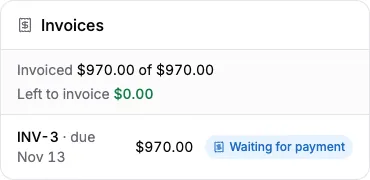
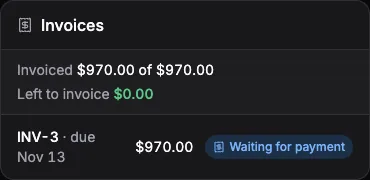
- The job’s Invoices card lists each invoice with its due date.
When an invoice is late
Section titled “When an invoice is late”An invoice is overdue when it isn’t paid or voided and its due date has passed. Then:
- the job’s Invoices card adds how many days late it is;
- the invoice shows Overdue instead of Waiting for payment;
- the dashboard’s Needs attention lists it, with a Send reminder button;
- the customer’s statement marks it Overdue.
Good to know
Section titled “Good to know”- Terms are chosen per invoice. There is no company-wide default yet; Net 14 is pre-selected each time.
- A deposit invoice made when a customer accepts a quote is always due on receipt.
- Send reminder sends the invoice email again with a fresh link (the old link stops working).
- To have Skuadro chase late invoices for you, turn on payment reminders.