

Customer sign-off
- Who
- Owners, Office, Field workers
- Where
- A job → Customer sign-off → Get customer sign-off.
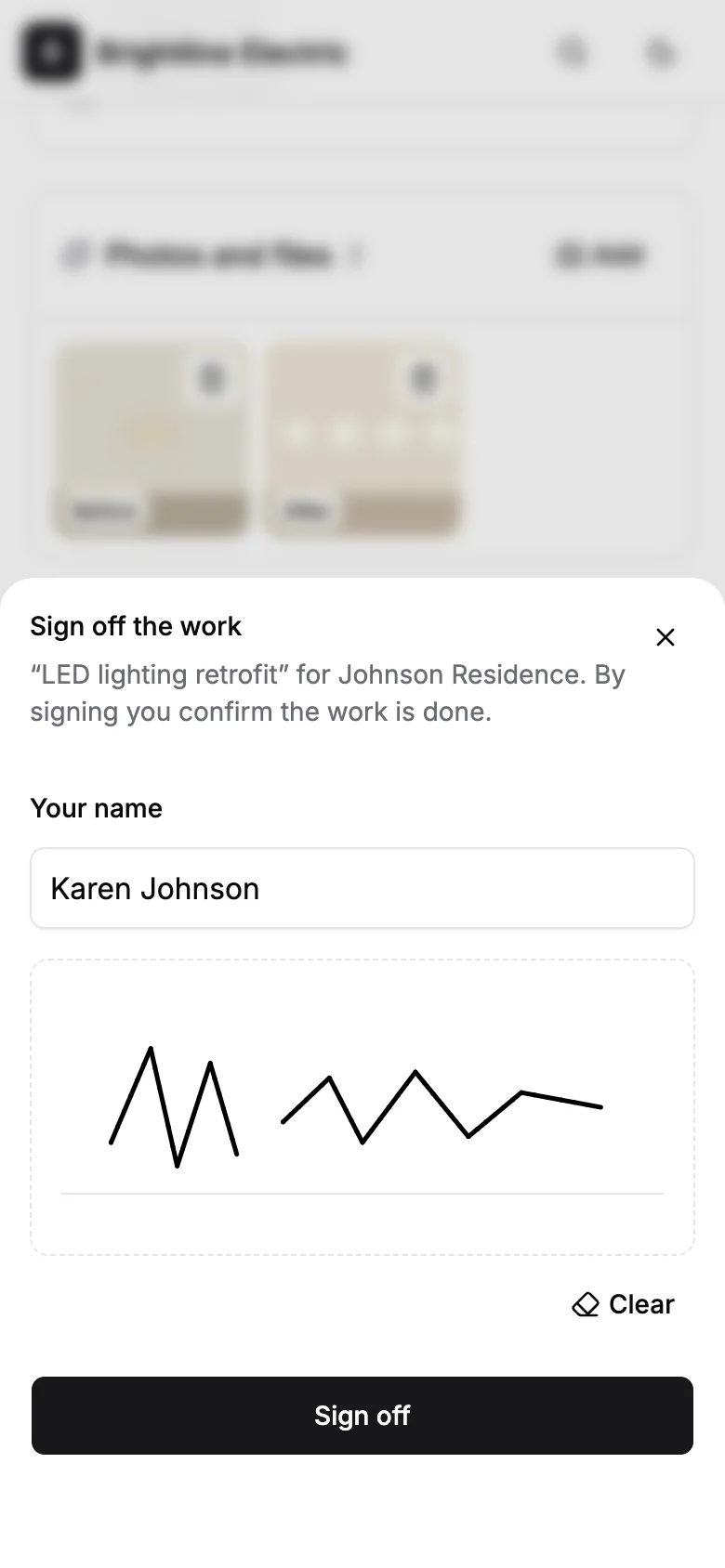
When the work is done, hand your phone to the customer: they type their name and sign with a finger that they’re happy with it.
Why it’s there
Section titled “Why it’s there”A signature on the day ends “that wasn’t finished” conversations later, and it’s a natural moment to talk about the invoice.
Who sees it
Section titled “Who sees it”Anyone who works on the job can collect a sign-off, and everyone who sees the job sees it.
How to use it
Section titled “How to use it”- Open the job. In Customer sign-off, tap Get customer sign-off.
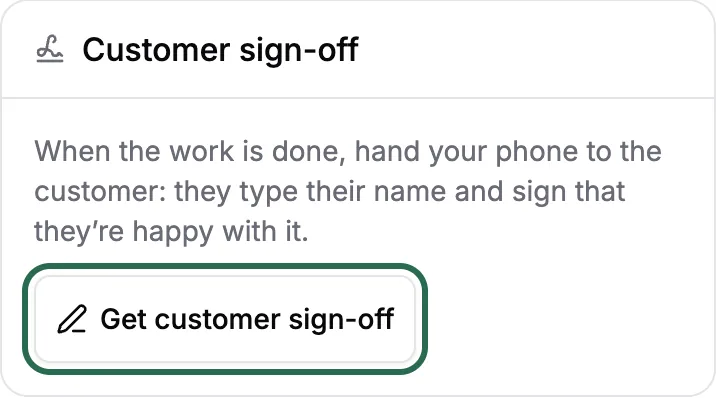
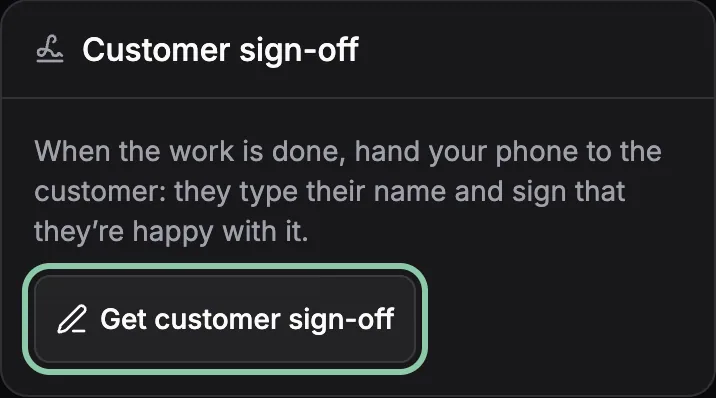
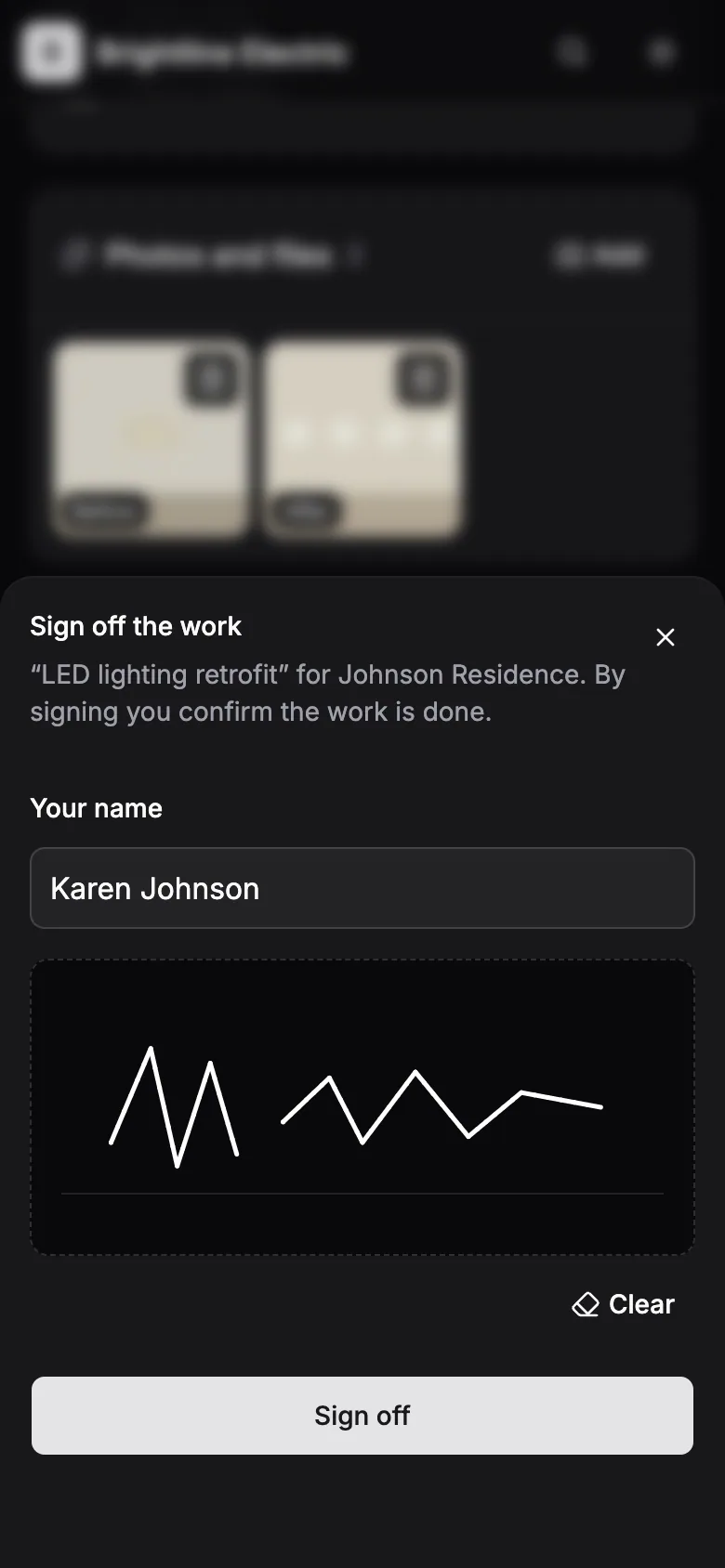
- Hand over the phone. The customer types Your name and signs in the box (Clear starts again), then taps
Sign off.
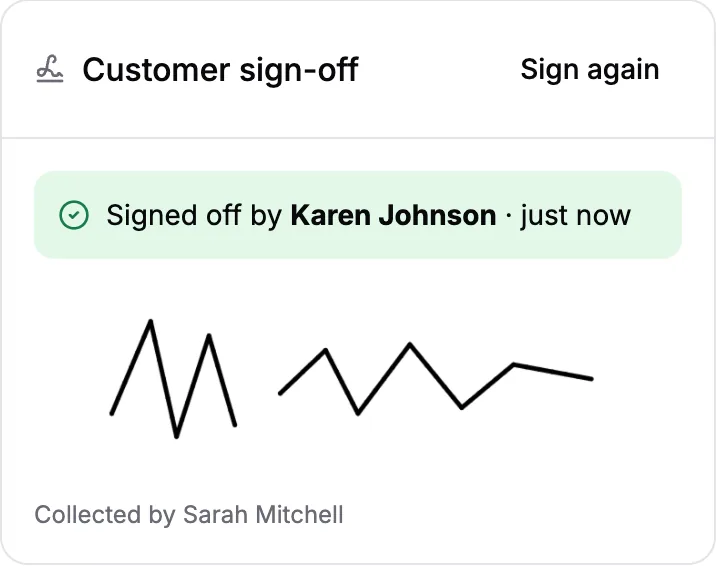
- The job shows who signed, when, the signature, and who collected it.
Good to know
Section titled “Good to know”- The drawing is optional: a typed name alone is recorded as a sign-off too.
- Sign again replaces the earlier sign-off.
- It works on any job that isn’t cancelled.
- Sign-off needs signal.
- The sign-off is kept on the job and in its history; it isn’t printed on invoices.